Armor Hud
Welcome to the Armor Hud mod repository! This project, developed by SaolGhra, significantly enhances the Minecraft gameplay experience by adding an informative interface for tracking armor condition.
Overview
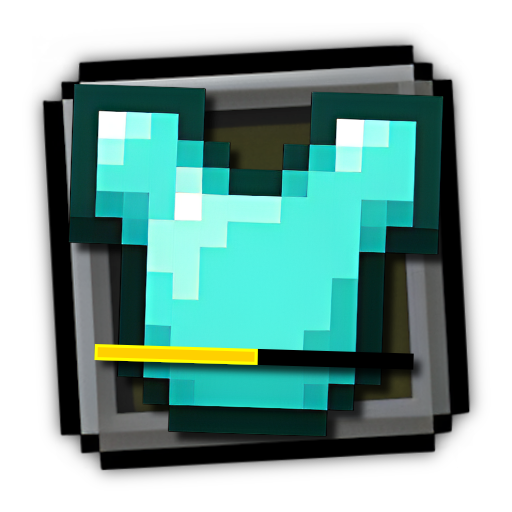
The Armor Hud mod implements a visual panel in the game that displays the current state of your equipment. You'll be able to see icons for each armor piece along with colored durability indicators, allowing you to always stay informed about your protection's wear and tear.
Key Features
- Informative Armor Interface: Clear display of all equipment items with corresponding icons
- Color-coded Indicator System: Durability visualization through color codes:
- Green: High durability (above 75%)
- Yellow: Medium durability (25% to 75%)
- Red: Low durability (below 25%)
- Black: Lost durability
Installation
-
Download and install Fabric Installer
- Run the Fabric installer and select your desired Minecraft version
- Click "Install" to install Fabric Loader
-
Download the latest version of Fabric API and place the jar file in the
modsfolder of your Minecraft installation -
Download the latest mod release and move the mod file to the
modsdirectory. Also available for download via Modrinth -
Launch Minecraft using the Fabric profile to activate the new armor interface
Support
If you encounter any issues or have questions, visit the issues page or contact developer SaolGhra.
Thank you for using the Armor Hud mod!