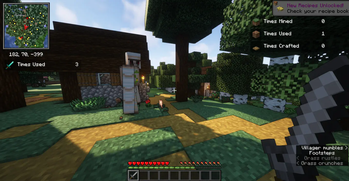

Better Statistics Screen
This Minecraft mod completely replaces the standard statistics screen with a significantly improved version featuring expanded functionality and a user-friendly interface. The new statistics system offers intuitive navigation and additional tools for working with data.
Main Features
The mod preserves all existing statistics functions while adding numerous useful enhancements that help better track and manage game statistics. All additional features can be disabled in the mod settings.
The /statistics Command
Alternative command: /stats
This optional feature adds a command that allows players with appropriate permissions (such as server operators) to view and manage statistics through the console. Also useful for creating datapacks that work with statistics.
Note: can be disabled in configuration.
Command syntax:
/statistics clear <targets>/statistics edit <targets> <stat_type> <stat> (set|increase) <value>
Usage examples:
- General statistics:
/statistics edit @s minecraft:custom minecraft:jump set 123 - Item statistics:
/statistics edit @s minecraft:used minecraft:wooden_shovel set 123 - Mob statistics:
/statistics edit @s minecraft:killed minecraft:zombie set 123
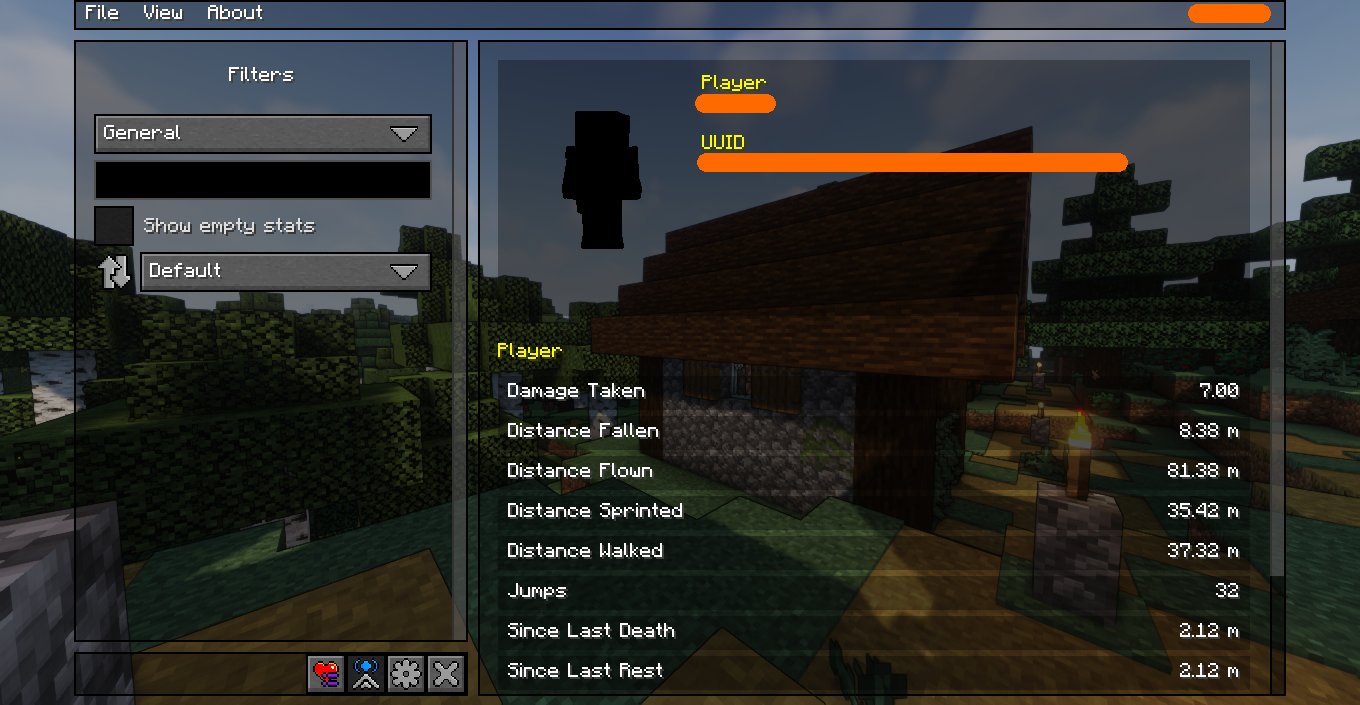
"General Statistics" Tab
This tab presents general statistics in a redesigned interface. The filter menu allows hiding all statistics with value '0', and includes a search bar for quickly finding needed data.
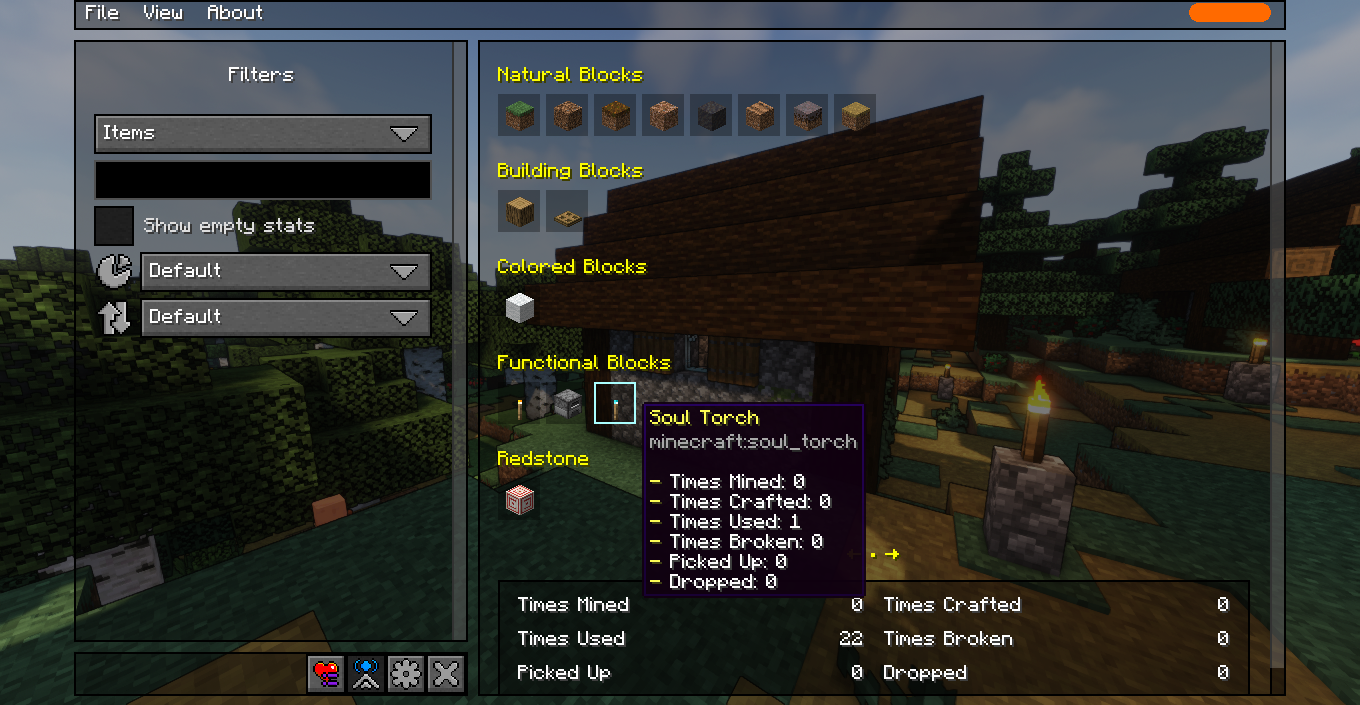
"Items" Tab
Items are displayed in a visual grid similar to inventory. All items are grouped by categories as in creative mode. To view statistics for a specific item, simply hover the cursor over it or use the Tab key for keyboard navigation.
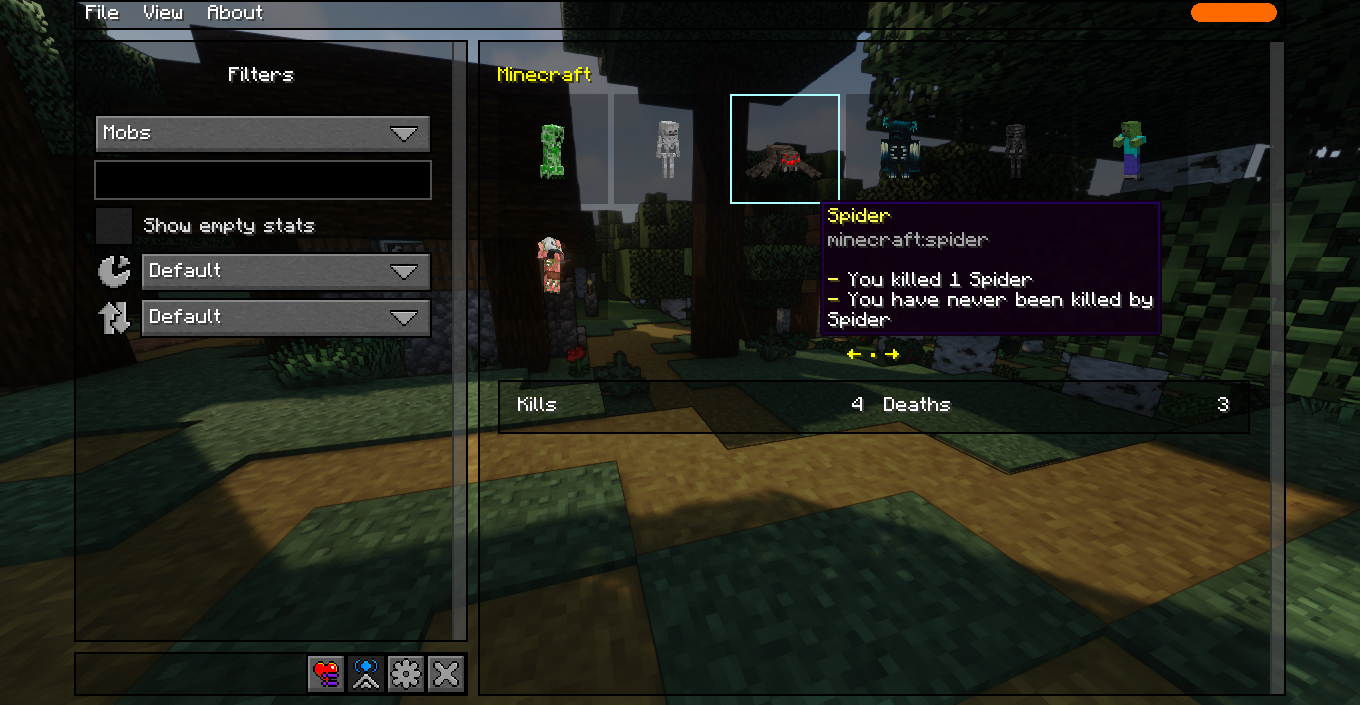
"Mobs" Tab
Similar to the items tab, mobs are displayed in a grid with visual representation of 3D models. This simplifies finding the needed mob and makes the interface more attractive.
Note: due to technical limitations, some mobs may display incorrectly or as text instead of 3D models.
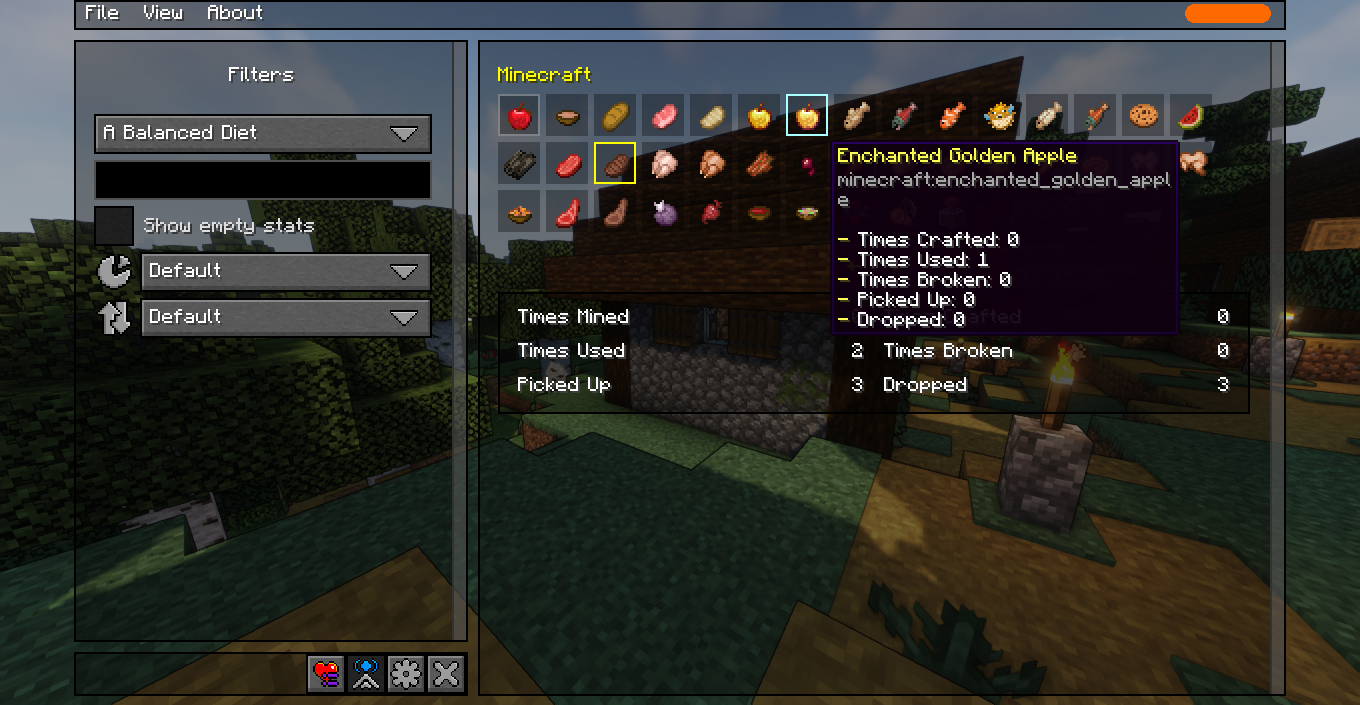
"Food & Drinks" Tab
This tab helps in achieving the "A Balanced Diet" advancement. All food items are displayed in grouped grids, with already consumed foods highlighted, helping identify which foods need to be tried for obtaining the advancement.
Note: advancement criteria are controlled by the server and may be modified by other mods and datapacks.
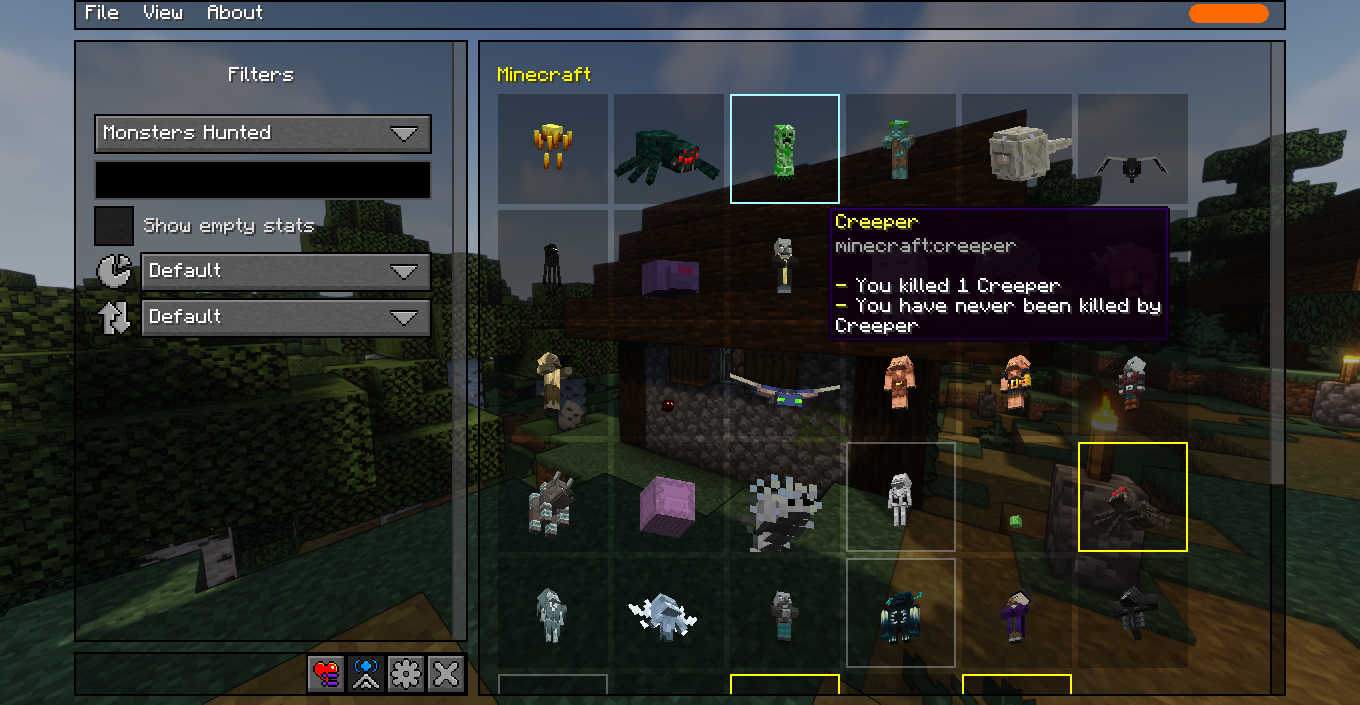
"Hostile Creatures" Tab
Aimed at helping obtain the "Monsters Hunted" advancement. Displays a grid of hostile creatures you have killed or still need to kill. Killed mobs are highlighted for convenient progress tracking.
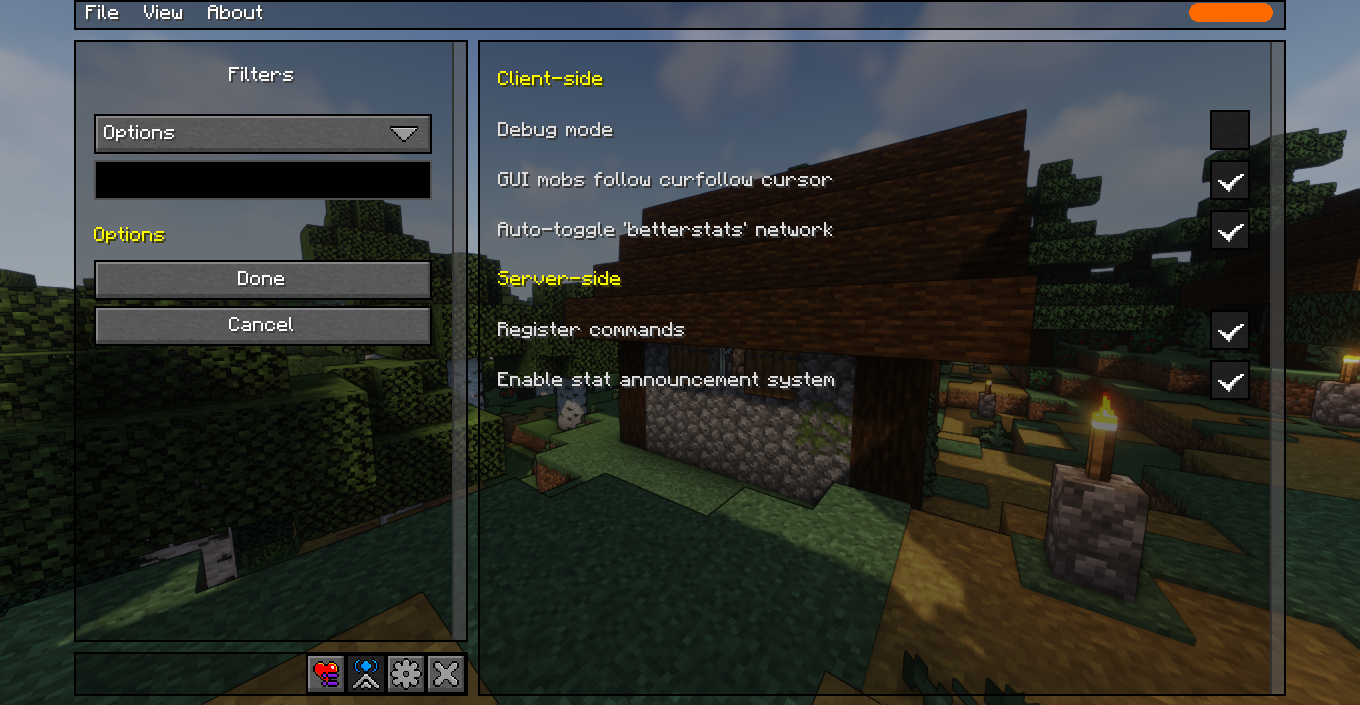
In-Game Settings Menu
Allows configuring the mod directly in the game without needing to edit configuration files.
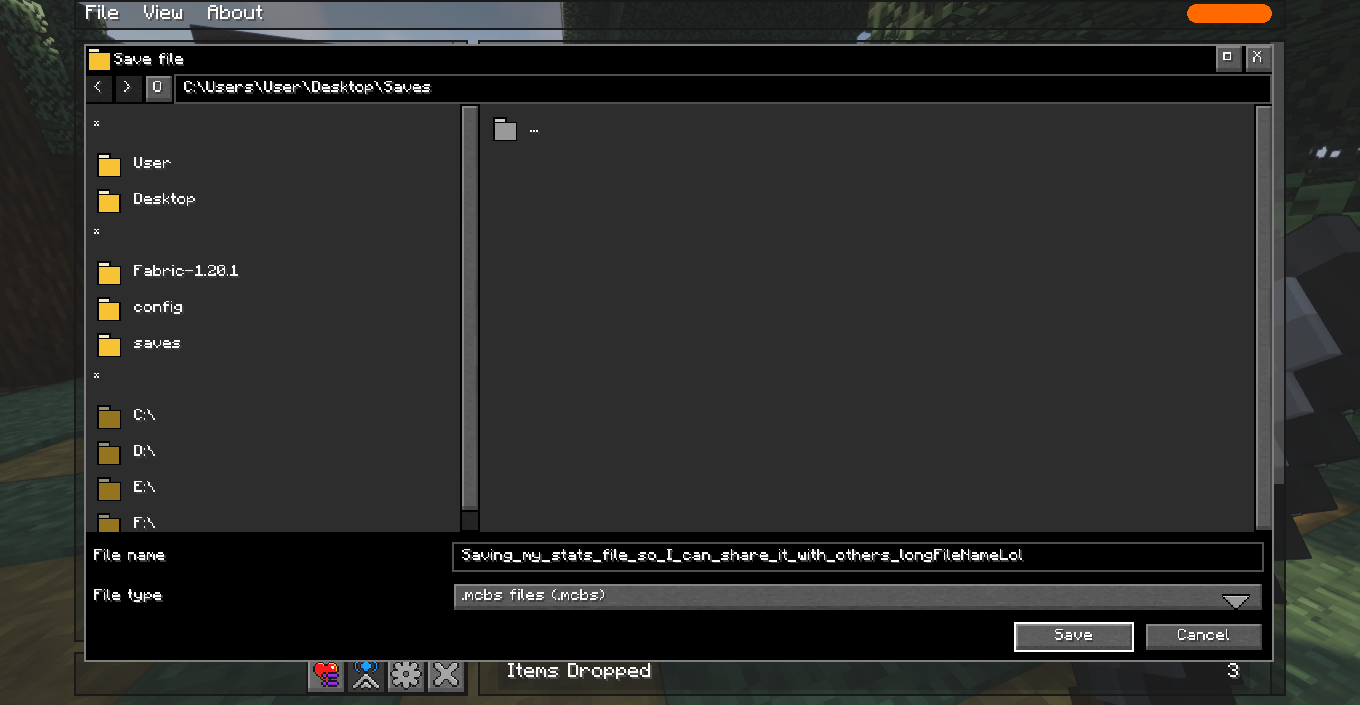
MCBS Files
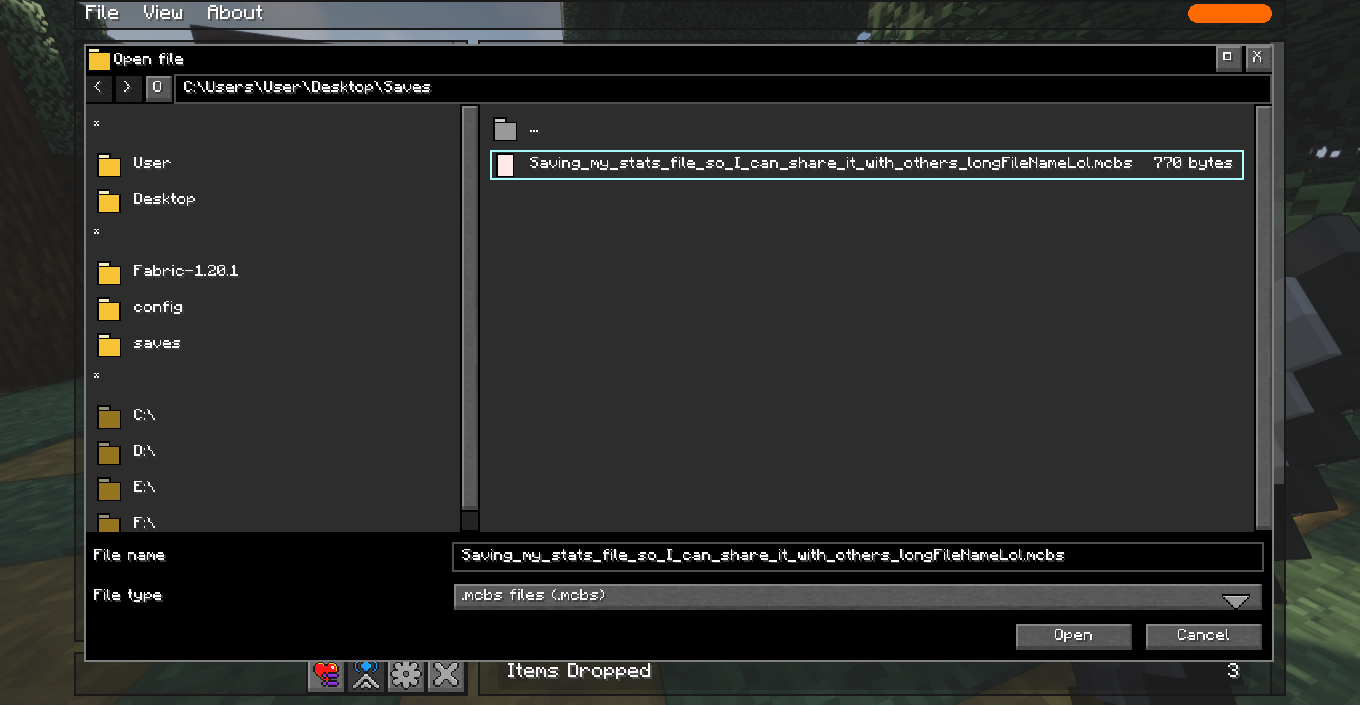
Additional feature for saving a "snapshot" of current statistics to a file. Saved files can be opened later or shared with other players.
Note: opening an MCBS file does not overwrite current statistics, only shows the state at the time of saving.
Statistics HUD
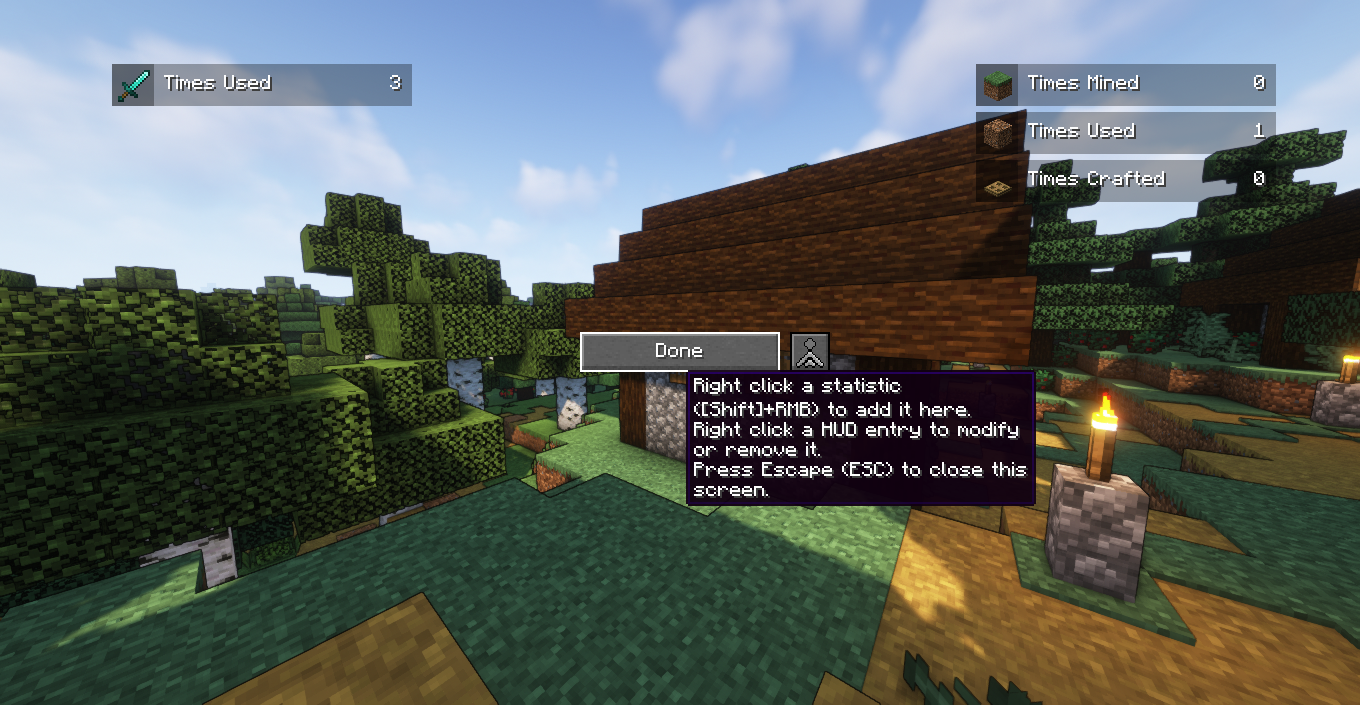
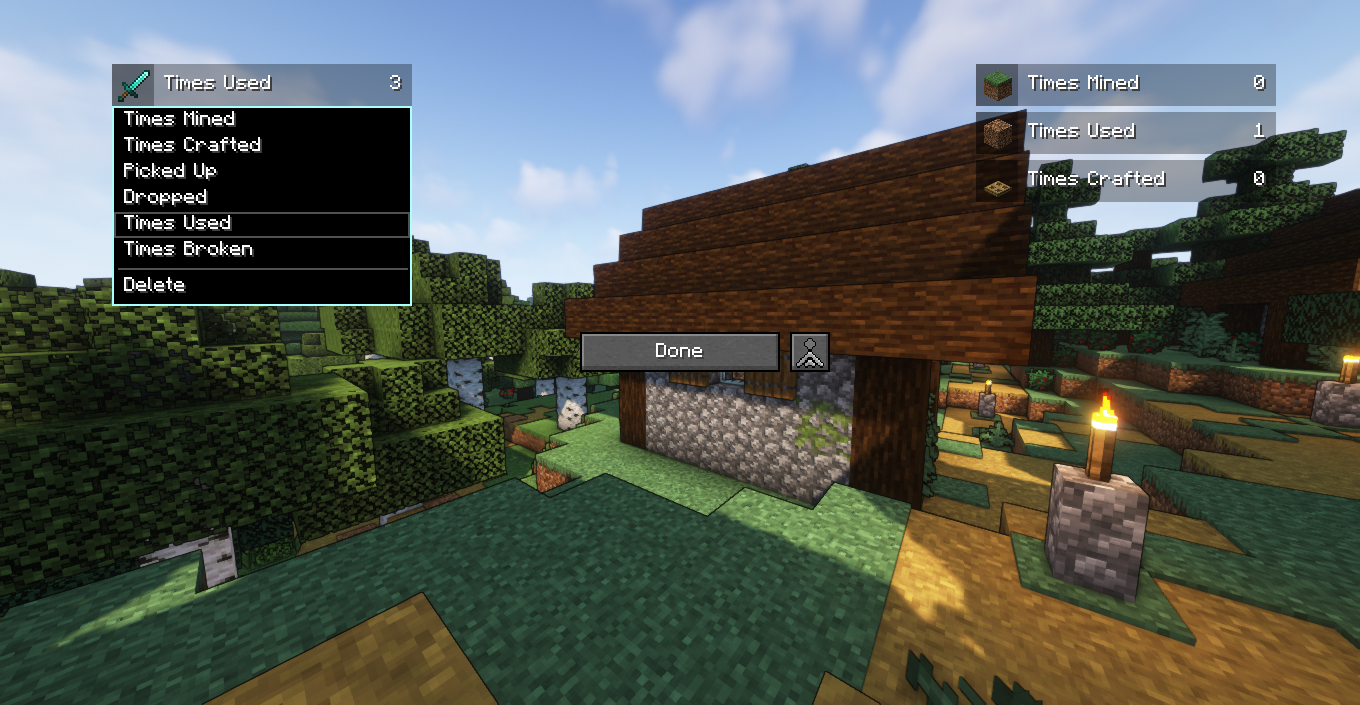
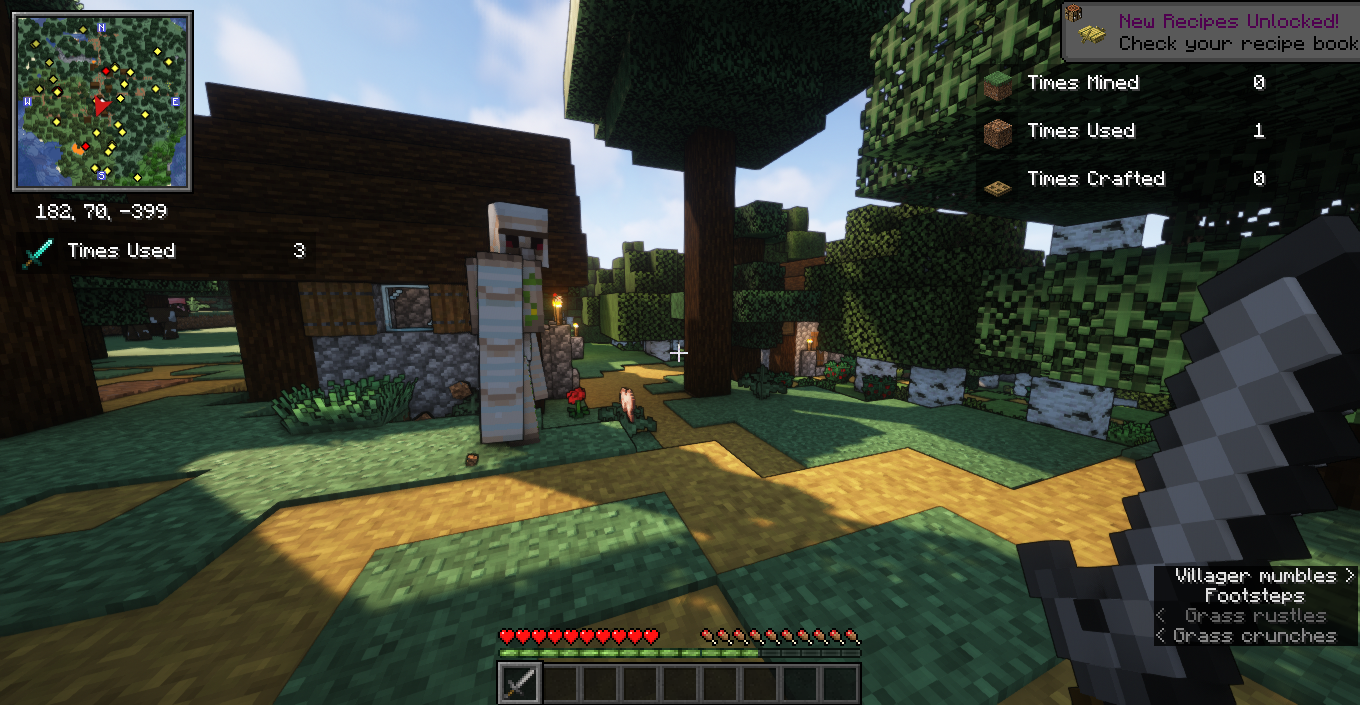
Allows "pinning" any statistic to the game screen for constant tracking during gameplay. To pin statistics, right-click on it (holding Shift if REI is installed).
Note: due to technical limitations, pinned statistics update periodically rather than in real-time if the mod is not installed on the server.
Dependencies (version 3.11+)
The term "client" refers to installing mods to the game launched through a Minecraft launcher, while "server" refers to installing mods to a server you join through the "multiplayer" menu.
| Requirements | Client | Server |
|---|---|---|
| Better Statistics Screen | Optional | Optional |
| Fabric API | Required as of version 1.20.5 | Required as of version 1.20.5 |
| TCDCommons API | Required as of version 1.21 | Required as of version 1.21 |
| Roughly Enough Items (REI) | Optional | Not needed |
| Mod menu | Optional | Not needed |
Frequently Asked Questions
Can't pin stats to HUD. Right-clicking opens REI instead. How to pin stats? Hold left Shift while right-clicking on the stat if you have REI installed.
For mobs and items, only one stat type can be pinned. How to pin different types like "used/mined/crafted"? After pinning an element to HUD, right-click the pinned entry for configuration where you can change the stat type.
Want to see another player's statistics, but server says it can't find that player, even though they're online. Check the capitalization of the player name. If capitalization is correct, make sure the other player also has this mod installed and has enabled "Allow stats sharing" in the mod settings.
Demonstration Video
The mod author recorded a demonstration video showing the mod working in survival using the Better Minecraft modpack, confirming compatibility with modded content.


