BetterBlockZ
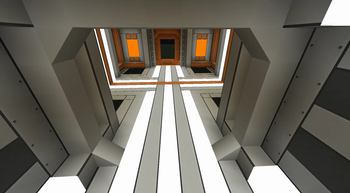
This is the official continuation of the original Ztones mod, significantly expanding its capabilities through improved blocks, new designs, and reworked textures.
Main Features
New Block Types:
- Cyber Lighting: full-size, bordered (with Redstone support)
- Flat panels and panels (placeable on walls, floor or ceiling)
- Flat lamps (transparent)
- Pillar blocks
- Rotatable blocks
- Animated blocks
- Connected texture blocks (requires Athena)
Construction Tools:
- Cycler - switches block variants in line or area mode
- Checkered Cycler - switches checkered pattern variants
- Placer - places saved block in line or area mode with undo function
- Cobble Generator - portable crafting table and cobblestone placer
- Block Extender - extends connected blocks
- Block Replacer - selectively replaces blocks dynamically
- BlockZ Master - combines 4 main tools
Creative Tools (creative mode only):
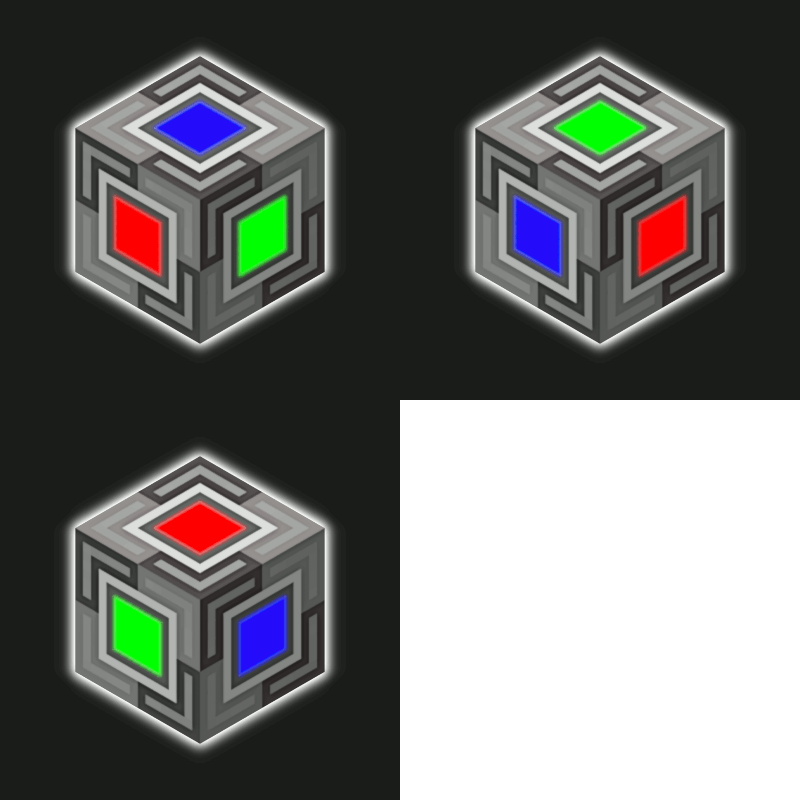
- BlockZ Palette: instantly places full BetterBlockZ set (Shift + Right Click to place 5x5)
- Checkered Builder: instantly creates checkered pattern (builds pattern tower)
New Block Sets
- Iron Slate
- Forged Copper
- Synthetic Alloy
- Laboratory Links
- Amber Core
- Eclipse
- Crimson Slate
- Luxe series: iron, gold, copper, diamond
- Hazard Set
Remaining original Ztones textures will be gradually reintroduced as new and updated versions are added.
Block Variant Switching
Craft the base block, then you can switch between other variants:
- Tool: BlockZ Cycler (Modes: Block, Line, Area)
- Hand: Shift + Right Click while holding block for switching
- Hand: Alt + mouse wheel scroll
- Screen selection: press V to display all available variants
- Machine: stonecutter
Note: For molded variants such as stairs, slabs, or slopes, consider using complementary mods like FramedBlocks, Create Copycat, or Copycats+.
Build examples can be found at: Imgur Album


