Block Entity Render Distance
Optimization of Block Object Display
This mod is designed to improve game performance by configuring the rendering distance of block objects - chests, signs, banners, and other similar elements. It's important to note that this modification does not replace other optimization solutions but complements them.
In the standard version of Minecraft, all block objects are displayed at a fixed distance of 64 blocks from the player. This modification allows flexible configuration of this distance for different types of objects. For example, you can set signs to display up to 32 blocks away, and chests up to 48 blocks away.
All parameters are fully customizable according to your needs.
Optimization Effectiveness
The greatest performance improvement is noticeable in locations with many chests and signs - at spawn points, warehouses, cities, or trading areas on servers.
The degree of optimization directly depends on the selected settings. By default, the mod slightly reduces the rendering distance from 64 to 24-48 blocks. However, if your computer has weak specifications, you can set values of 8 or 16 blocks. It's worth considering that this may affect the gaming experience - chests and signs will only appear when you get close to them.
On average, FPS improvement ranges from 5% to 10% in busy areas, but can be higher.
Mod Performance Comparison
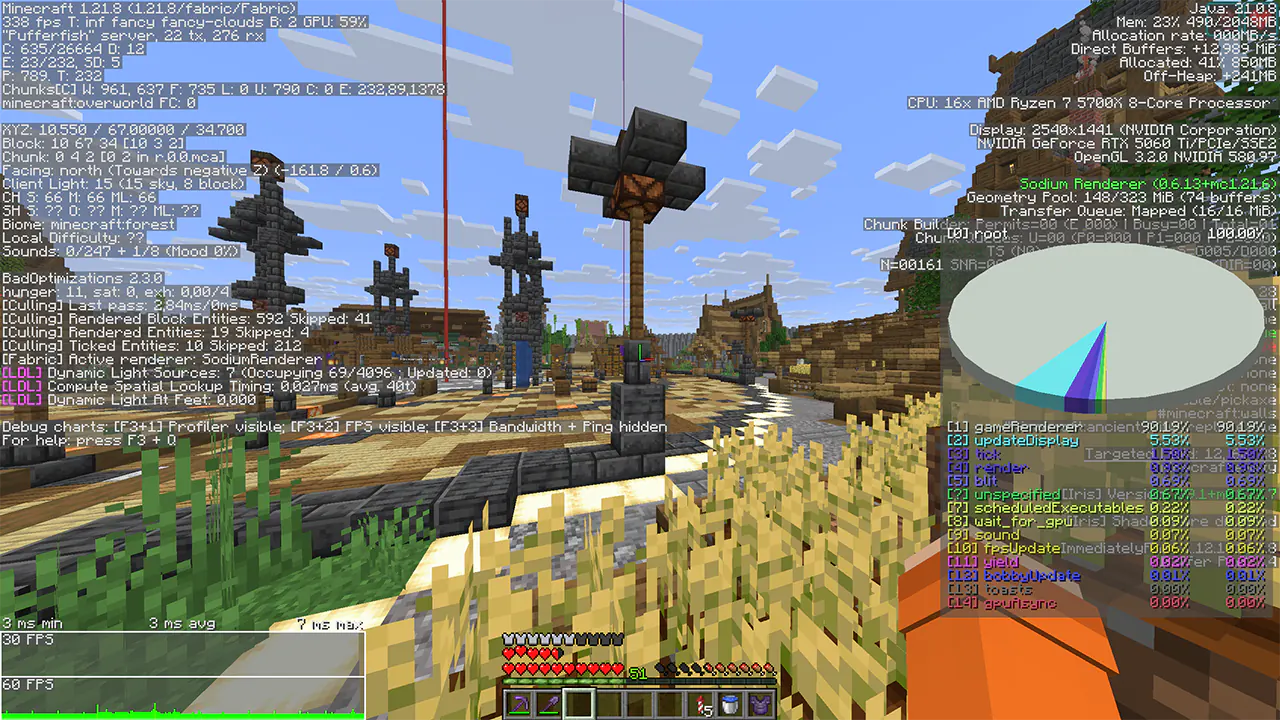
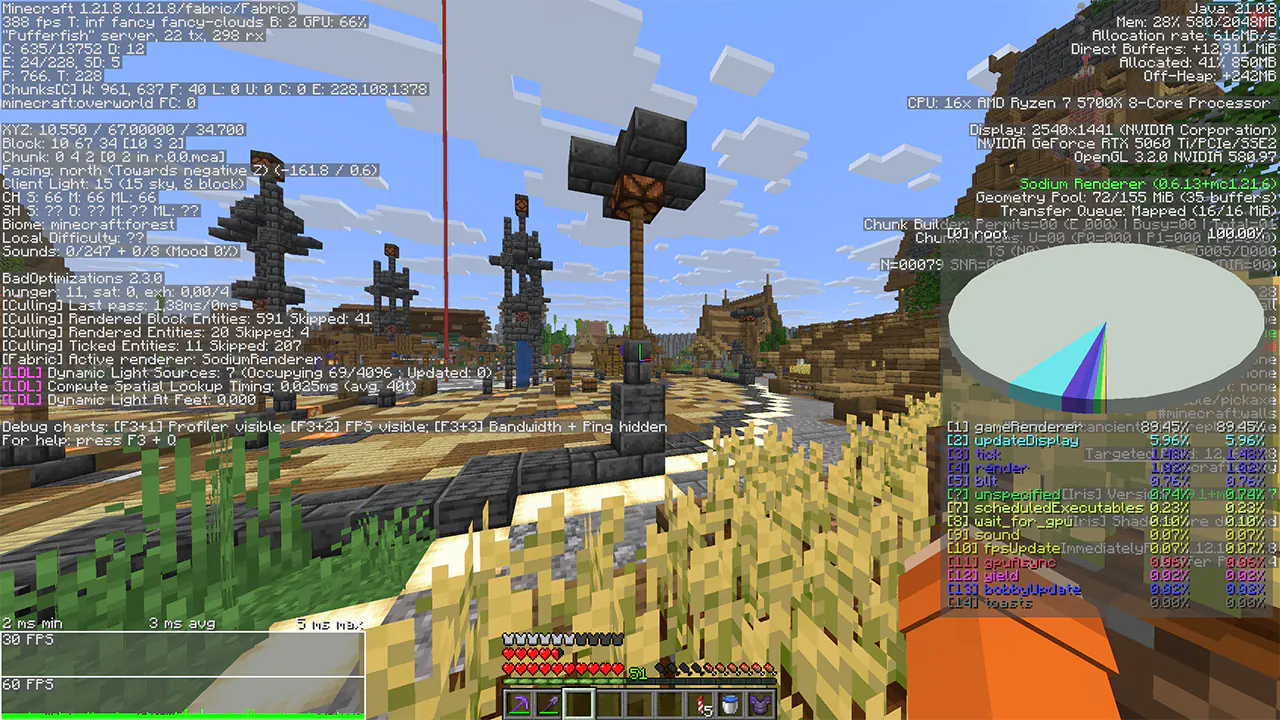
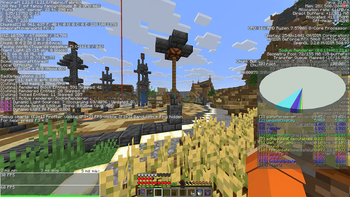
Even when testing on a powerful 5060ti graphics card, performance improvements were observed. This is confirmed by frame time graphs and FPS indicators.
Parameter Configuration
The modification does not have a graphical interface, so configuration is done through console commands or direct editing of the configuration file.
The configuration file is located at config/BlockEntityRenderDistanceConfig.json
Each object type is configured individually.
| Command | Description | Default Value |
|---|---|---|
/BlockEntityRВ get |
Show current settings | |
/BlockEntityRВ reload |
Reload mod configuration | |
/BlockEntityRВ set isEnabled |
Enable or disable the mod | true |
/BlockEntityRВ set UseGlobalValue |
Use common value for all block objects | false |
/BlockEntityRВ set GlobalValue |
Common distance value for all objects | 40 |
/BlockEntityRВ set CheckIntervalTicks |
Frequency of distance checking to player | 20 |
More About CheckIntervalTicks
Value 20 corresponds to 1 second, 10 - 0.5 seconds, 40 - 2 seconds, and so on. By default, the distance to the player is updated once per second, which helps save computer resources. The lower the value (for example, 1), the faster block objects turn on and off. With higher values (for example, 60), the opposite effect occurs.