
Blockgame Journal
This mod for Blockgame introduces a special journal that will become your reliable assistant in tracking recipes and other useful game information. Requires the same Minecraft version as the Blockgame server.
This mod is an unofficial development and is not associated with the Blockgame team.
Main Features
Learning Recipes
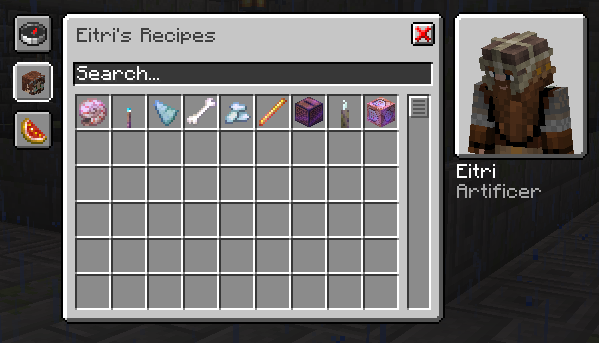
When you preview a recipe (right-click) at a vendor's crafting station, it is automatically added to your journal. Each time you view it, the information is updated with current data.
- Items with red background mean you haven't learned their recipe yet
- Items with yellow background indicate learned recipes that have been updated
Working with the Journal
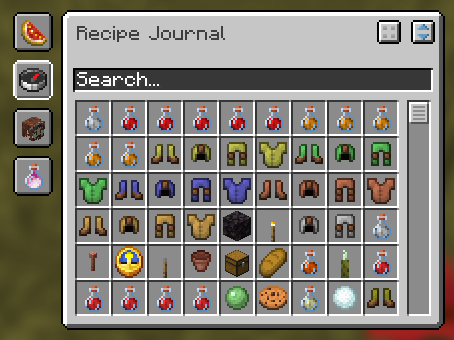
Open the journal by pressing the J key (by default) or executing the /journal command.
The journal contains several tabs:
- Favorites: Save your favorite recipes for quick access
- Global Search: Search among all known recipes
- Vendor Search: Find vendors and their corresponding recipes
- Ingredient Search: Search for recipes by required components
Item Decomposition
When viewing an item in the journal, you can break it down into minimally required components. If a recipe can be decomposed, a corresponding button will appear in the top right corner of the page.
System Requirements
For the mod to work, the following are required:
- Fabric API
- Cloth Config API
Also recommended to install:
- Mod Menu