Bundles Beyond
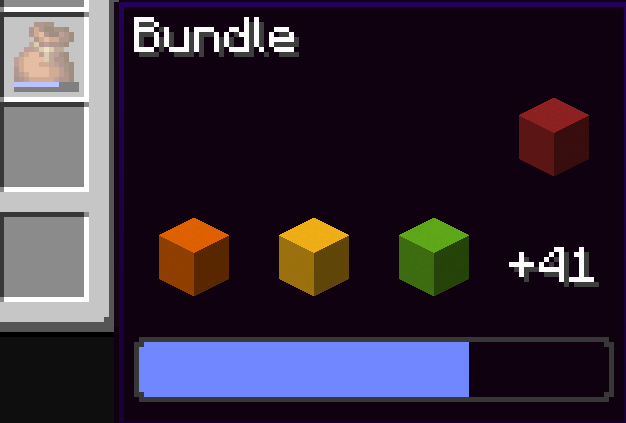
Since bundles were officially introduced in Minecraft, there was a limitation - only up to 12 items from the bundle could be viewed in the inventory without removing other items first. This mod completely removes this limitation, allowing you to see all items inside the bundle and extract them directly.
How It Works
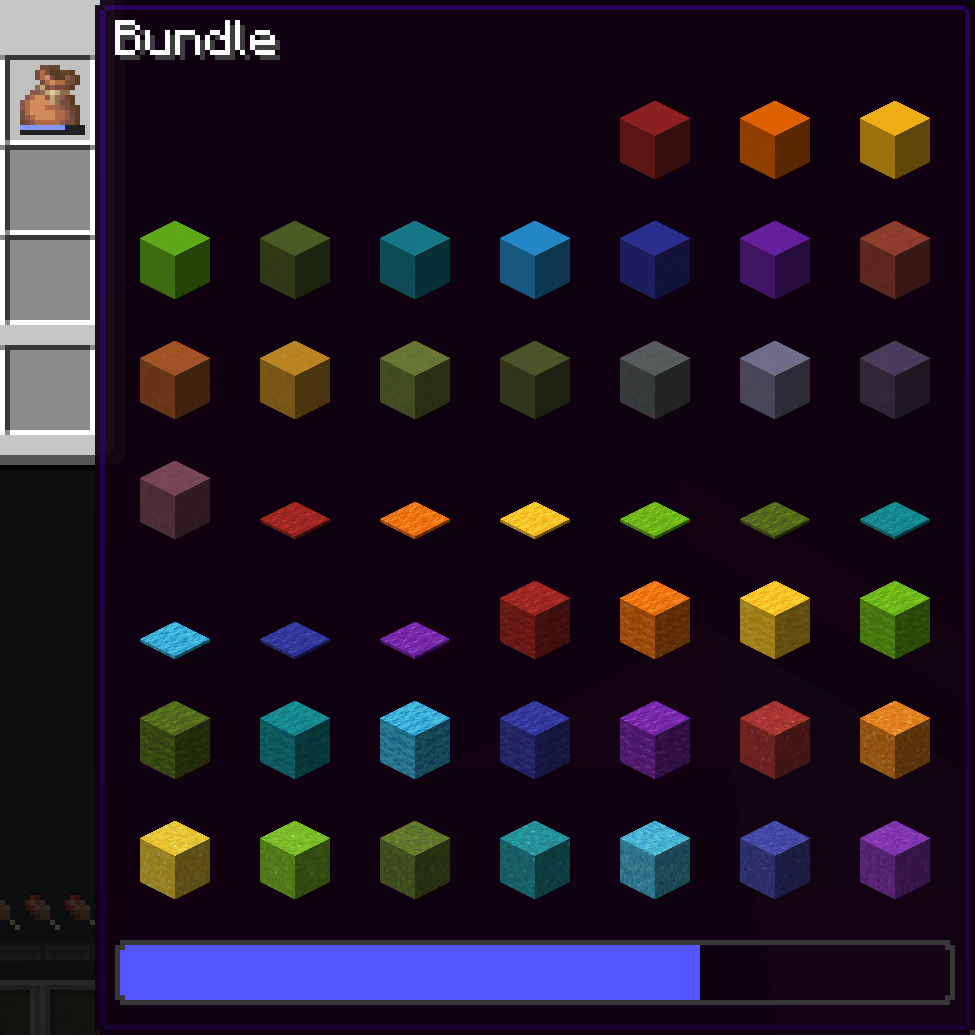
Comparison with Vanilla Version
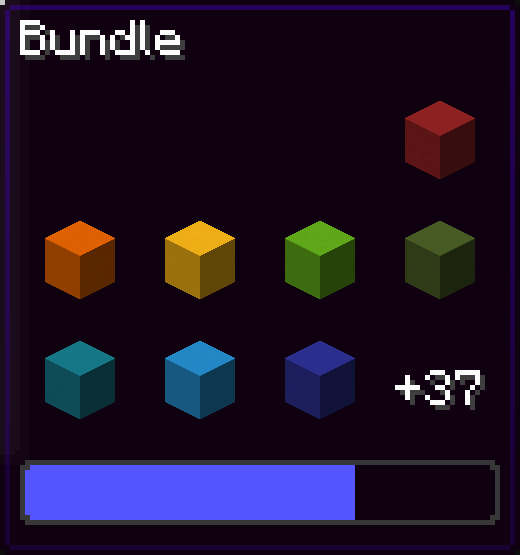
You can navigate through the bundle interface using movement keys or arrow keys.
Hover over the bundle and press space to put an item in or take an item from the bundle!
Control Settings
Open the settings screen through Mod Menu in Fabric, through the mods menu in NeoForge, or using the command /bundlesbeyond.
Key Assignments
In the "Options" > "Controls" menu, 2 functions are available:
Mod Enable Key
- If the mod is enabled or disabled, pressing toggles the state
- If set to "Hold key" mode, holding the key activates the mod
Scroll Axis Key
- If scroll mode is "Horizontal" or "Vertical", pressing toggles between them
- In "Hold for horizontal" mode, holding makes scrolling horizontal, releasing makes it vertical
- Similarly for "Hold for vertical", but opposite
Technical Features
This mod works client-side only.
In the Fabric version, Fabric API is required.
Possible Future Updates
- Key assignment for opening the settings screen
- Changing key assignments directly from the settings screen
Version 1.21.9 is expected to be released soon.