ChatEmotes
Enhance your Minecraft chat with a wide variety of custom emotes that add a unique and fun touch to your multiplayer conversations.

The operation is very simple: when typing in chat, you can use specific shortcuts that will automatically transform into graphical emoticons when you press the Tab key.

Main commands
Type /emote to see the complete list of available emoticons and their corresponding activation codes.

Advanced customization
You can fully customize and expand your emote collection by editing the configuration file located at .minecraft/config/chatemotes.txt. Add as many emoticons as you want with your own custom codes.
Default emote list
The mod includes an extensive collection of ready-to-use emoticons:
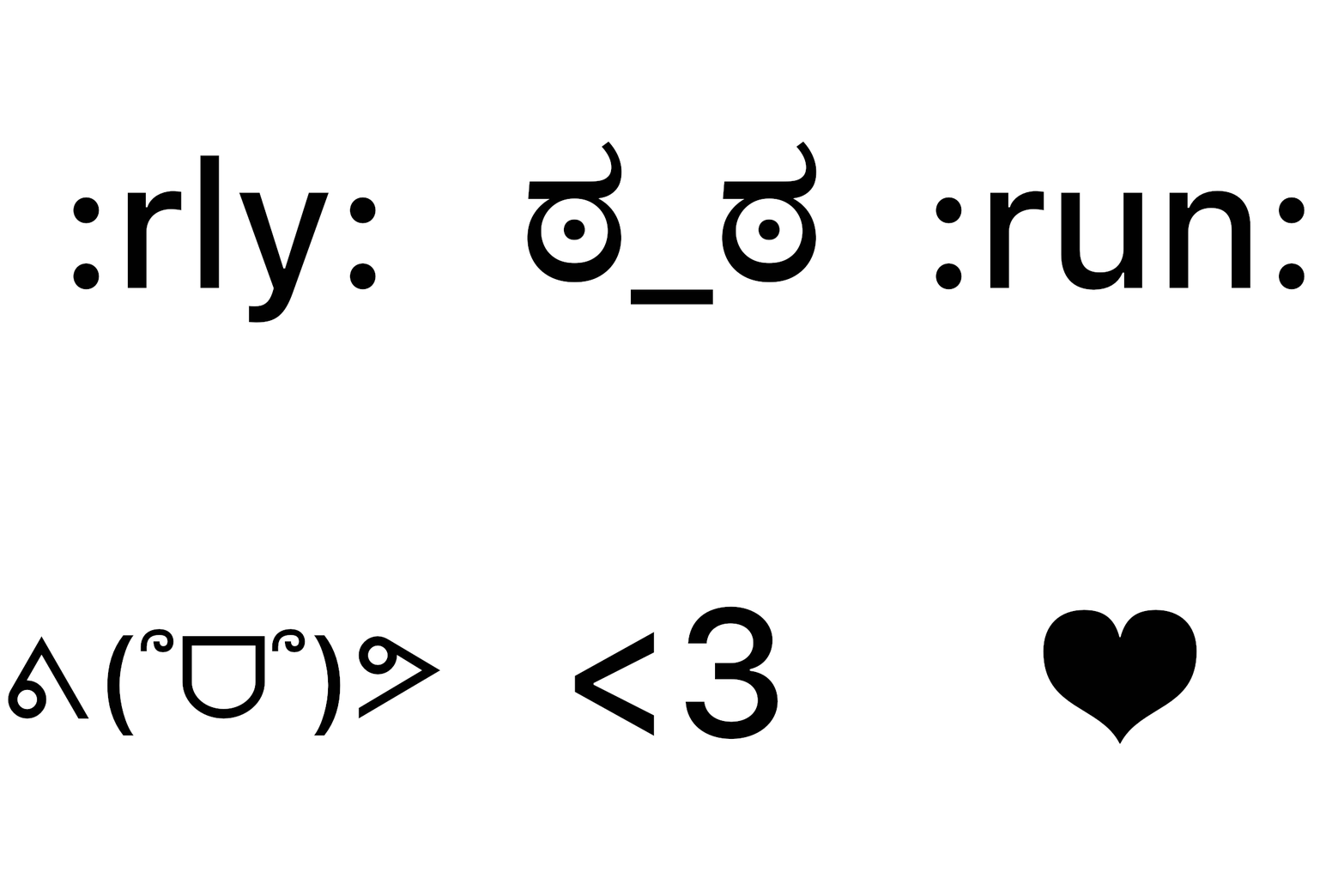
<3→ ❤️o/→ ( ゚◡゚)/:)→ ◕‿◕(:→ ಠ⌣ಠ:(→ ◉‸◉:star:→ ✮:yes:→ ✔️:no:→ ✖️:java:→ ☕:arrow:→ ➜:pvp:→ ⚔️:peace:→ ✌️:flower:→ ✿:typing:→ ✎...:maths:→ √(π+x)=L:shrug:→ ¯(ツ)/¯:tableflip:→ (╯°□°)╯︵ ┻━┻:totem:→ ☉☉:gimme:→ ༼つ◕◕༽つ:wizard:→ ('-')⊃━☆゚.*・。゚:run:→ ᕕ(՞ᗜ՞)ᕗ:bear:→ ʕ ᓀ ᴥ ᓂ ʔ:rly:→ ಠ_ಠ:cry:→ ಥ_ಥ:owo:→ ◉﹏◉:dance:→ ♪ ┏(^o^)┛ ♪:danse:→ ♪ ┗(^o^)┓ ♪
Important note
If your config/chatemotes.txt file was created in a previous version of the mod, you must delete it so a new file with the updated emote list is generated.


