

Convenient Effects — Enhanced Potion Effects
Convenient Elements transforms Minecraft's standard potion effects, making their usage smoother, smarter, and more comfortable — while preserving the familiar brewing process!
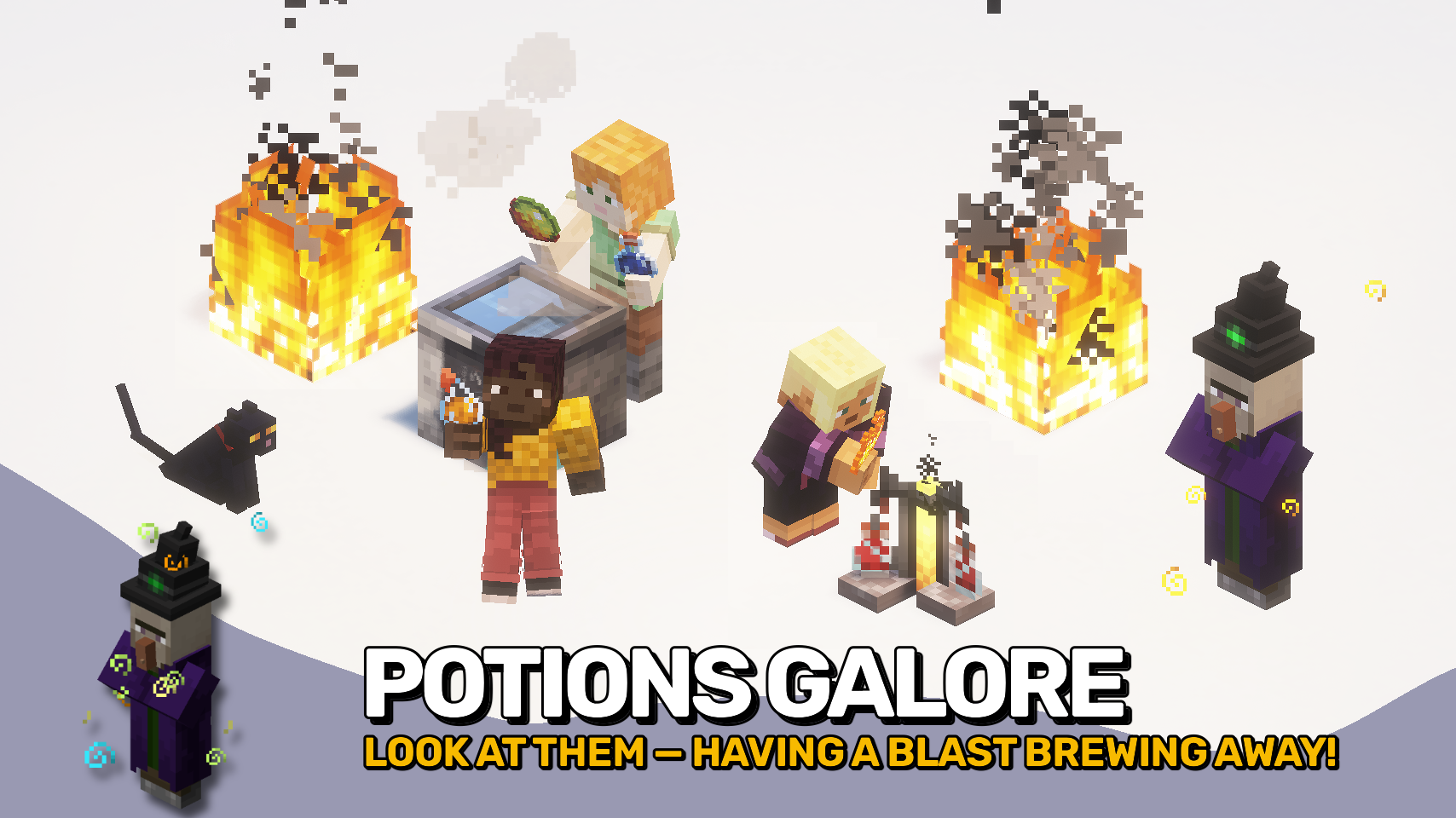
💫 Why This Mod?
No new items or complex systems — just clear improvements that feel like an integral part of the game. Everything works intuitively and naturally.
🔮 Main Enhancements
🎭 Reduced Potion Particles
Get crystal clear first-person view — distracting particles are either hidden or significantly reduced. Settings allow applying changes to third-person view or all world entities.
🦘 Jump Boost
At level 2 and higher, your character automatically overcomes full blocks without the need to jump. Essential for parkour, mountain exploration, and underground rushing.
🌫️ Blindness
The effect depends on potion level — higher levels result in more intense blindness. Mobs are also affected and lose detection range — perfect for stealthy infiltration.
🔥 Fire Resistance
Walking through lava is much more pleasant — your character extinguishes immediately after leaving fire. No more blinding fire overlay in your face, and fire resistance gradually fades when the effect ends, looking excellent.
🌙 Night Vision
Eliminate harsh flashes when the effect wears off — the return to normal vision is now absolutely smooth and comfortable.
🪶 Slow Falling
Press the crouch movement key to speed up falling without losing fall damage protection. The solution is useful for Elytra landings, cave exploration, or mountain climbing.
🔧 System Requirements
Installation
Installation is mandatory on both client and server.
Required Dependencies
- For Fabric and NeoForge: Puzzles Lib
- For Fabric API: Fabric API
- For Fabric also required: Forge Config API Port
Configuration
In-game configuration capability is provided through the mod selection interface (requires Mod Menu by Prospector in Fabric version). On older Minecraft versions, installation of Forge Config Screens is also required.
For manual configuration in a text editor, files are located at .minecraft/config and named MOD_ID-client.toml, MOD_ID-common.toml, or MOD_ID-server.toml depending on configuration type. Availability of each file type varies by modification.
💢 Credits
Thanks to Raltsmc for inspiration regarding blindness improvements through the Mob Blindness modification.


