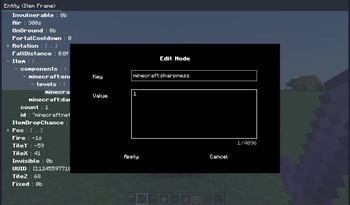

Dynamic In-Game NBT Editor (DINE)
The Dynamic In-Game NBT Editor modification provides a powerful tool for working with the game's NBT mechanics in real-time. With it, you can directly edit entity and block entity data right during gameplay.
Key Features:
- Dynamic Updates: All NBT changes are tracked and updated every game tick, allowing you to observe instant modifications
- Multi-panel Functionality: You can open multiple tabs simultaneously to work with different objects
- Intuitive Interface: Clean design preserves all necessary functionality while minimizing visual clutter
Editor Usage
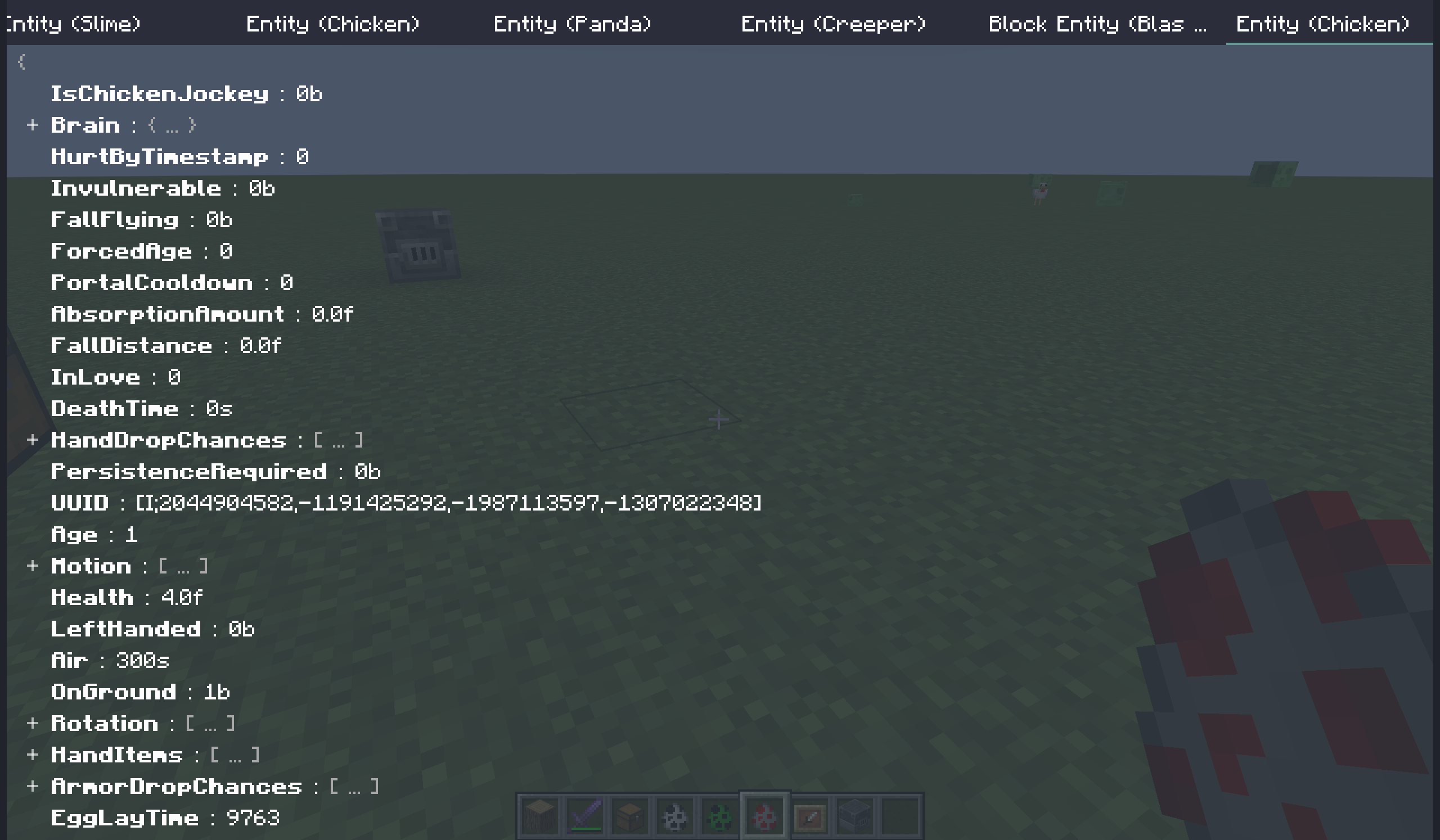
Tab Panel The top of the screen contains all active windows list, accessible via horizontal scrolling.
- Left Click: Activate selected tab
- Middle Click: Close tab under cursor
- Right Click: Open context menu
NBT Tree NBT structure is presented as an interactive tree with collapsible/expandable nodes.
- Click on element: Select node for subsequent editing
- Right Click: Open context menu
- Enter: Edit selected node
- Del: Delete selected node
- Ctrl+C: Copy node (internal clipboard)
- Ctrl+X: Cut node
- Ctrl+V: Paste from clipboard
Server Queries
Enabling "Server Query" function (via context menu) allows fetching current data directly from the server instead of using locally cached information. This mode synchronizes displayed data with server version with one tick delay (similar to F3+I). Access level is verified automatically - insufficient permissions will terminate the request.
Control Configuration
| Function | Default/Directive | Purpose |
|---|---|---|
| Open Editor | not bound | Activate editor panel |
| Edit Target | not bound | Create new tab for selected entity/block |
Console Commands (Client-Side)
All commands execute locally without server interaction:
- dine - main interface activation
- dine target - analyze targeted object
- dine entity [uuid] - find entity by identifier
- dine block [pos] - analyze block by coordinates
Configuration
Configuration file dine.prop located in [gameroot]/config/ directory, follows Java Properties syntax and updates after resource reload (F3+T).
| Parameter | Type | Default | Description |
|---|---|---|---|
defaultTryPauseGame |
boolean | false |
Pause game when opening new tab |
entityDefaultFromServer |
boolean | false |
Server data request for entities |
blockEntityDefaultFromServer |
boolean | false |
Server data for blocks |
checkPermissionWhenFromServer |
boolean | true |
Verify permissions for server requests |
logSentCommand |
boolean | false |
Log sent commands |
dataCommand |
string | data |
Data manipulation command name |
Common Questions Resolution
Why no item editing capability? Items (data packs) have different processing logic and aren't easily modified through standard commands. Consider alternatives like item frames on entities or blocks.
Incorrect NBT data display Discrepancies caused by lack of server synchronization. Use "Server Query" function to receive up-to-date information.
Support for others' servers? Client architecture doesn't prevent connection but respect local regulations - mod is intended for trusted environments.