Door Locker - Protection System for Minecraft
This datapack introduces an advanced locking system for various mechanisms. You can now set passwords on doors, trapdoors, fence gates, levers, and buttons, as well as create animated door versions with unique opening mechanics.
Crafting Items
Door Locker

This item allows you to set code locks on compatible blocks. Before use, you need to rename it on an anvil. The locker is applied to the inside of the object.
Important: The lock owner can always open their locks without entering a password!
Tip: If you remove the name (just set a space), the door locker will work without a password - this is convenient for double doors where a password is not needed.
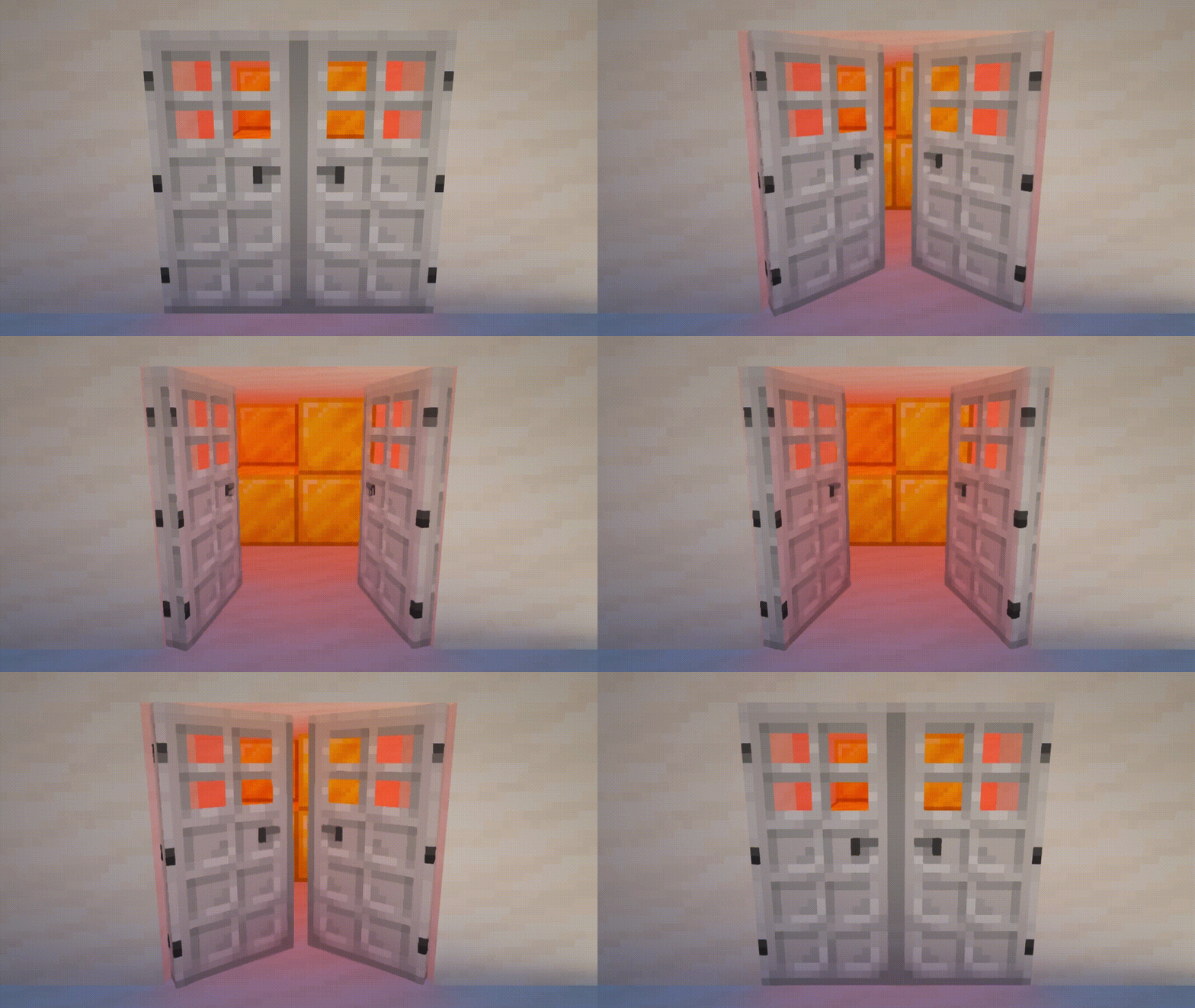
Animated Door

Transforms a regular locked door into an animated version. The password is preserved. After transformation, the door cannot be opened using redstone or villagers.
Works with doors only.
Lock Remover

Allows the lock owner to completely remove the lock from the object. The door locker is not returned. When removing a lock from an animated door, the door itself drops as an item.
For Map Makers
You can use any item with custom text in the name as a key.
You can get a door locker with a key name in two ways:
- Take your key in the main hand and execute this command in chat:
loot give @s loot door_locker:door_locker - Take your key in the second hand, and the door locker in the main hand, then execute this command:
item modify entity @s weapon door_locker:copy_name
Available Key Modifiers:
Make the key single-use:
item modify entity @s weapon door_locker:meltRemove password from door locker:
item modify entity @s weapon door_locker:unlockRemove password without sounds and particles:
item modify entity @s weapon door_locker:unlock/no_soundMultiple modifiers can be applied to keys simultaneously. The modifier will only work if the password matches. The door locker checks only the item name and does not consider ID, lore, or other data.


