Extended world selection
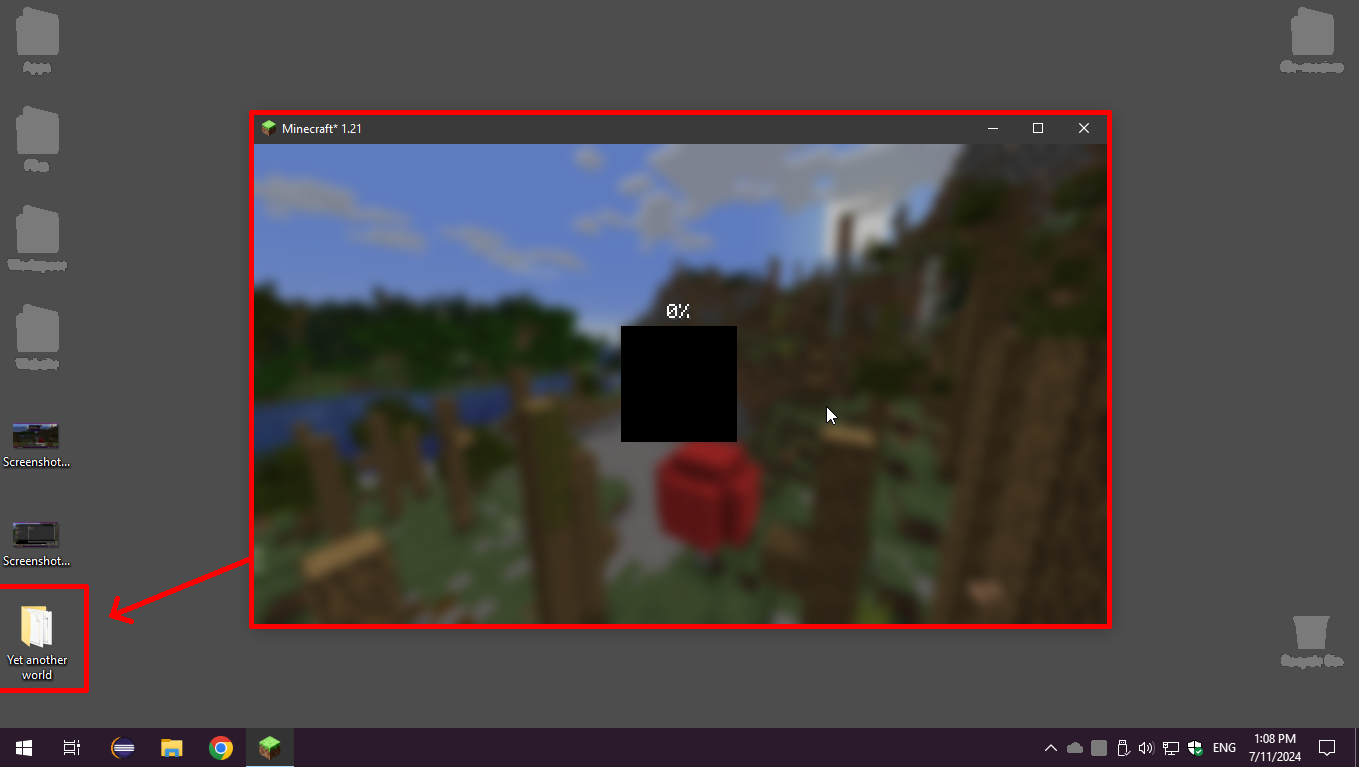
This Minecraft mod provides the ability to create and load game worlds from any location on your hard drive or external storage devices.
The Problem with Standard Approach
By default, Minecraft restricts users to working exclusively with the "saves" folder located in the game profile directory. The situation worsened with version 1.20.X when developers introduced additional restrictions on the use of symbolic links, significantly complicating interaction with worlds outside the standard saves folder.
Mod Capabilities
Extended world selection completely removes these limitations. Now you can freely select any available directory on your computer for creating and loading game worlds. The only requirement is that the operating system must grant you access to the selected folder, which is a standard security limitation.
How to Use
The mod usage process is intuitive:
- Go to the game's main screen
- Open the "Singleplayer" menu
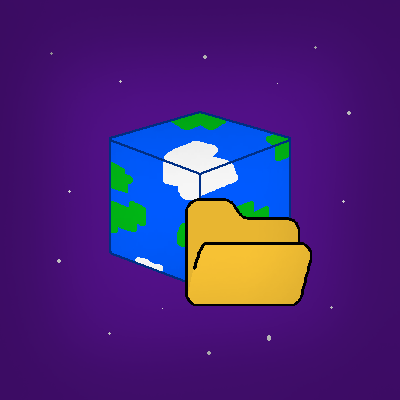
- Find the new button with a folder icon next to the search field
- Click on it to select an alternative saves directory
Alternative Solutions
[Edit 2024-08-28] It's also worth noting the 'Alternative World Save Location' mod, which addresses similar tasks. However, it requires editing the configuration file to change the save path, unlike our solution that allows doing this directly in the game through a convenient interface.


