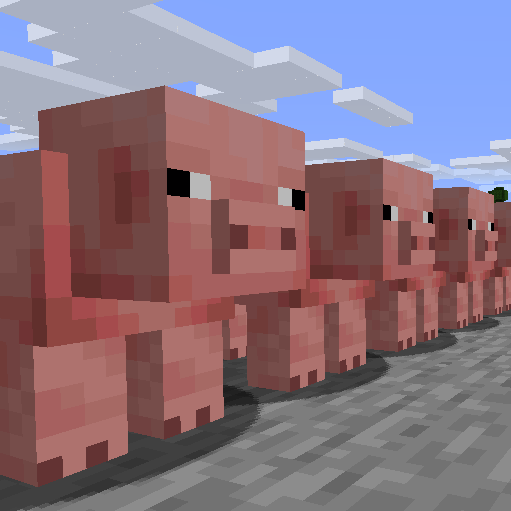
FarmControl
The FarmControl mod provides Minecraft server administrators with powerful tools to control and limit mob farms, significantly improving server performance.
Main Features
With this plugin, you can:
- Set limits on the size of mob farms
- Reduce unnecessary collisions and movements within farms
- Disable mob AI and awareness depending on farm size or current server performance
- Customize plugin behavior to suit your server's specific needs
- Minimize load through asynchronous processing
Installation and Configuration
For installation, simply place the downloaded JAR file in your server's plugins folder.
Main configuration is done through the config.yml and profiles.yml files located in the FarmControl folder. By default, the plugin disables random movements and collisions for mobs on animal farms.
Configuration
The plugin offers a flexible configuration system:
config.yml - main plugin settings:
# Configuration for FarmControl

# Don't change this version!
version: 7

# Profile check period in ticks
cycle-period: 600

# Delay before starting checks after plugin startup
start-up-delay: 0

# Settings for each world
world-settings:
  default:
    # Profiles for constant execution
    proactive:
      - soft-nerf-animal-farms

    # Profiles activated when performance degrades
    reactive:

    # Reactive mode settings
    reactive-mode-settings:
      # MSPT threshold for reactive mode activation
      trigger-mspt-threshold: 45.0

      # Threshold for disabling reactive mode
      untrigger-mspt-threshold: 35.0
profiles.yml - action profiles:
# Profiles for FarmControl

profiles:
  # Soft limitation of animal farms
  soft-nerf-animal-farms:
    group:
      types:
        - "category:animal"
      count: 15
      distance: 5
    actions:
      - remove-random-movement
      - disable-collisions

  # Hard limitation of animal farms
  hard-nerf-animal-farms:
    group:
      types:
        - "category:animal"
      count: 15
      distance: 5
    actions:
      - remove-awareness
      - disable-collisions

  # Villager farm limitation
  soft-limit-villager-breeders:
    group:
      types:
        - "villager"
      count: 20
      distance: 10
    actions:
      - disable-breeding
Commands
Available plugin commands:
/farmcontrol reload- reloads plugin configuration/farmcontrol status <world>- shows status of the specified world/farmcontrol history- displays plugin action history/farmcontrol notify- toggles plugin notifications
Using commands requires appropriate permission: farmcontrol.command.<subcommand>.
Statistics Collection
The plugin uses bStats to collect anonymous statistics about servers where it's installed. Statistics collection can be disabled through the bStats configuration file in the server's plugins folder.


