FightCam
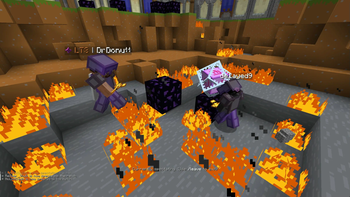
Provides a fighting game-style side view for observing two players. Fully compatible with Flashback replays
Usage
Use the command /fightcam players <player1> <player2> to select the camera's target players.
Command /fightcam toggle turns the camera mode on and off (default key binding is ;)
Adjust camera movement smoothness via /fightcam smooth <factor>. Values closer to 0 make the camera smoother, values closer to 1 make it more reactive. Default setting is 0.6.
Camera Distance
Set fixed camera distance from the anchor point using /fightcam distance <distance> in blocks (switches camera to static mode).
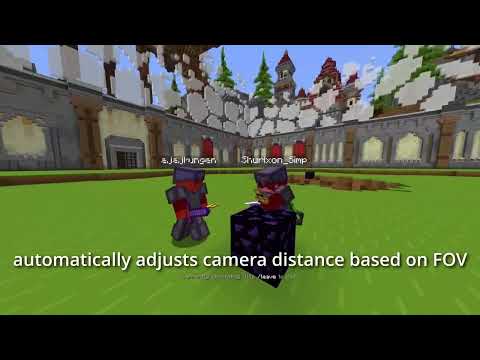
Or use /fightcam distance auto for automatic distance adjustment to keep players in the visible area (base distance can be adjusted with forward and backward keys).
Camera Height
Command /fightcam height <height> configures camera height relative to the anchor point in blocks.
For average player height tracking use /fightcam height avg — perfect for observing mace and crystal battles with constant height changes.
In /fightcam height ground mode, the camera follows the average height of players' last ground position — excellent for game modes with minimal height changes on flat terrain.
Camera Anchor Point
With command /fightcam anchor avg the camera follows the average position of both players.
To follow the first or second player use /fightcam anchor <p1/p2> (automatically sets fixed distance).