
FoodAllergy Modification
Introduction to the Food Allergy System
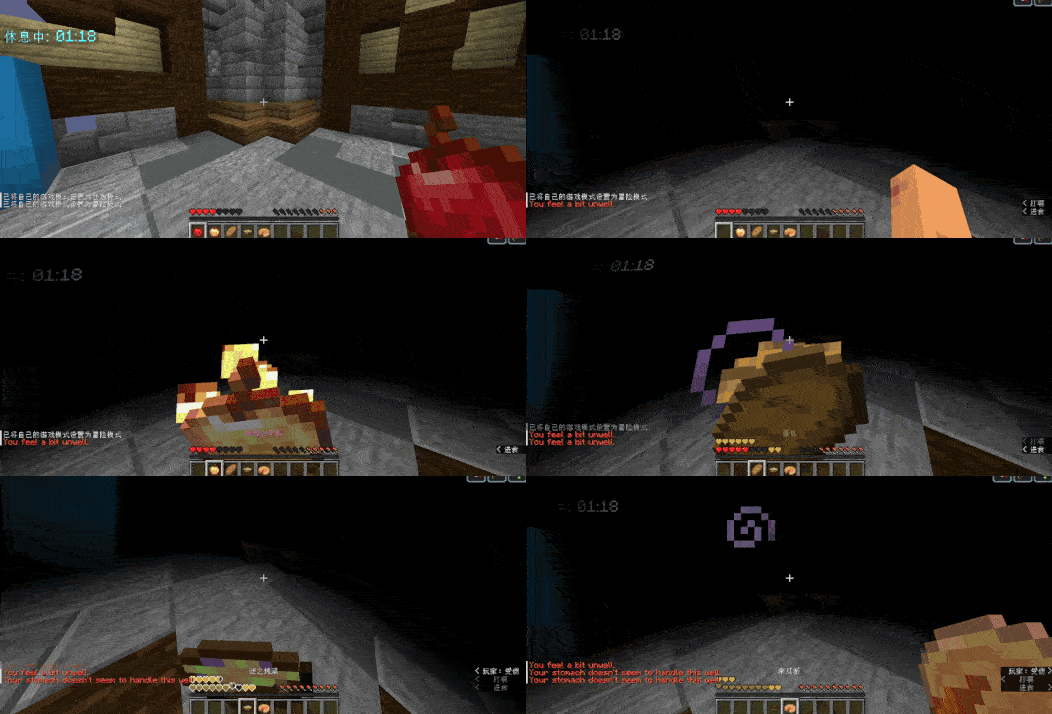
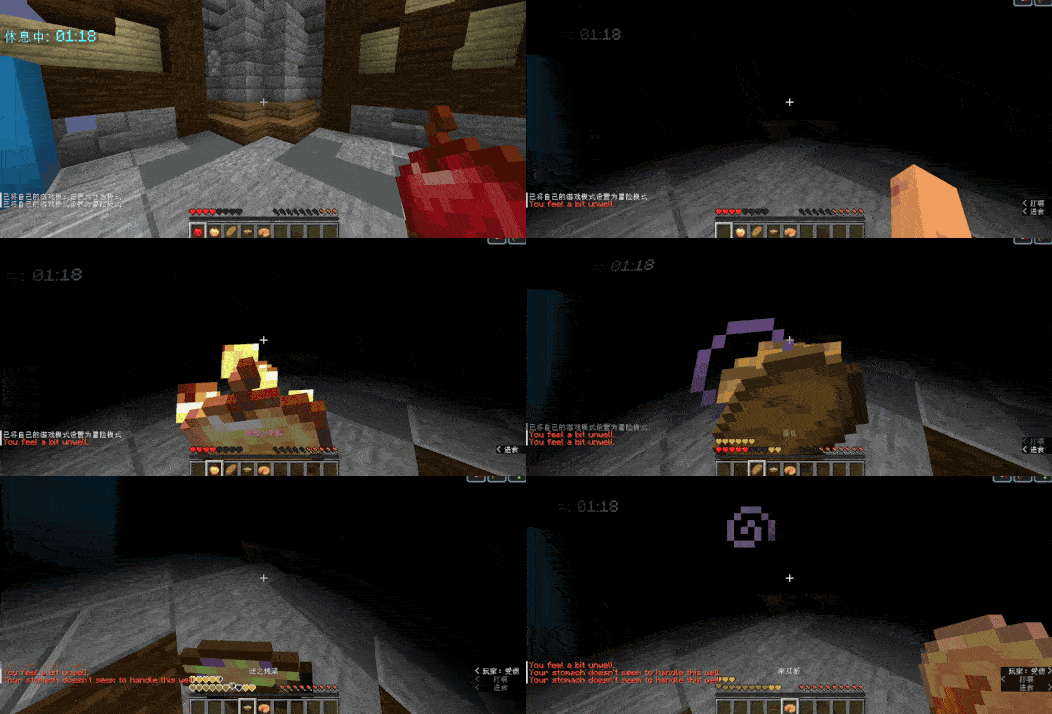
The FoodAllergy mod introduces a unique food reaction system to Minecraft that adds realistic mechanics related to character nutrition. Upon first connecting to the server, each player receives an individual set of food items that cause allergic reactions in their character, unknown in advance. This creates elements of surprise and research interest while exploring the game's culinary diversity.
This approach requires participants to be cautious when choosing food and promotes the development of alternative nutrition strategies, enriching the gameplay with new tactical opportunities.
Main System Capabilities
The system generates a random set of food items that cause reactions in different characters, creating an individualized gaming experience for each participant. Exploring food options requires caution due to the unpredictable consequences of consuming potentially dangerous foods.
All allergic reactions are classified by severity level:
- Mild Form - manifests with minor effects such as nausea and temporary discomfort
- Moderate Degree - accompanied by moderate symptoms including weak poisoning state
- Severe Form - entails serious consequences, for example, wither effect
For system management, the following configuration parameters are provided:
Server administrators have the ability to adjust text messages for different stages of allergic reactions through the appropriate configuration file. Changing the number of allergy types in characters is also supported, allowing for customization of system difficulty according to the needs of specific gaming communities.
Parameter Configuration
The system comes with a standard config.yml configuration file, the parameters of which can be adjusted to specific server requirements. Notifications about character food restrictions are not displayed automatically and can be enabled by the administrator to increase gameplay difficulty.
Installation Process
To integrate the system into the gaming environment, the following sequence of actions must be performed:
- Obtain the current version of FoodAllergy from official distribution sources
- Place the received plugin in the special plugins folder of the game server
- Restart the server environment to automatically create necessary configuration files
- Make desired changes to system parameters through the config.yml configuration file
Maintenance and Support
For technical issue resolution and submission of improvement suggestions for system functionality, appropriate feedback channels are provided.


