
FPS Boost
This mod helps improve game performance and stability, while also adding various useful features including image scaling and automatic FPS reduction during inactivity to save energy.
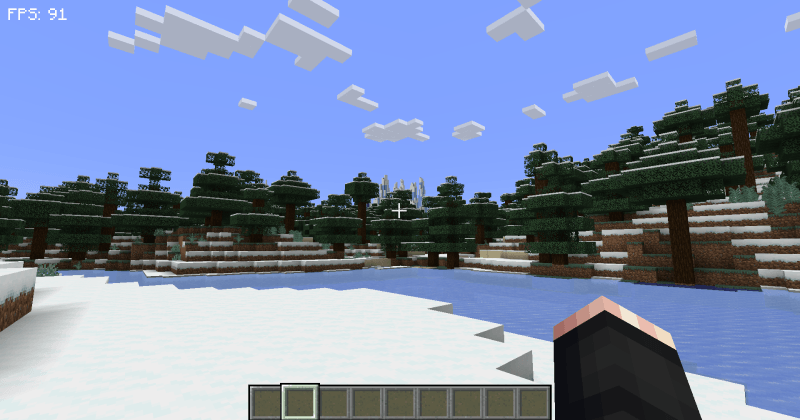
Performance without FPS Boost
FPS: ~91
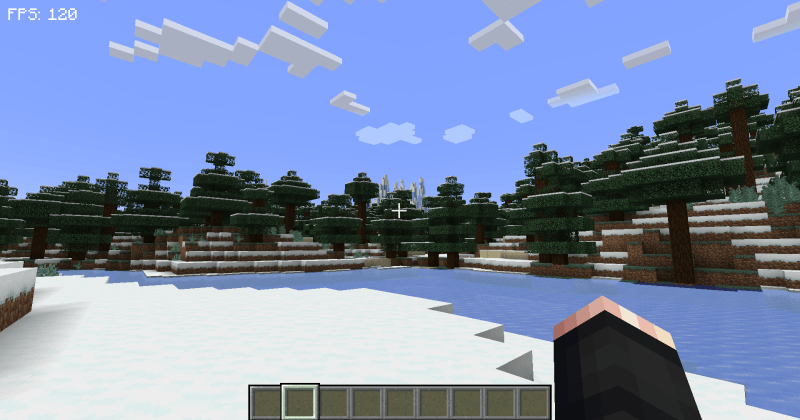
Performance with FPS Boost
FPS: ~120
Settings
To open the mod menu, press the H key
Main Features:
- Disable Weather - removes rain and snow
- Reload Chunks - refreshes generated world segments
- Slow Ticks - reduces world update frequency to save CPU resources
- Disable Entity Spawning - prevents new mobs from appearing (some may spawn when new chunks are generated)
- Item Cleanup - automatically removes all items on the ground every 3 minutes
- Entity Optimization - reduces the number of mobs in the world
SHORT DESCRIPTION EXTRACTED - GENERATING SHORT IN NEXT
- Another h1 appearing, marking only one place to find FRQ: remove double h1
- FPS Display - shows current frames per second at the top of the screen
- Cleanup Notifications - enables or disables visual alerts about item cleanup
- Screen Saver - appears after more than a minute of inactivity to reduce computer load
- Zoom - zoom function activated by C key (configurable) and surpasses Optifine's version, allowing zoom level adjustment with I and O keys
- Energy Saving - automatically reduces frame rate when the game is in background or player is inactive, saving energy and improving performance when using other programs
Important Information
The mod requires additional component TCTCore

This mod is designed for players with low-end computers and combined with Optifine provides maximum performance boost for comfortable gameplay.


