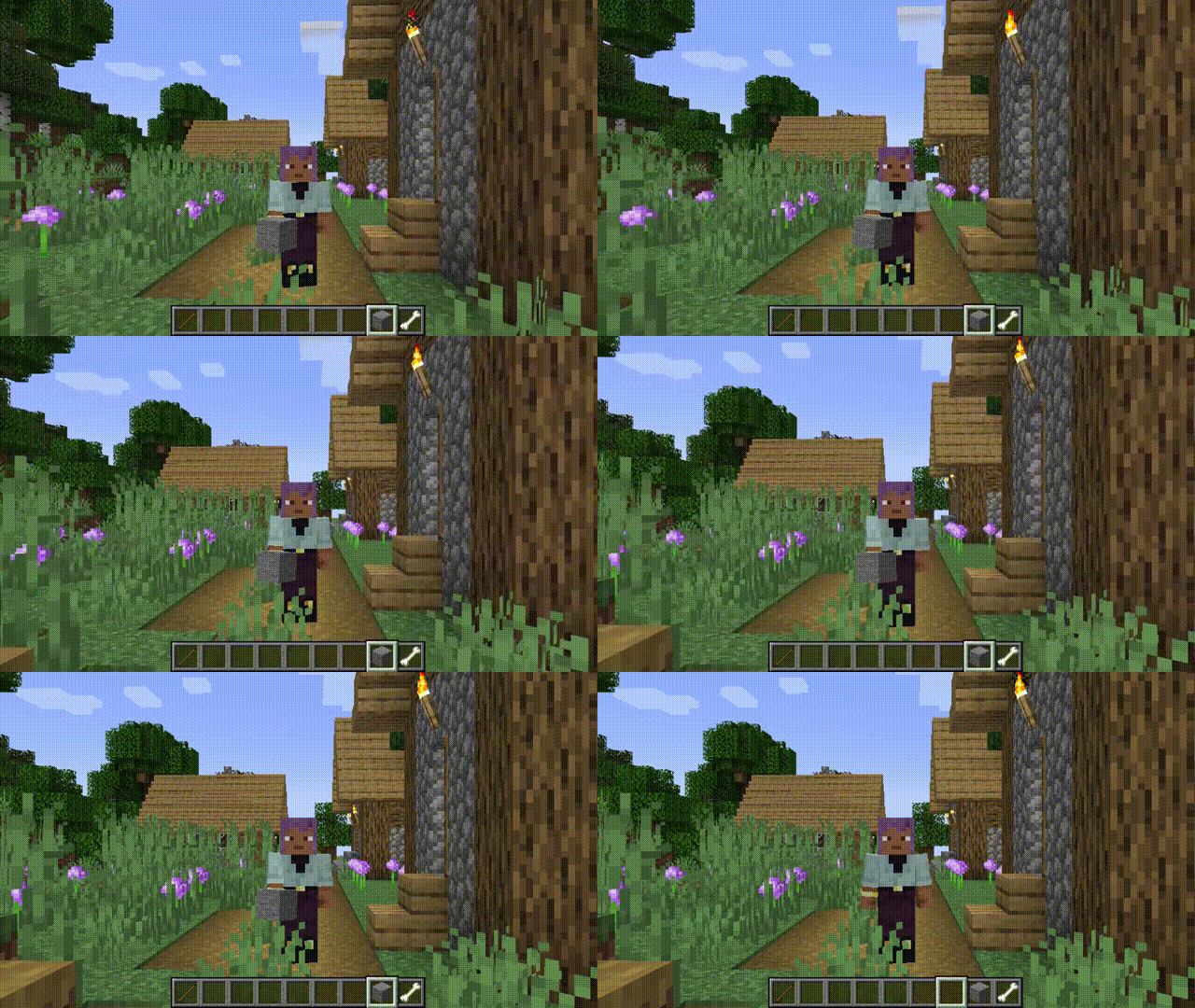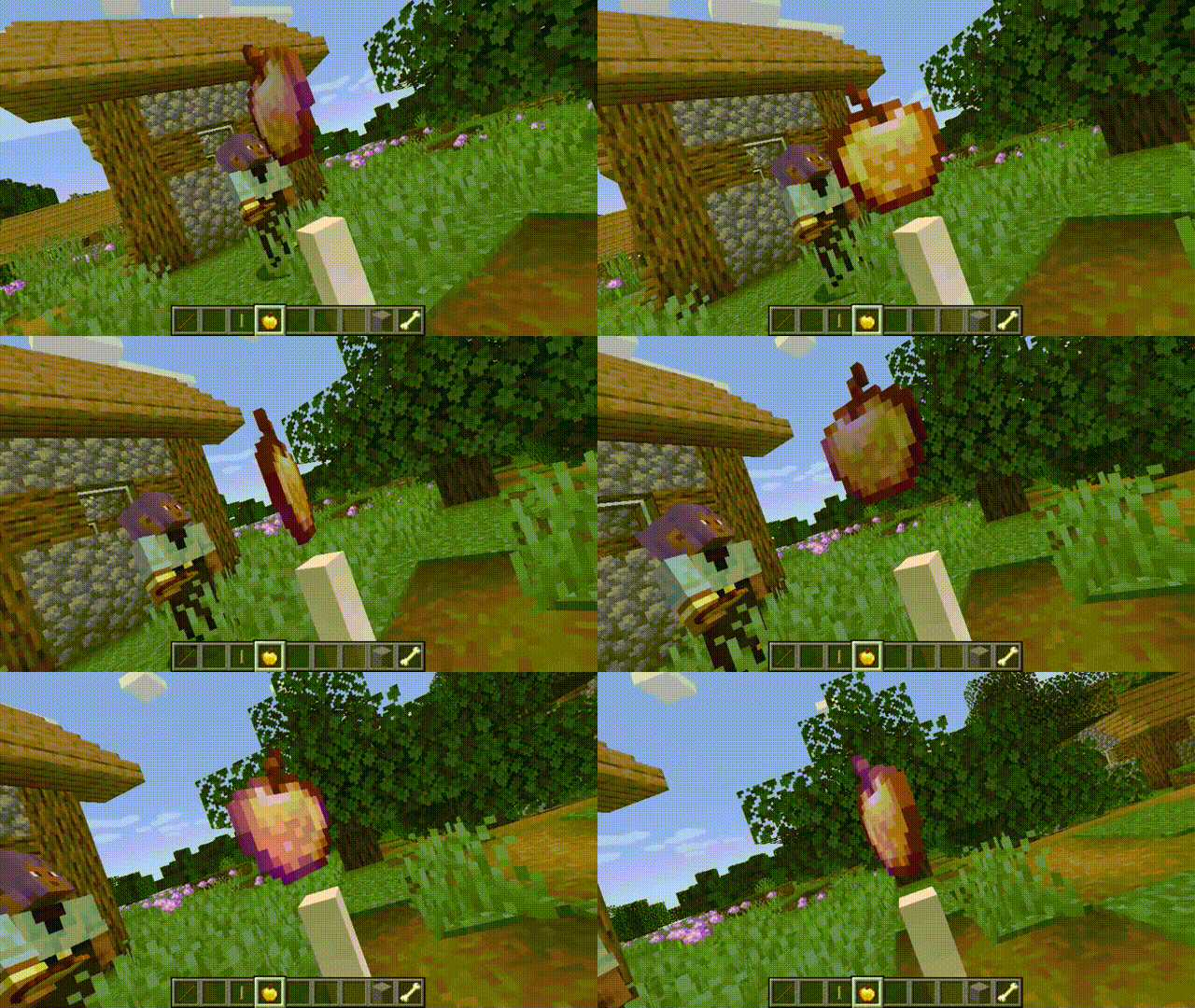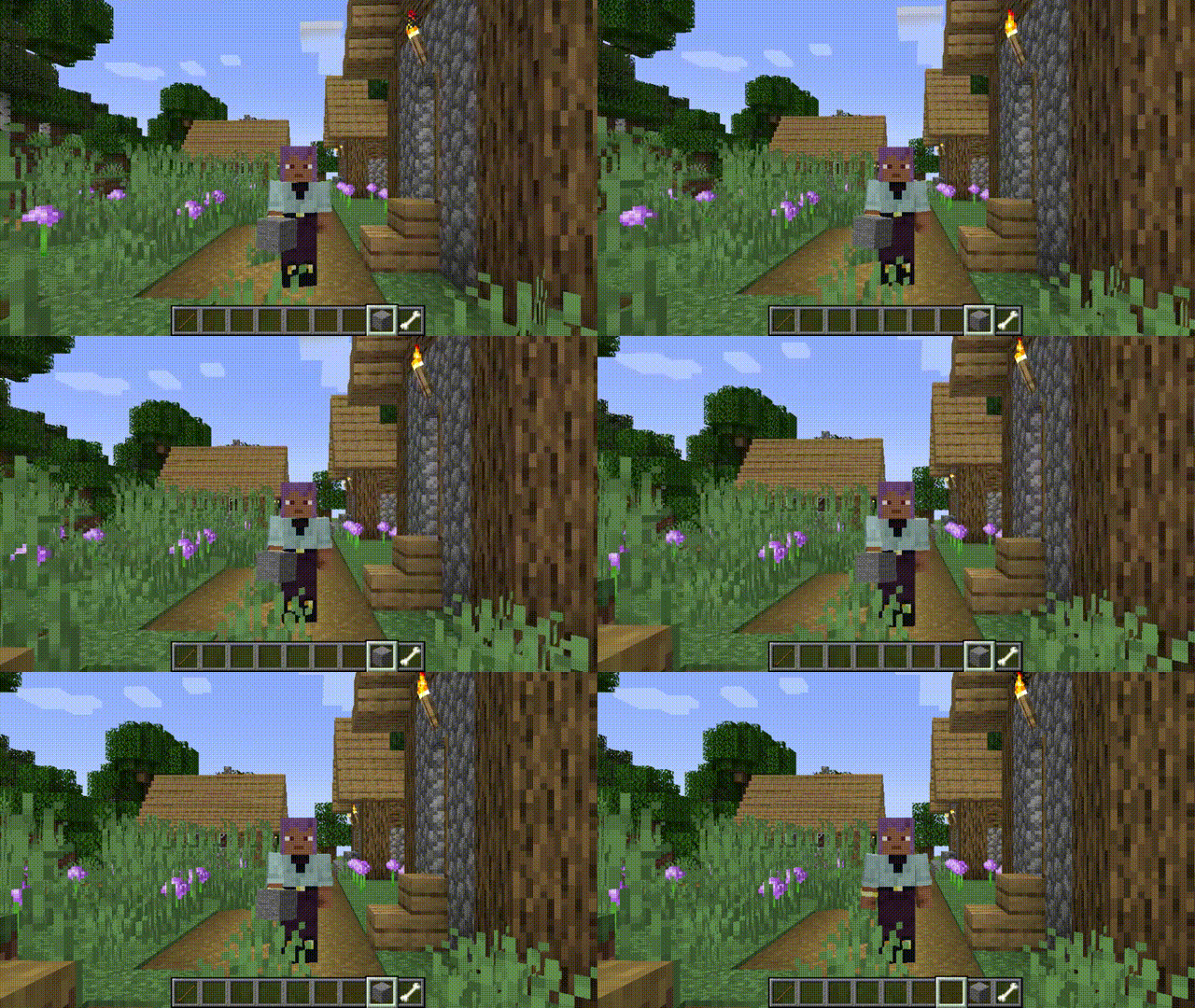

Free camera API V3
Main Advantages
This API provides developers with a convenient tool for working with the camera in Minecraft. It separates camera control from the game's internal systems, significantly simplifying the development process. The interface features ease of use and flexible settings. With an additional extension, it becomes possible to load chunks beyond the player's normal viewing area.
Plugin Registration and Usage
Creating Plugin Class
@CameraPlugin(value = "example", priority = ModifierPriority.LOWEST)
public class ExamplePlugin implements ICameraPlugin {
    // ...
}value: Unique plugin identifier (string)
priority: Priority setting (ModifierPriority.HIGH/LOWEST etc.)
Initialization
@Override
public void initialize(ICameraModifier modifier) {
    this.modifier = modifier;
    modifier.enable();
}
Camera Data Updates
Camera parameters can be updated every frame:
modifier
    .enablePos() // Enable position modification
    .enableRotation() // Enable rotation modification
    .enableFov() // Enable FOV modification
    .setPos(1, 2, 3) // Set camera position to (1,2,3), default uses local coordinates relative to player
    .addPos(1, 2, 3)
    .setRotationYXZ(90f, 15f, 25f) // Set camera rotation to (90f, 15f, 25f)
    .move(0, 0, -5) // Move camera based on current rotation
    .enableGlobalMode() // Enable global mode, all coordinates and rotations will be modified according to world coordinates
    .enableChunkLoader() // Enable chunk loader, load chunks around camera. This feature requires installing additional Free Camera API Addition mod, otherwise no effect
    .enableObstacle() // Enable collision detection
Usage Examples