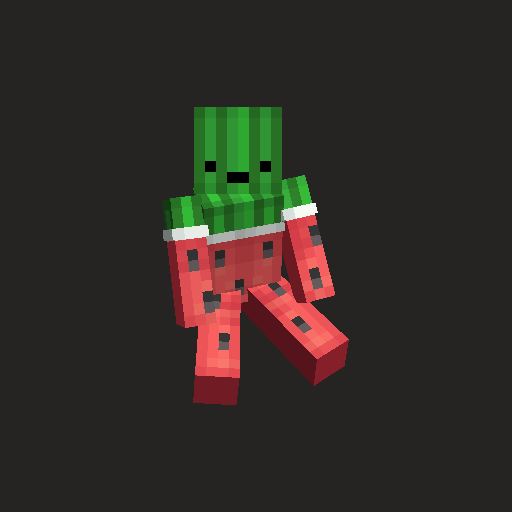
FSit
A server-side mod with extensive customization options that allows players to sit, crawl, and ride each other. Client-side version is also supported and offers additional gameplay improvements including configuration synchronization and various behavioral enhancements.
Usage
Installing the mod on the server is sufficient for it to work — players don't need to have it on their client. However, installing it on the client provides additional conveniences: configuration synchronization, improved crawling, key bindings, and riding restrictions.
Interacting with blocks
To sit on a block, interact with its top side.

Controlled by on_use.sitting and on_use.range settings.
Interacting with players
Interact with any player to start riding them.

Controlled by on_use.riding and on_use.range settings.
Riding restrictions (client)
Players can restrict other players from riding them.

Accessible through the social interactions screen or using the command /fsit:client allow|restrict <player>.
Sneaking
Double sneaking while looking down allows you to sit immediately (on_sneak.sitting).
The same action near a hole initiates crawling mode (on_sneak.crawling).
Minimum view angle and maximum window for double sneaking are configured via on_sneak.min_pitch and on_sneak.delay respectively.
Commands
Commands /sit and /crawl are available for corresponding actions.
Key bindings (client)
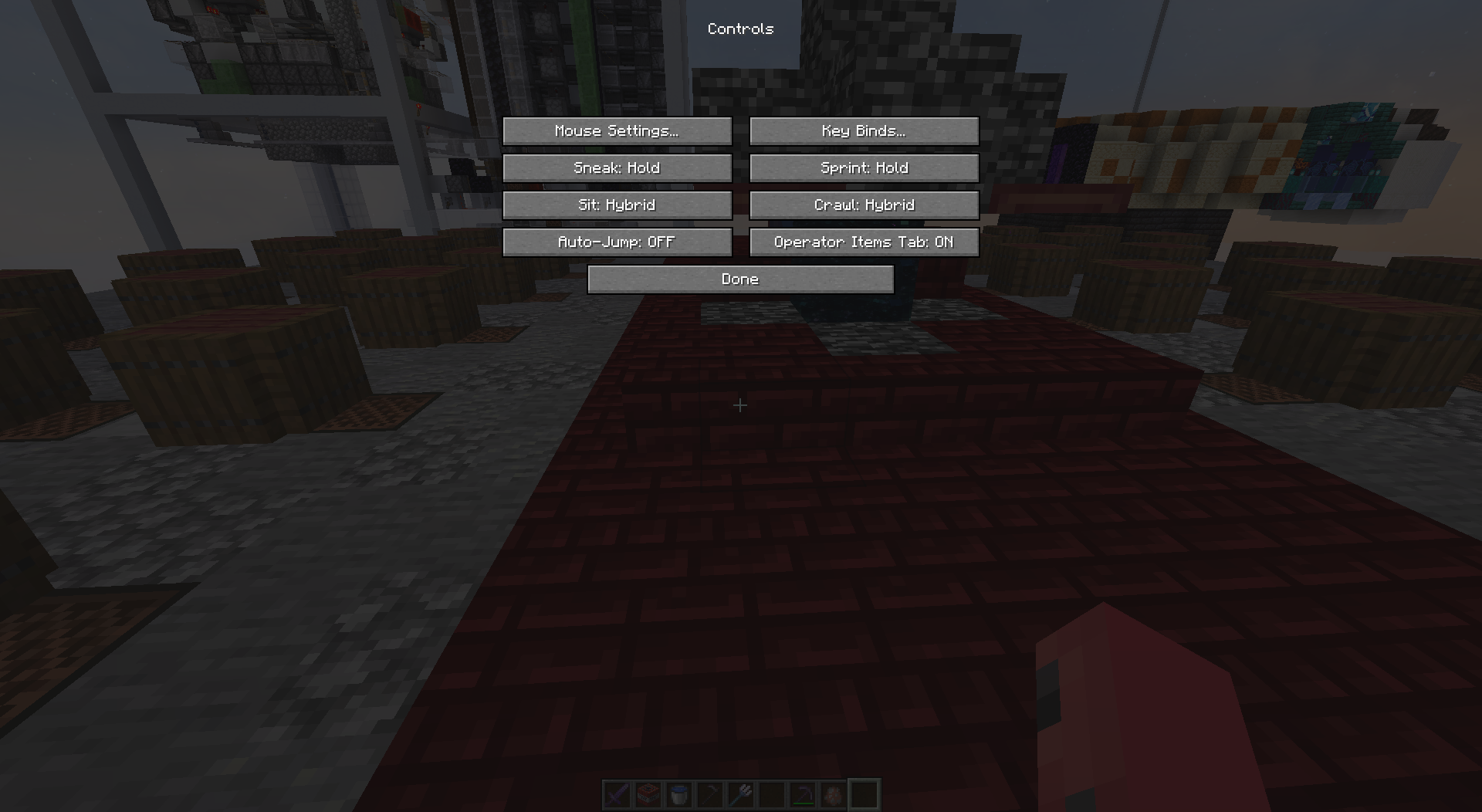
Use assigned keys for sitting (default: right Ctrl) or crawling (default: right Alt).
Key modes: Hold, Toggle, and Hybrid. The first two work like in vanilla game, hybrid mode combines both approaches.
Configuration
Players with the mod installed on their client can use their own settings, otherwise server configuration is applied.
On the server, configuration can be viewed and edited using the command /fsit <option> [value]. Reloading from file is done with /fsit reload.
Clients can modify settings through Mod Menu and YetAnotherConfigLib.

Default configuration file
use_server: false
sitting:
  behaviour: gravity
  should_center: false
on_use:
  sitting: false
  riding: false
  range: 2
  check_suffocation: true
  blocks:
    - "#slabs"
    - "#stairs"
    - "#logs"
on_sneak:
  sitting: true
  crawling: true
  min_pitch: 60.0
  delay: 600
Option details
use_server
When set to true, forces all players to use server configuration.
sitting.behaviour
Defines sitting behavior: nothing (do nothing), discard (remove seats without support), gravity (seats are subject to physics).
sitting.should_center
Place seats in the center of the block.
on_use.sitting
Allows sitting when interacting with blocks.
on_use.riding
Allows riding when interacting with players.
on_use.range
Interaction radius for sitting and riding functions.
on_use.check_suffocation
Prevents interaction if it results in player suffocation.
on_use.blocks
List of blocks and block tags available for interaction.
on_sneak.sitting
Allows starting sitting by double sneaking.
on_sneak.crawling
Initiates crawling instead of sitting when there's a hole nearby.
on_sneak.min_pitch
Minimum required player view angle for registering sneaking actions (-90 — looking up, 90 — looking down).
on_sneak.delay
Window between sneaks to recognize double action (in milliseconds).
Building
The project uses Stonecutter, building is done with the chiseledBuild task:
> ./gradlew chiseledBuildPublishing is done with the chiseledPublish task after successful build:
> ./gradlew chiseledPublish

