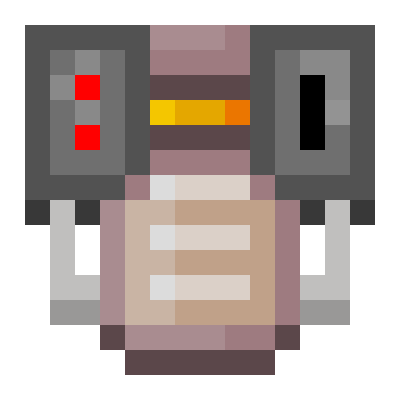
Inventory Generators - Generators for Your Inventory
Note: Older versions of this mod are not supported. This description is relevant for versions 1.20.1 and above.
This mod adds 13 different generators to the game that can be used directly from your inventory. When you right-click, these items open a special interface where you can place fuel to generate energy. The generated energy allows you to charge other items in your inventory (including Curios slots), such as jetpacks.
Managing the generators is simple: sneaking and right-clicking turns the device on or off, while pressing the mode change key (default M) while holding the generator switches between charging and non-charging modes.
Data Pack Support
The mod supports configuration through data packs to add new fuel to generators. To do this, you need to create a .json file with a name corresponding to the generator's registry name and place it in the ~data/(namespace)/inventorygenerators/generators folder of the data pack.
For example, to add fuel to the Inventory Nether Star Generator, you need to create an inventory_nether_star_generator.json file at the path ~data/(namespace)/inventorygenerators/generators/inventory_nether_star_generator.json
The file content might look like the following. The "replace": false parameter indicates that the configuration should be merged with existing settings rather than replacing them. In the "values" section, all added items are listed in the format "[registry name]": [[burn time in ticks],[energy per tick]]
{
  "replace": false,
  "values": {
    "minecraft:black_wool": [100, 40]
  }
}

