
Inventory Sync
Latest Data Pack Version
v1.4
Compatible Minecraft Versions
Java Edition 1.20.2 - 1.21.1
What does this data pack do?
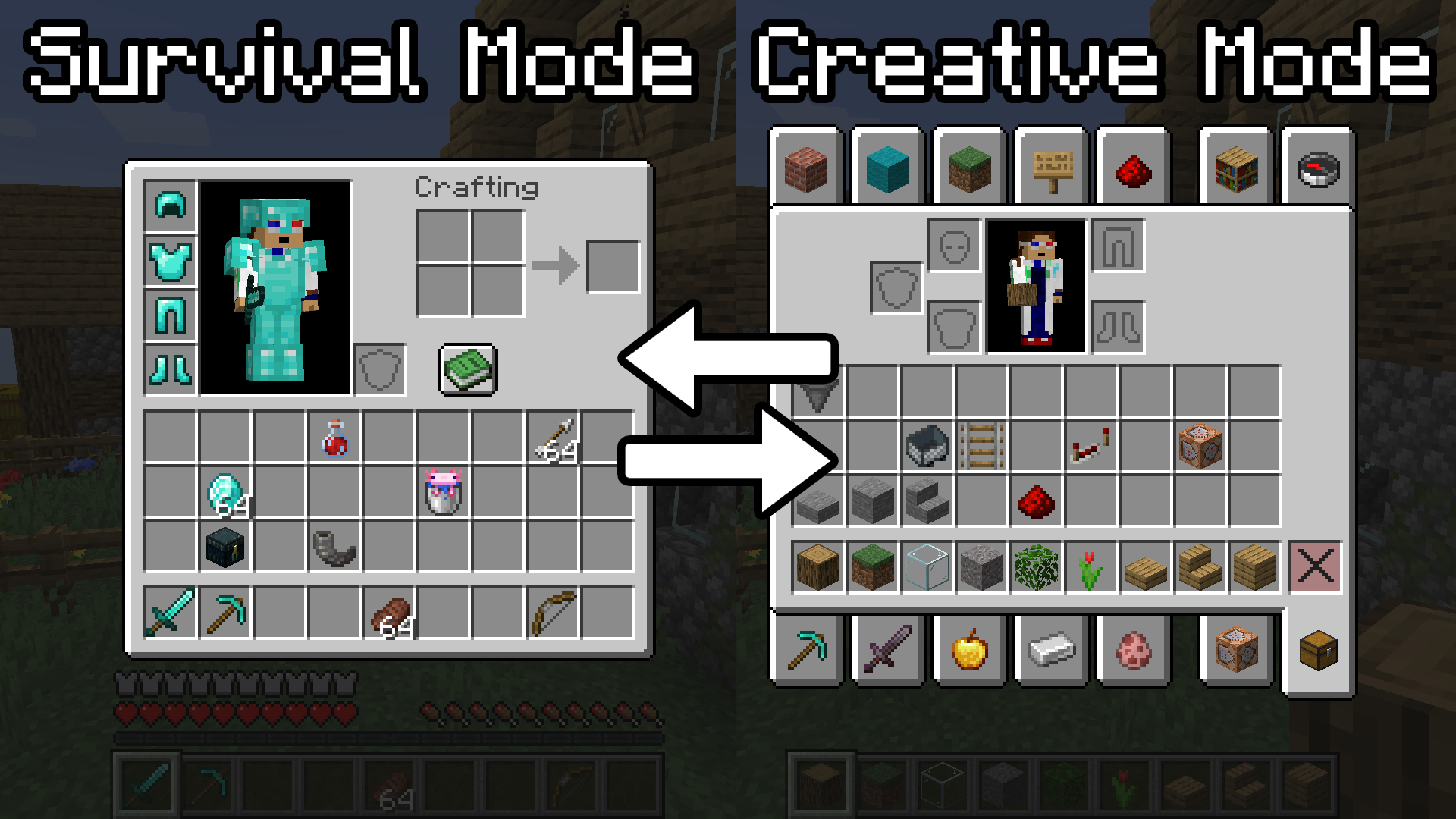
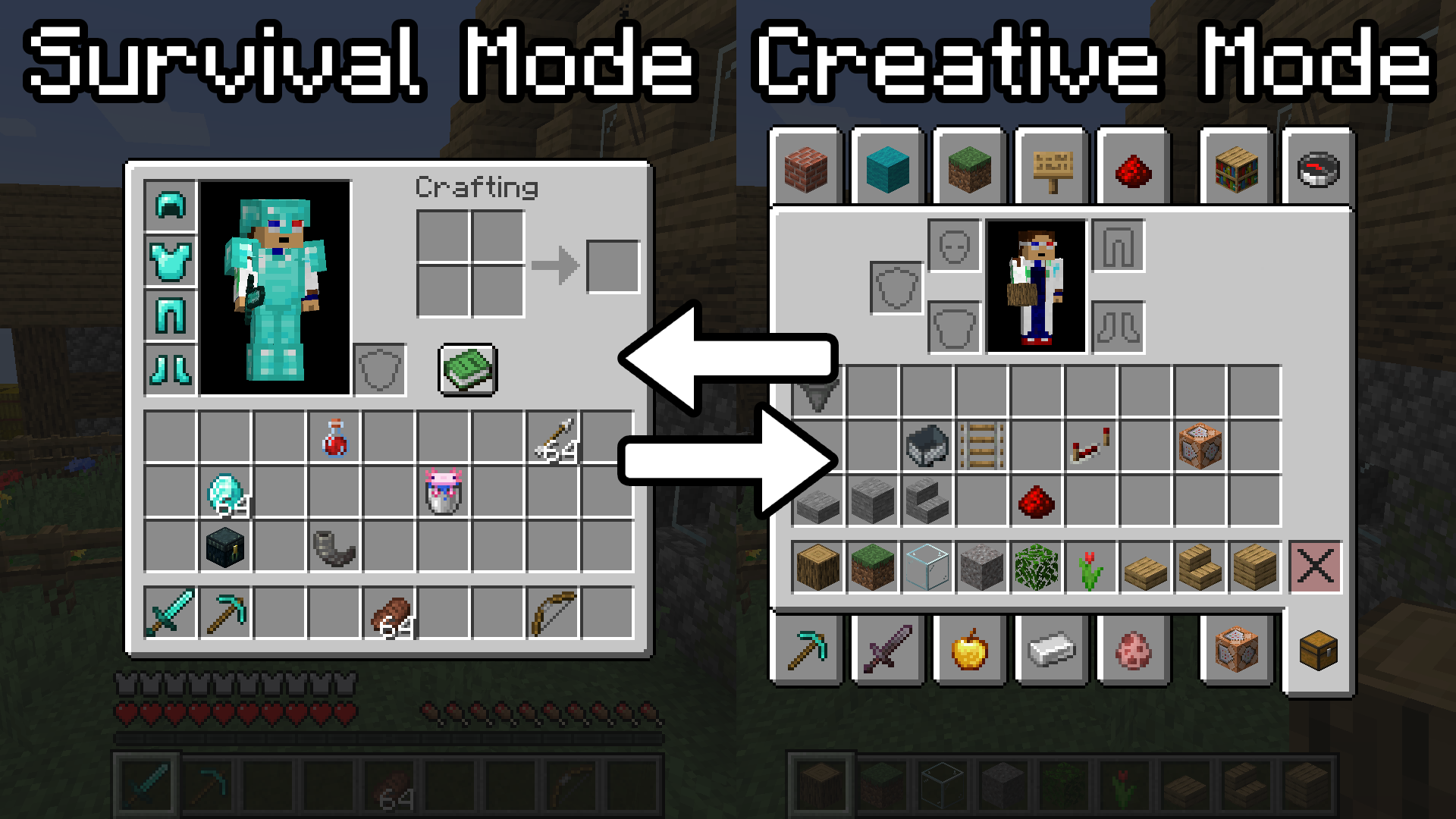
Have you ever wanted to play in both survival and creative modes simultaneously? But when switching to creative mode, you accidentally delete valuable survival items while taking and removing items from the creative inventory?
This data pack solves this problem by creating separate inventories for each game mode. Now when you switch from survival mode to creative mode, you get a completely clean inventory designed only for creative mode. And when you return to survival mode, all your items are restored exactly as you left them. No more fear of losing items you worked so hard to obtain.
How to use?
Enable/Disable
After installation, just execute one command:
/function invsync:toggle- Operator permissions are required to execute the command
- Inventory synchronization is activated only for your character. Other players must execute the command themselves
- Running the command again disables synchronization, and you'll have one shared inventory for all modes again
⚠️ Important: If you have items in survival mode that need to be saved, make sure you activate synchronization specifically in survival mode so items aren't saved to the wrong game mode.
System behavior
- When switching between modes, items are saved for the previous mode, and the inventory is cleared for new use
- Returning to the previous mode restores items exactly as they were left. All data is preserved: durability, enchantments, item names, and even custom components
- The function works only for your character. Other players must activate it themselves
Backups
You can create backup copies of inventory configuration for destructive actions or additional security. Create a backup of all inventories using the command:
/function invsync:backupIf you need to restore saved items and replace the current inventory, use:
/function invsync:restoreInstallation
Method 1 (Existing world)
- Go to the .minecraft/saves/
/datapacks folder - Place the downloaded .zip file in this folder
- Enter your Minecraft world and execute /reload
- You should see the message "Datapack Installed"
Method 2 (Create new world)
- In the new world creation menu, click the "Datapacks" button
- Drag and drop the downloaded .zip file into the game window
- Apply the data pack
- Create a new world
Uninstallation
If you want to remove the data pack, execute the command:
/function invsync:z_backend/uninstall- This command will remove the data pack's internal data, after which you can remove the InvSync.zip file from the world save
- Removing the file without executing the command will leave data from the data pack. If you want to preserve data for future reinstallation or updating, don't execute the command