Motion Capture - Recording and Playback of Movements in Minecraft
Motion Capture is a unique Minecraft mod that opens up completely new possibilities for creating complex scenes and animations. With it, you can record player movements and then play them back at any time, which is especially useful for creating large-scale projects without involving real participants.
What Can Be Recorded
The mod captures almost all aspects of character behavior:
- Movement and navigation through the world
- Various actions: running, jumping, swimming, sneaking
- Hand animations and gestures
- Using items and tools
- Equipment: items in hands and armor
- Special states: burning, invisibility, glowing
- Interaction with blocks: placing, breaking, activating
- Interaction with other entities and riding them
How to Work with the Mod
The workflow consists of several simple steps:
Recording Movements:
Start recording using the command /mocap recording start. You can record your own movements or the actions of another player by specifying their name as an argument.
Saving the Recording:
Stop the recording with the command /mocap recording stop and save it under a unique name using /mocap recording save [name].
Playback:
To play back an individual recording, use /mocap playing start [name] (player_name) (skin_url).
Creating Complex Scenes
The true power of the mod is revealed when working with scenes. You can combine multiple recordings into one complex composition with various parameters:
Creating a Scene:
Use /mocap scenes add (scene_name) to create a new scene.
Adding Elements:
The command /mocap scenes addTo [scene_name] [recording_name] (delay) (x_offset) (y_offset) (z_offset) (player_name) (skin_type) (skin_source) allows you to add recordings with time and position settings.
Playing the Scene:
To launch a scene, use /mocap playing start .[scene_name] — note the dot before the scene name.
Main Commands
/mocap recording [...]— Recording player movements/mocap recordings [...]— Managing recording files/mocap scenes [...]— Creating and editing scenes/mocap playing [...]— Playing scenes and recordings/mocap settings [...]— Mod settings/mocap info— Information about the mod/mocap help— Command help
Usage Examples
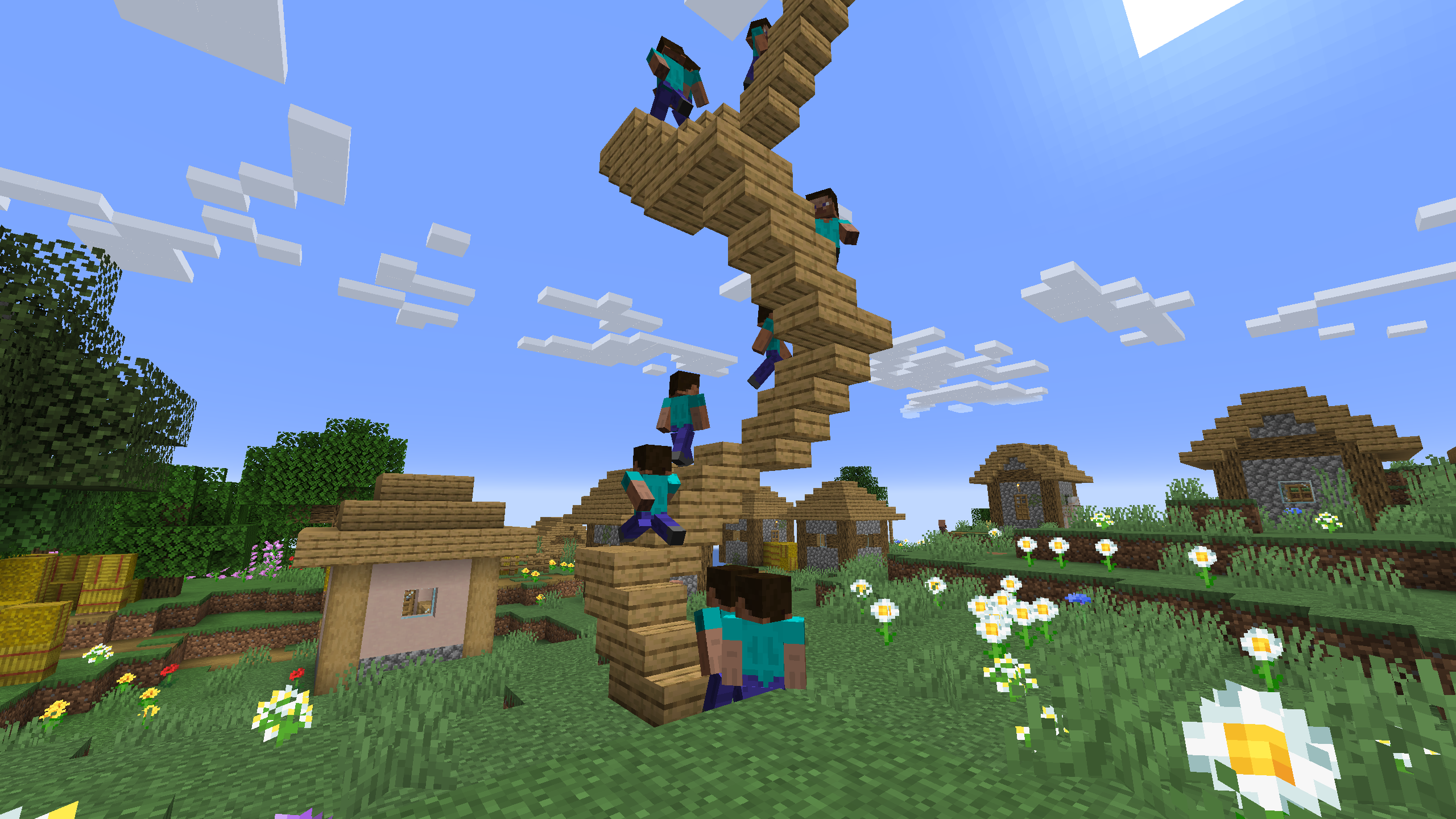
Simple Example: One Recording Used 4 Times in a Scene with Time and Position Offsets
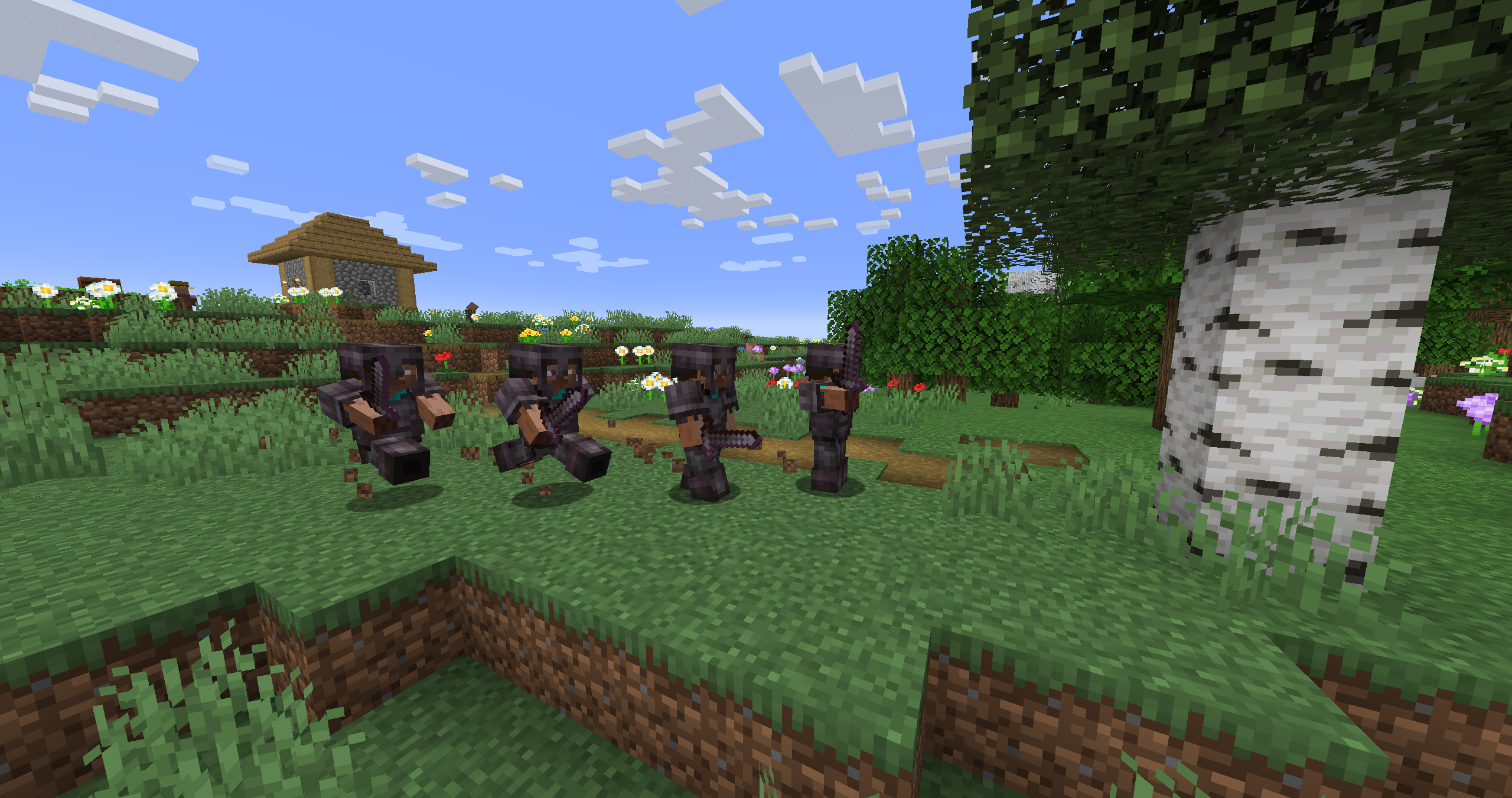
Recording of Climbing Stairs Used Multiple Times in a Scene with Start Delay