
Turn Water Into a Masterpiece with the Natural Waters Mod
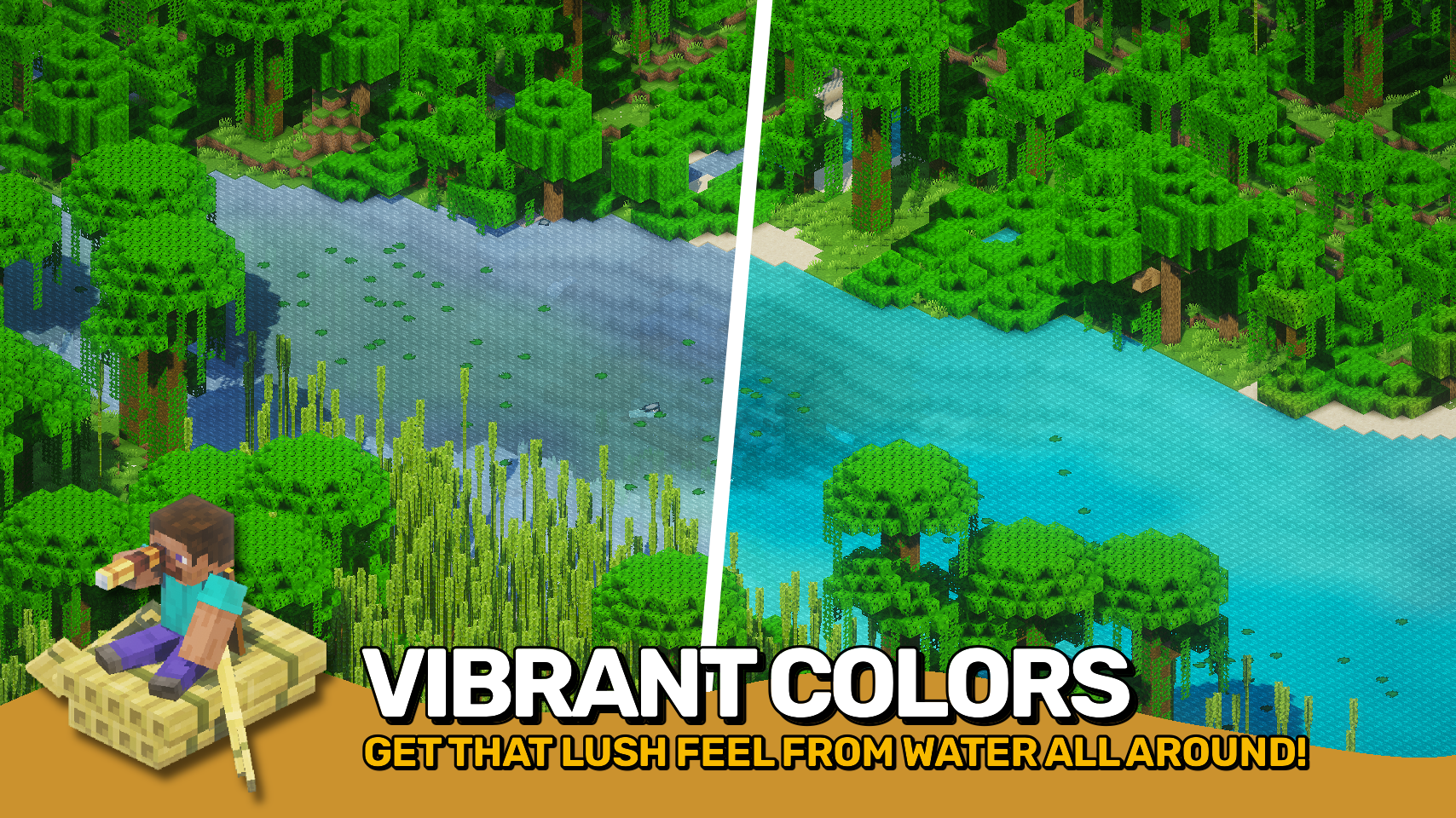
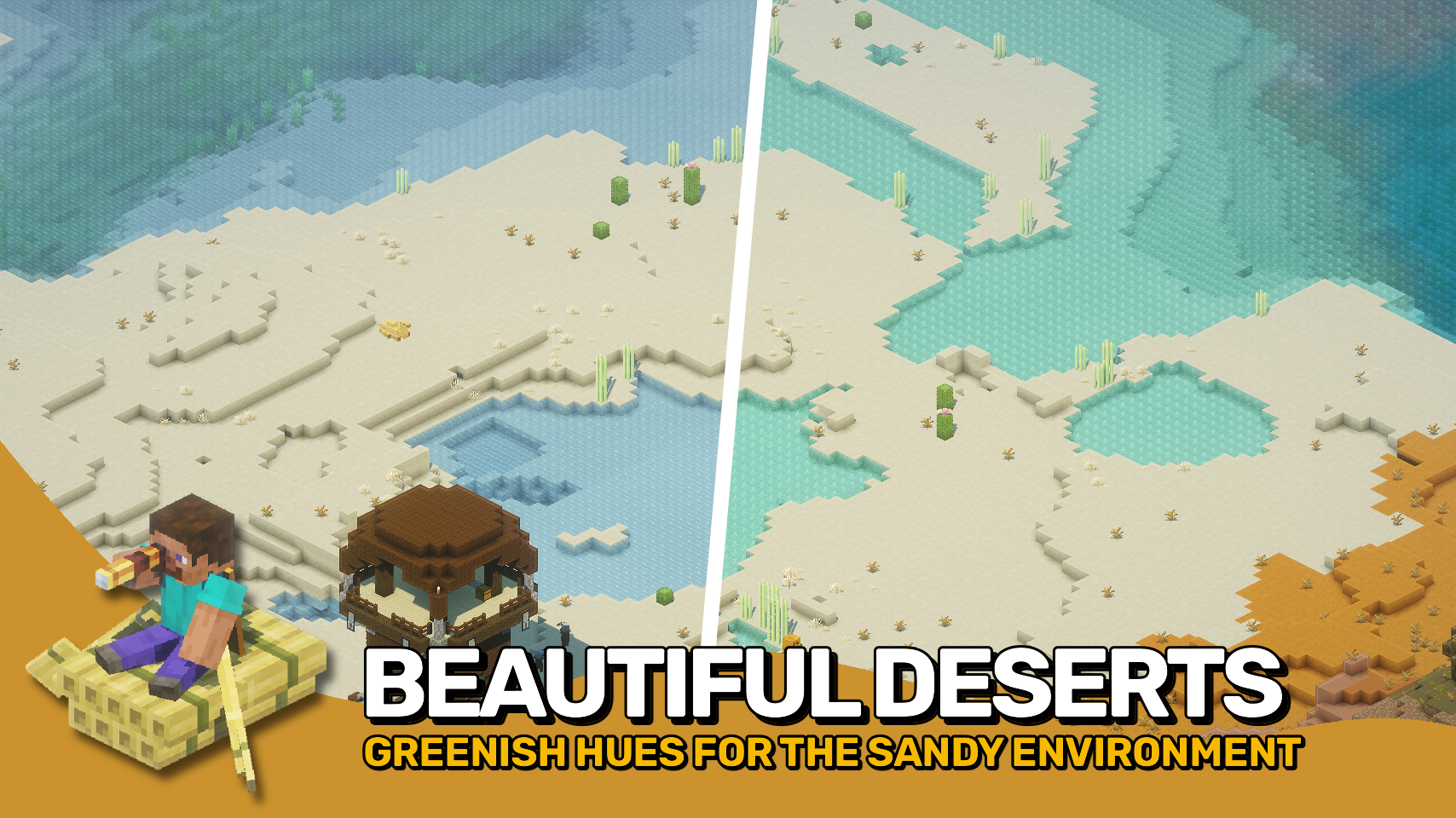
This mod brings the unique, vibrant water colors inspired by the Bedrock Edition into Minecraft. Every river, lake, and ocean will shine with new shades, creating a stunning atmosphere in the game.
Automatic support ensures that not only vanilla biomes but also modded ones are displayed correctly. This means your world will look cohesive and beautiful, regardless of other installed modifications.
The mod's standout feature is its easy customization to match your preferences. Using resource packs, you can finely control visual parameters such as water hues, underwater fog density, and transparency on a per-biome basis. Dreaming of serene turquoise lakes or bright, neon jungle rivers? It's all possible.
![] (https://raw.githubusercontent.com/Fuzss/modresources/main/pages/data/naturalwaters/media/1.png)
![] (https://raw.githubusercontent.com/Fuzss/modresources/main/pages/data/naturalwaters/media/2.png)
Client Installation
This mod must be installed on the client-side.
- Requires Puzzles Lib for Fabric and Neoforge platforms.
- Fabric API and Forge Config API Port are also necessary on Fabric.
Configuration Settings
If you have Mod Menu installed on your client, most settings can be adjusted directly in-game. For manual editing, open the text files in the .minecraft/config directory. They are named following the pattern MOD_ID-client.toml, MOD_ID-common.toml, or MOD_ID-server.toml depending on their type. Important: on older versions of Minecraft, the Forge Config Screens mod is also required.
Special thanks to 2Retr0 for the original idea in the BedrockWaters mod, which inspired the development of this project.
Additional Mods
- Mob Lassos — Tools for capturing creatures.
- Easy Shulker Boxes — Convenient Shulker Box management.
- Combat Nouveau — Revamped combat system.
< A teaser for other studio projects - mod announcements or general community info />.