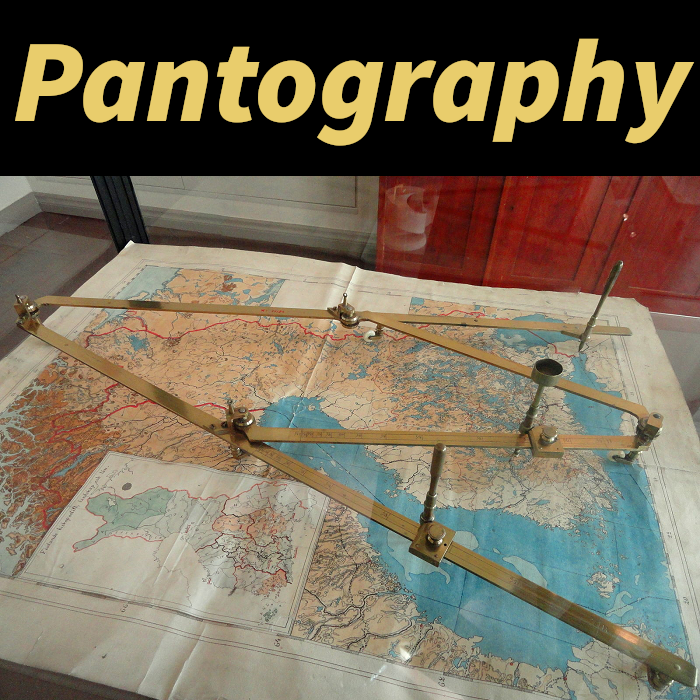
Pantography
What is a Pantograph?
A pantograph is an enhanced version of the cartography table that allows copying data from one map to another, even if they have different scales. This mechanical device operates on the parallelogram principle, ensuring accurate data reproduction.
Usage Methods
Crafting Grid
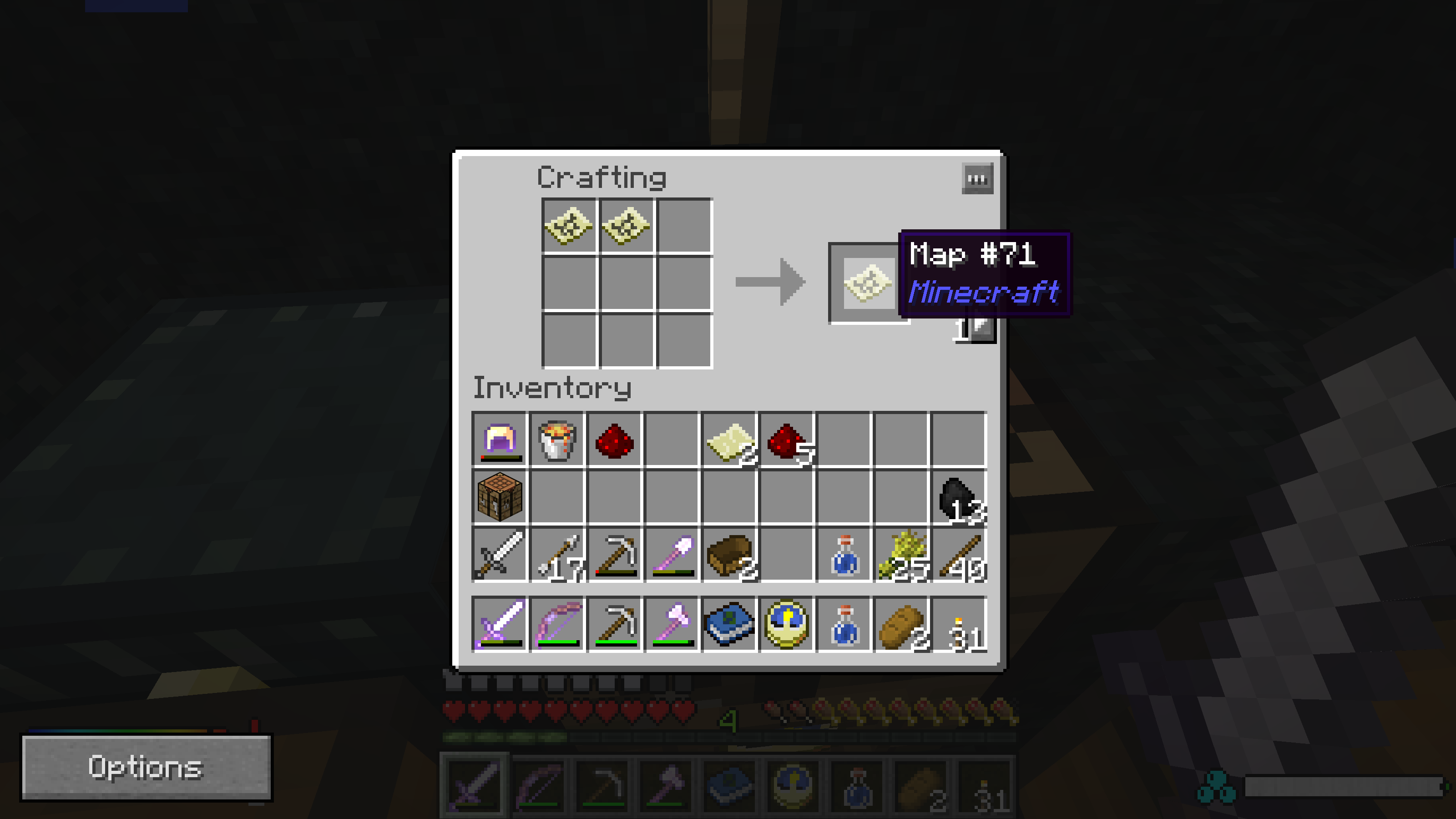
Place two filled maps in the crafting grid. The first map will be the target, the second will be the source. The result will be the target map with added data from the source map, while the source map remains unchanged. Maps can have different scales and cover different territories.
Using the Pantograph
For version 1.14 and above: the pantograph has all the functions of a cartography table plus the ability to transfer data between maps. Place the target map in the top slot, the source map in the bottom slot. The result will appear in the right slot - the target map with added data from the source map.
For version 1.12: place source maps in the left crafting grid, and the target map in the center slot. If the map areas intersect, the result will appear in the right slot. When using an empty target map, the system will automatically select an appropriate scale to display all data.
Compatibility
The mod integrates with Mega Map, allowing copying data from multiple regular maps to one mega-map (scale 5 and above). Requires Wumple Util library to function.
Usage Examples
- Create several detailed scale 0 maps, then combine them into one overview scale 4 map without re-exploring the territory.
- Use a filled scale 4 map to select an area for detailed exploration, copy the data to a scale 1 map to get a general overview of the area.
- In combination with Bibliocraft's Atlas, create an atlas from scale 0 maps, then transfer the data to scale 4 maps to create an overview atlas.
Visual Examples
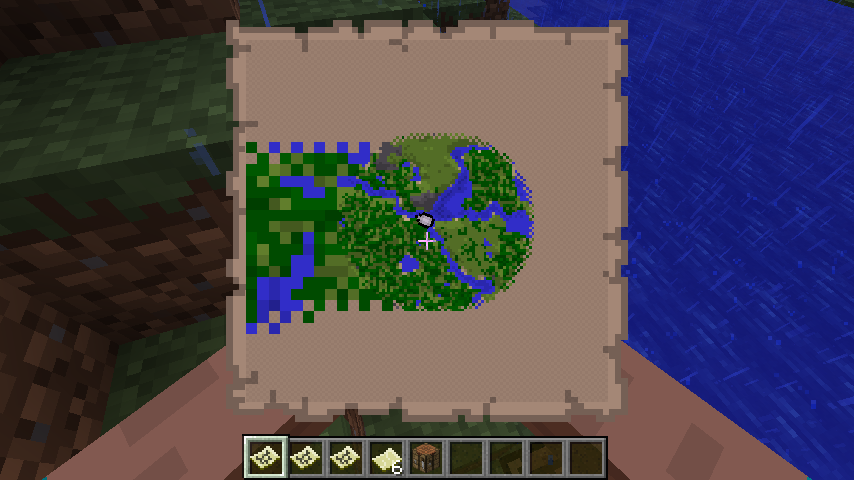
When copying data from a higher scale map to a lower scale map, pixels become larger due to the lower detail of the source map. These large pixels will be replaced with normal detail when using the map in the corresponding area.
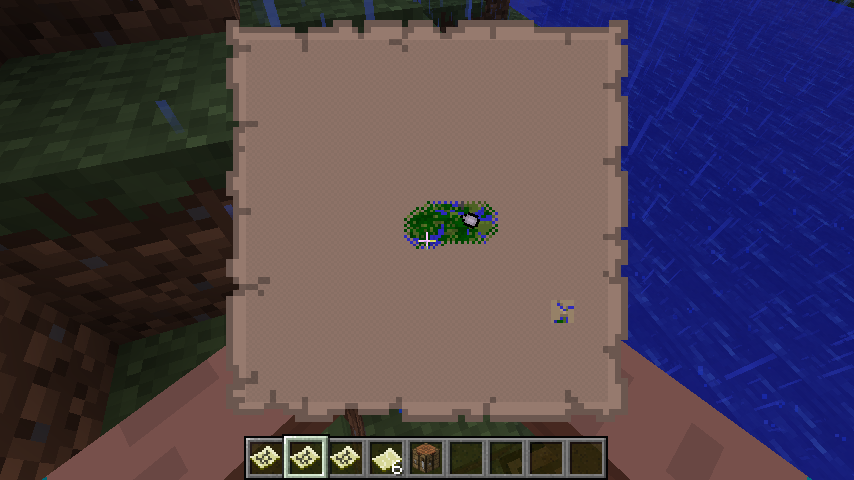
When copying data from a lower scale map to a higher scale map, the information appears as an isolated rectangle in the target map.
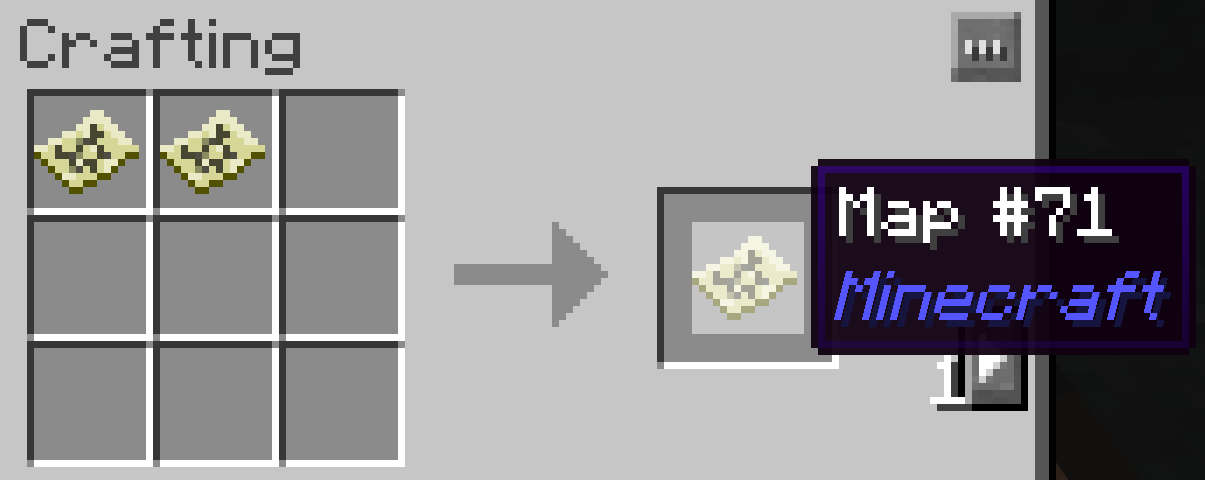
Example of copying data from a filled map (right) to another map (left) through the crafting grid.
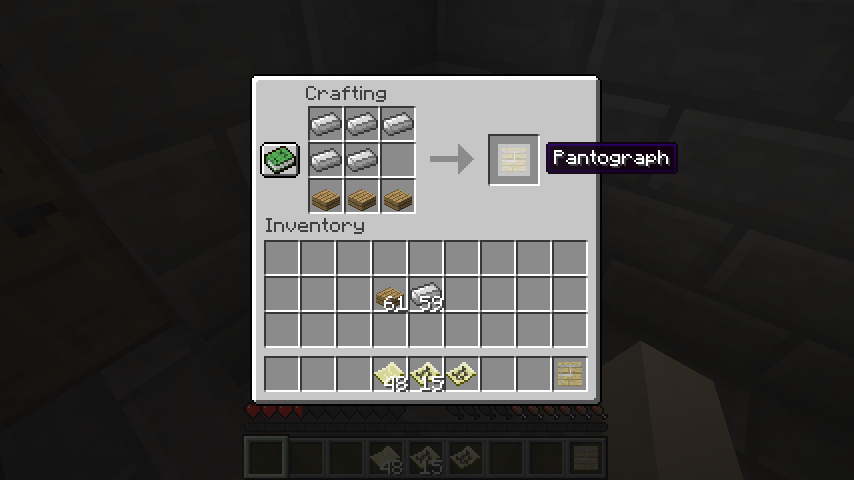
Pantograph crafting recipe.
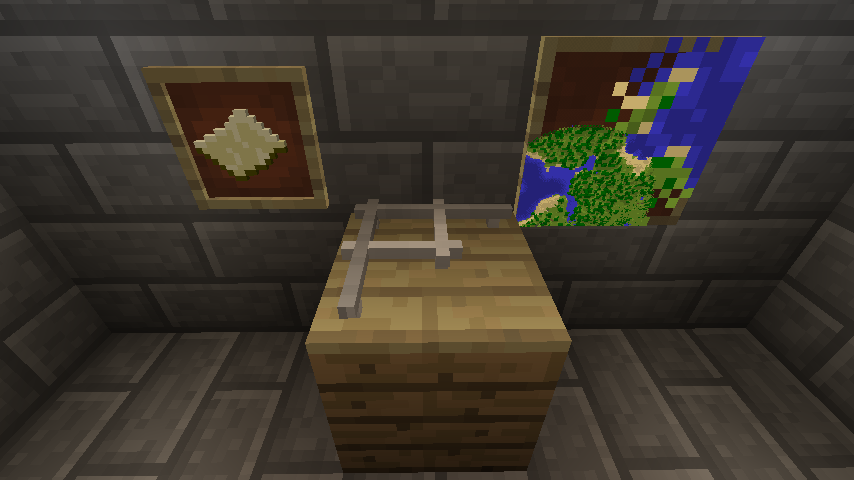
Pantograph block in version 1.12 with an example result - combining scale 0 (bottom left) and scale 4 (top right) maps.
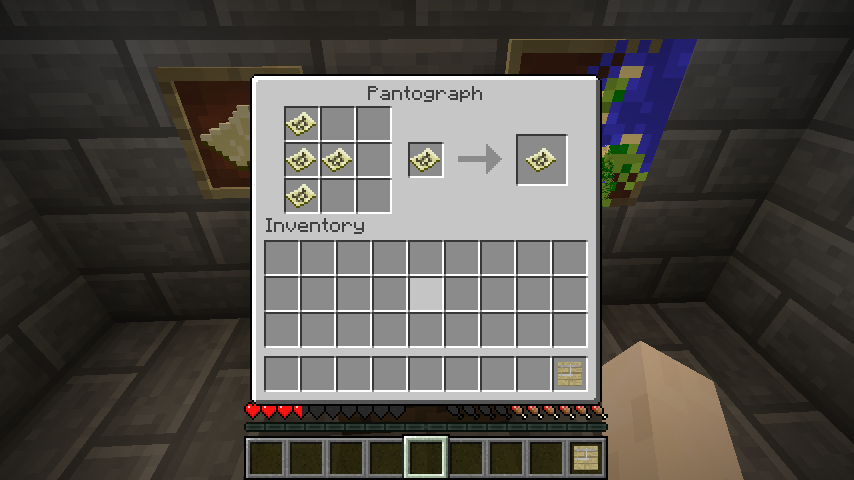
Example of the map data transfer process using a pantograph.
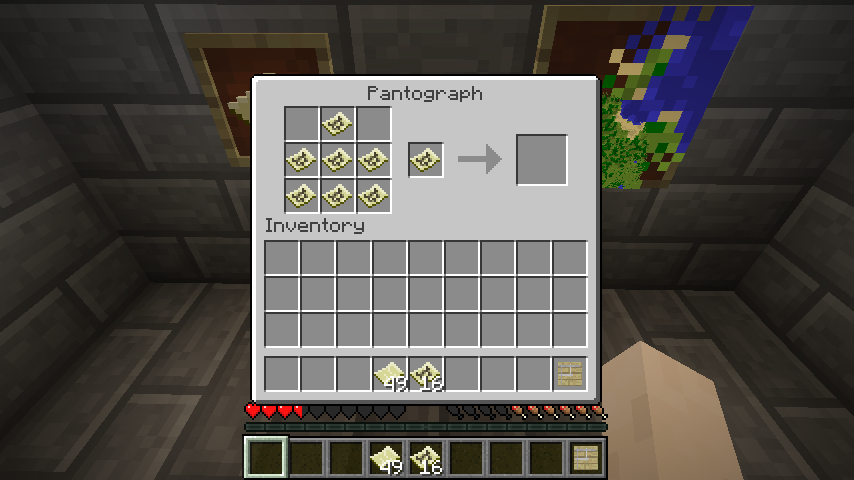
Example of a failed data transfer attempt - one of the source maps is outside the target map's area.
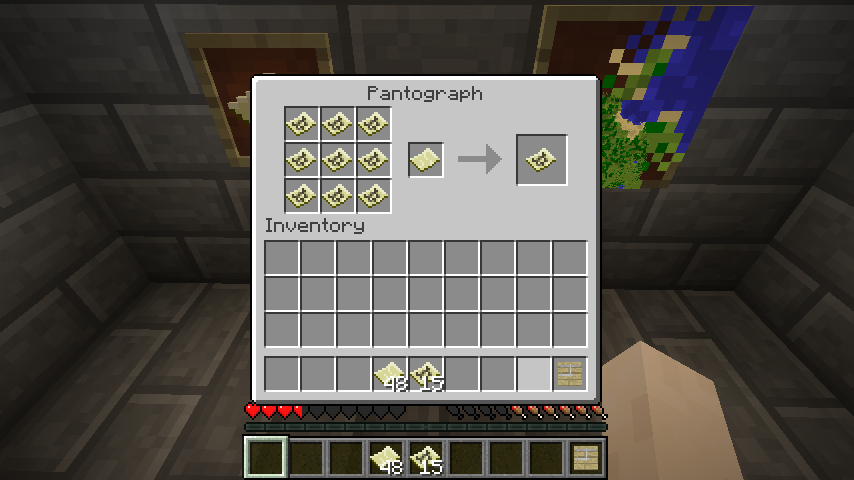
Example of the map copying process using a pantograph.

Result of the map copying process shown in the previous image.


