

ParkourEditor
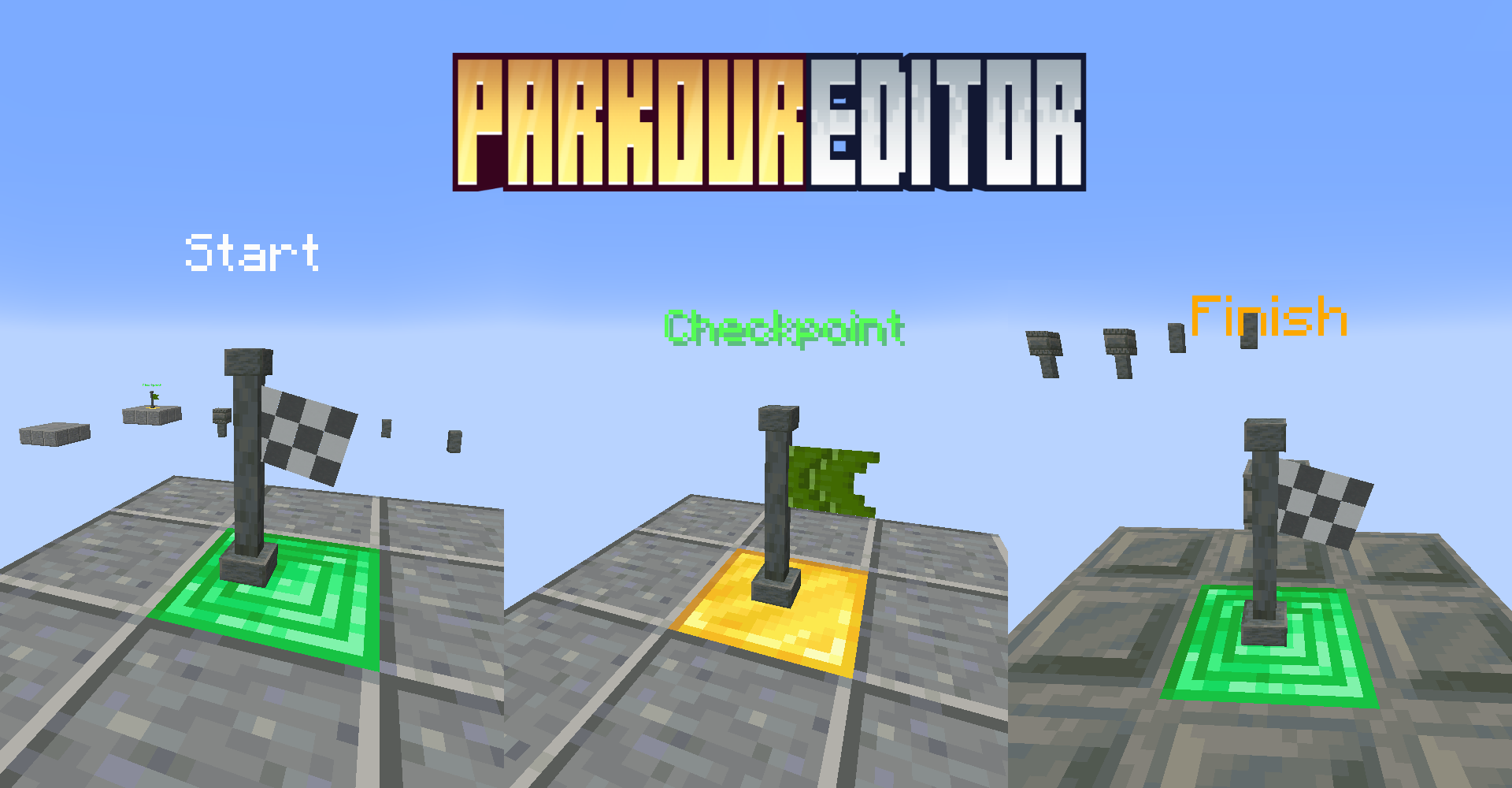
Create exciting parkour courses in Minecraft with professional planning and control tools. This datapack allows you to place special markers to designate starting positions, checkpoints and finish lines, enhancing the thrilling gameplay with time tracking.
Key features
Track setup
To get started, use the flag placement commands. Each command creates an element of a specific route section type. To link multiple objects into a single track, you must use the same numeric parkour identifier at the end of the command.
/function parkour:place_start {parkour: <number>}
/function parkour:place_checkpoint {parkour: <number>}
/function parkour:place_finish {parkour: <number>}
Helper tools
Determine the parameters of nearby parkour elements:
/function parkour:get_idTo remove the datapack from the game, run the uninstall command /function parkour:uninstall, then remove the pack from the active list for the current world.
Gameplay control
Regular players without admin rights can use trigger commands for map movement.
Cancel current attempt: /trigger parkour.cancel
Return to the beginning of a previously interrupted run: /trigger parkour.reset
Resume from the last checkpoint marker: /trigger parkour.checkpoint


