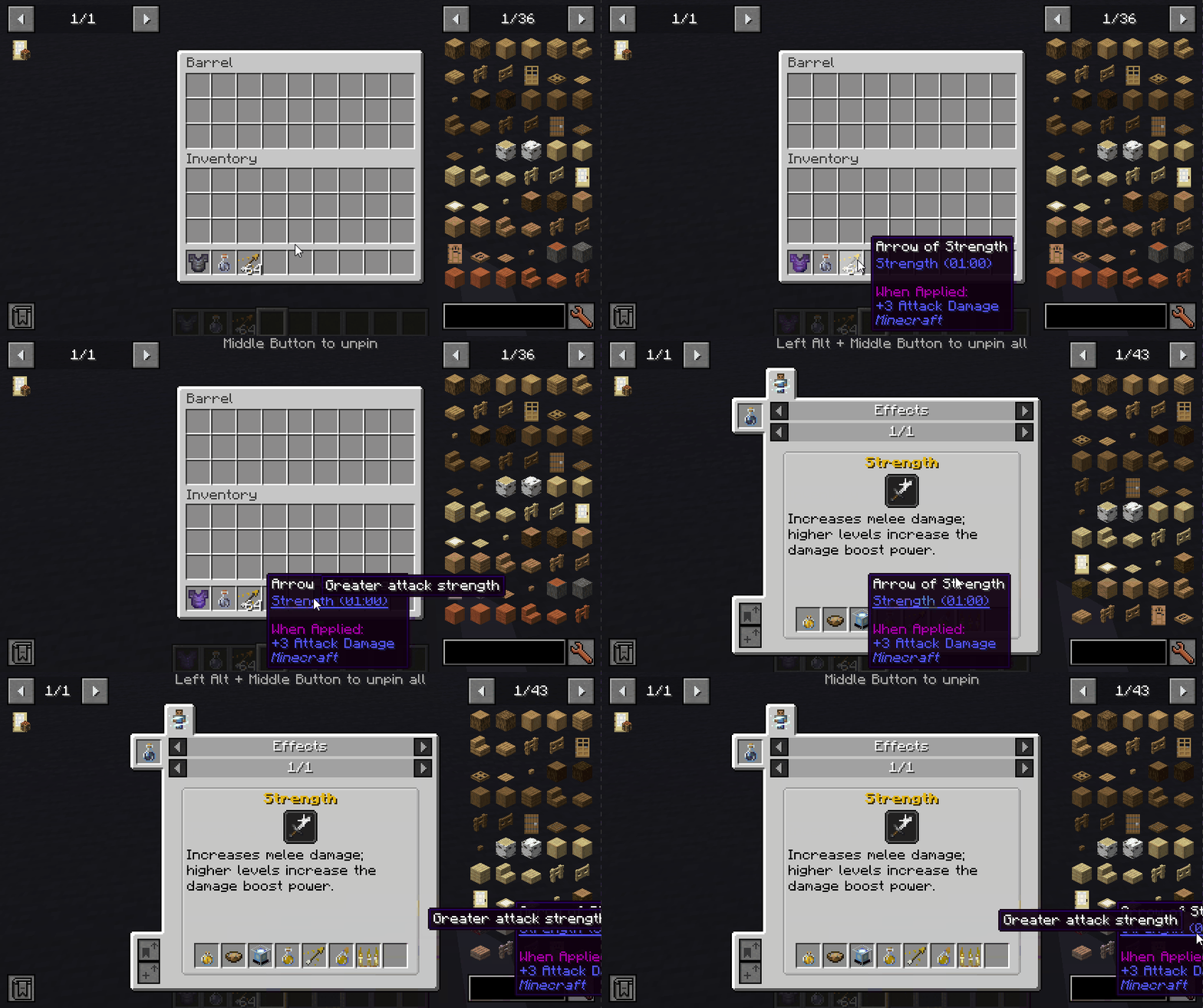

Pin Tooltips 📌
This mod allows you to pin tooltips to the screen, enabling you to carefully examine additional information including enchantment and mob effect descriptions.
By default, if you hover over a tooltip for a while, it will automatically pin itself and remain on screen until the cursor leaves the area.
Important: Pinned tooltips do not persist after exiting the game.
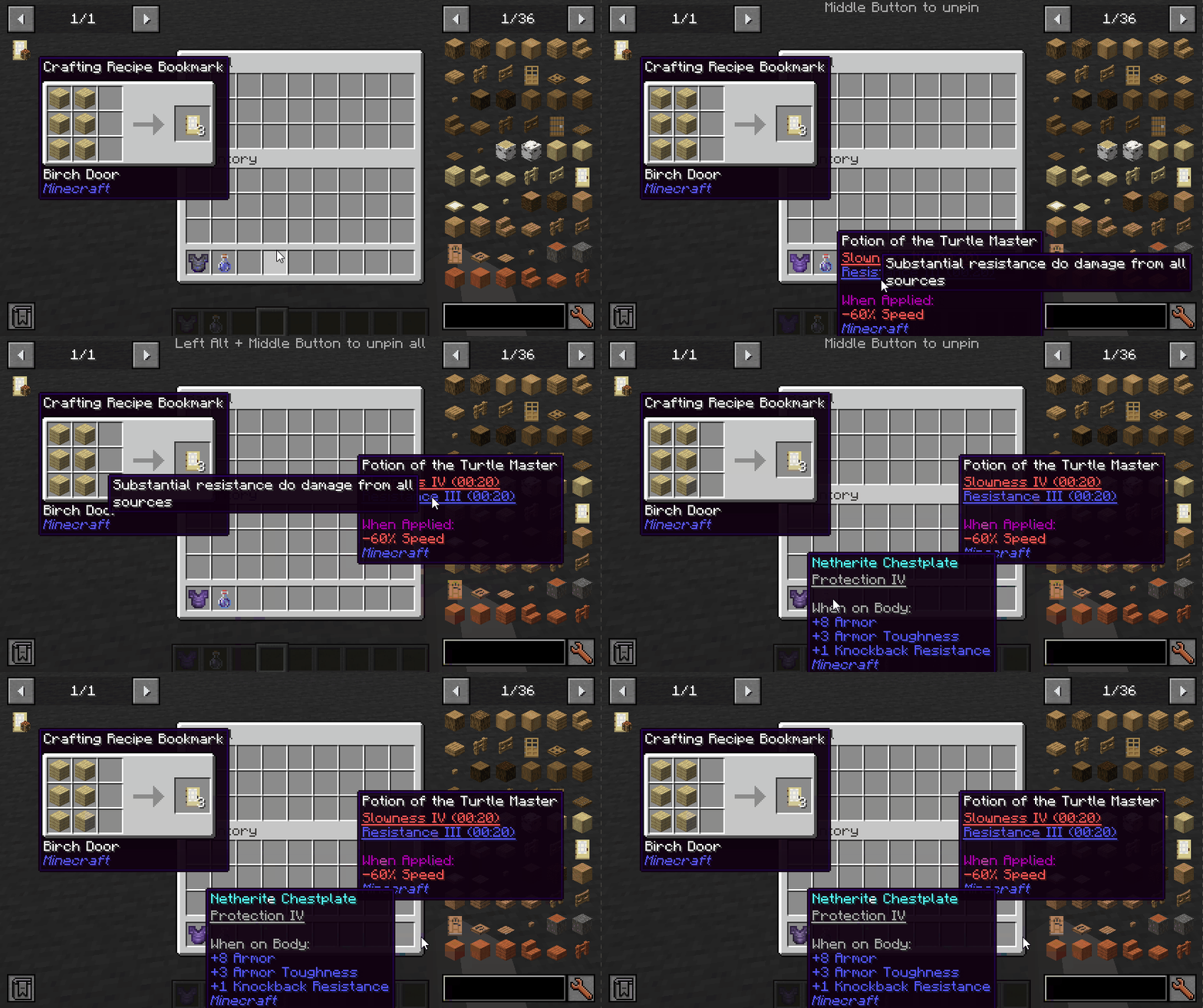
Controls (default):
- Left ALT: Pin the current tooltip
- Middle mouse button: Unpin the tooltip
- Left ALT + Middle mouse button: Unpin all tooltips
Integration with other mods:
With Jade installed, you can see which mod the enchantment or effect belongs to.
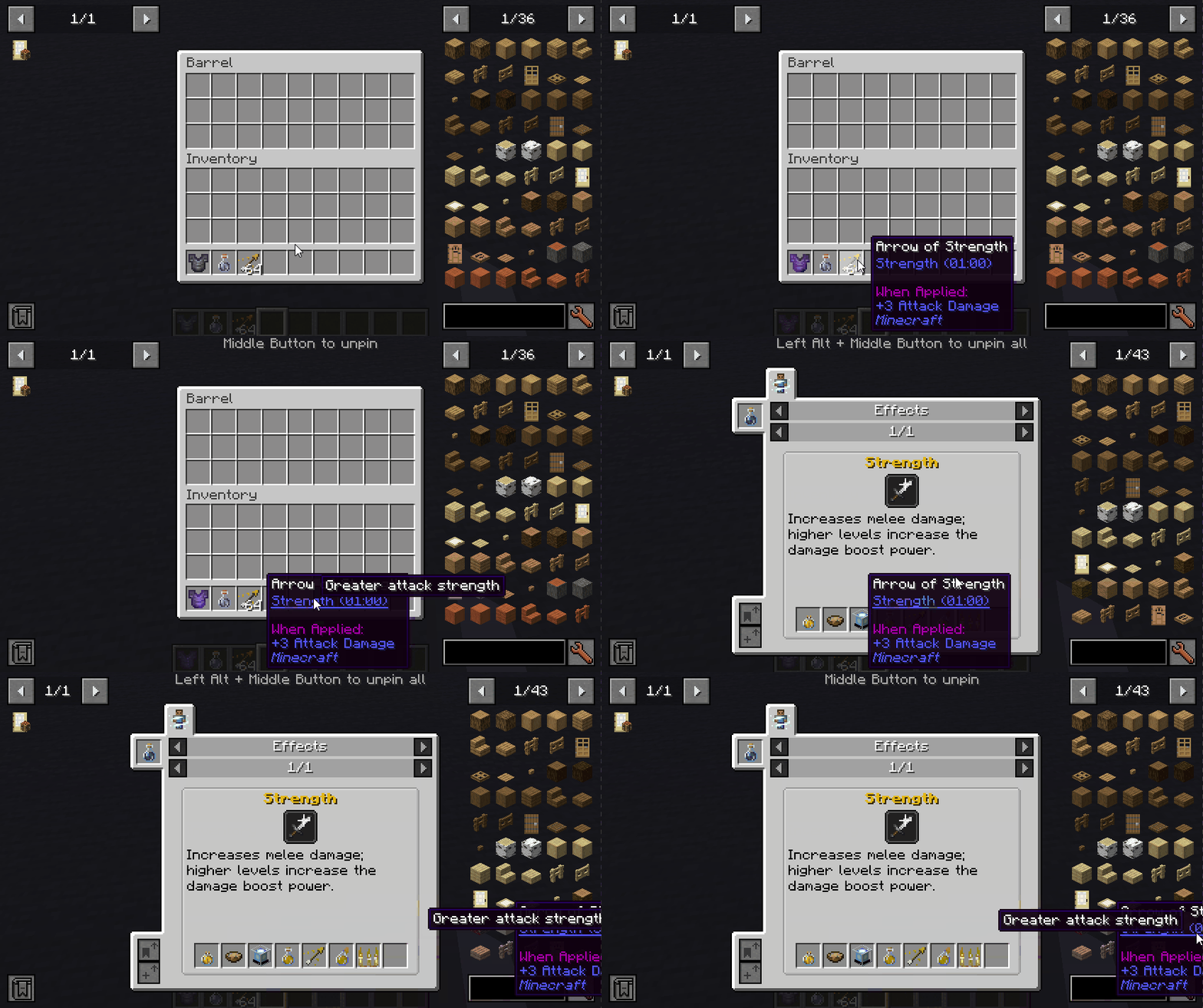
With More Enchantment Info mod, you can click on the enchantment text to open the recipe interface.
If Just Enough Effect Descriptions (JEED) is installed, clicking on the effect text will open the recipe window.
In combination with Tinkers Construct, you'll be able to view trait descriptions in tooltips.
Compatibility
| Mod | Status | Notes |
|---|---|---|
| Equipment Compare | ✅ Supported | |
| Obscure Tooltips | ⚠️ Partially supported | Components are not interactive |
| Legendary Tooltips | ⚠️ Partially supported | Incorrect interaction position for title |
| Tooltips Reforged | ❌ Not supported | |
| Immersive:Tooltip | ❌ Not supported | |
| EnhancedTooltips | ❌ Not supported | |
| ModernUI | ❌ Not supported |



