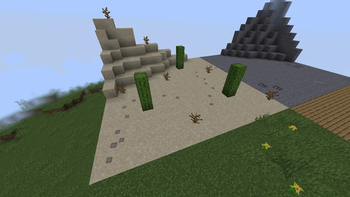

Player Steps
This plugin adds unique visual effects to your Minecraft server by creating decorative traces under players' feet during their movement.
✨ Key Features
- Dynamic footsteps: Visual traces appear under players as they move
- Flexible customization: Fully configurable to meet your needs
- Optimization: Minimal impact on server performance thanks to TextDisplay technology
🎯 Ideal Usage
Perfect for:
- Roleplay servers
- Creating atmospheric environments
- Enhancing the visual gaming experience
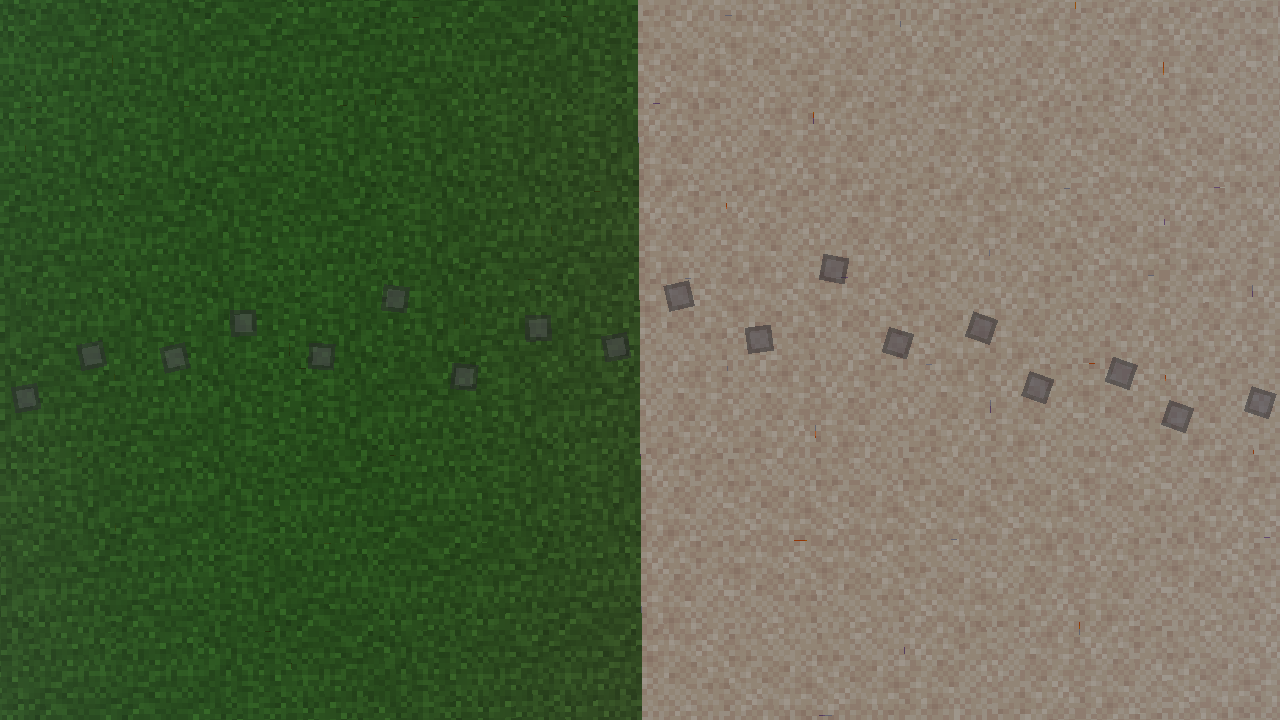
🎨 Creating Custom Steps
Resource Pack Preparation
1. Create a standard resource pack. In the assets/minecraft folder, create two directories:
fonttextures
2. In the /assets/minecraft/font folder, create a default.json file
Example of default.json file contents:
{
    "providers": [
        {
            "type": "bitmap",
            "file": "minecraft:{your file name in the '/assets/minecraft/textures/yourfile'} folder",
            "ascent": 9,
            "height": 11,
            "chars": [
                "ٸ" // The character to which the image will be applied
            ]
        }
    ]
}
Note: The 'ascent' parameter should not exceed the 'height' value
3. Add your image to the /assets/minecraft/textures folder
4. Package the resource pack contents into a ZIP archive
5. Configure in the plugin settings:
- Specify the path to your resource pack
- Set the character for displaying steps (from default.json file)
🔧 Configuration
In the plugin settings, specify:
- Resource pack URL (if using custom)
- Character for displaying steps from your default.json file


