
RenderScale
RenderScale enables independent adjustment of Minecraft's rendering resolution without affecting the user interface elements.
This is a modified version of ResolutionControl++ with additional NeoForge support.
Usage
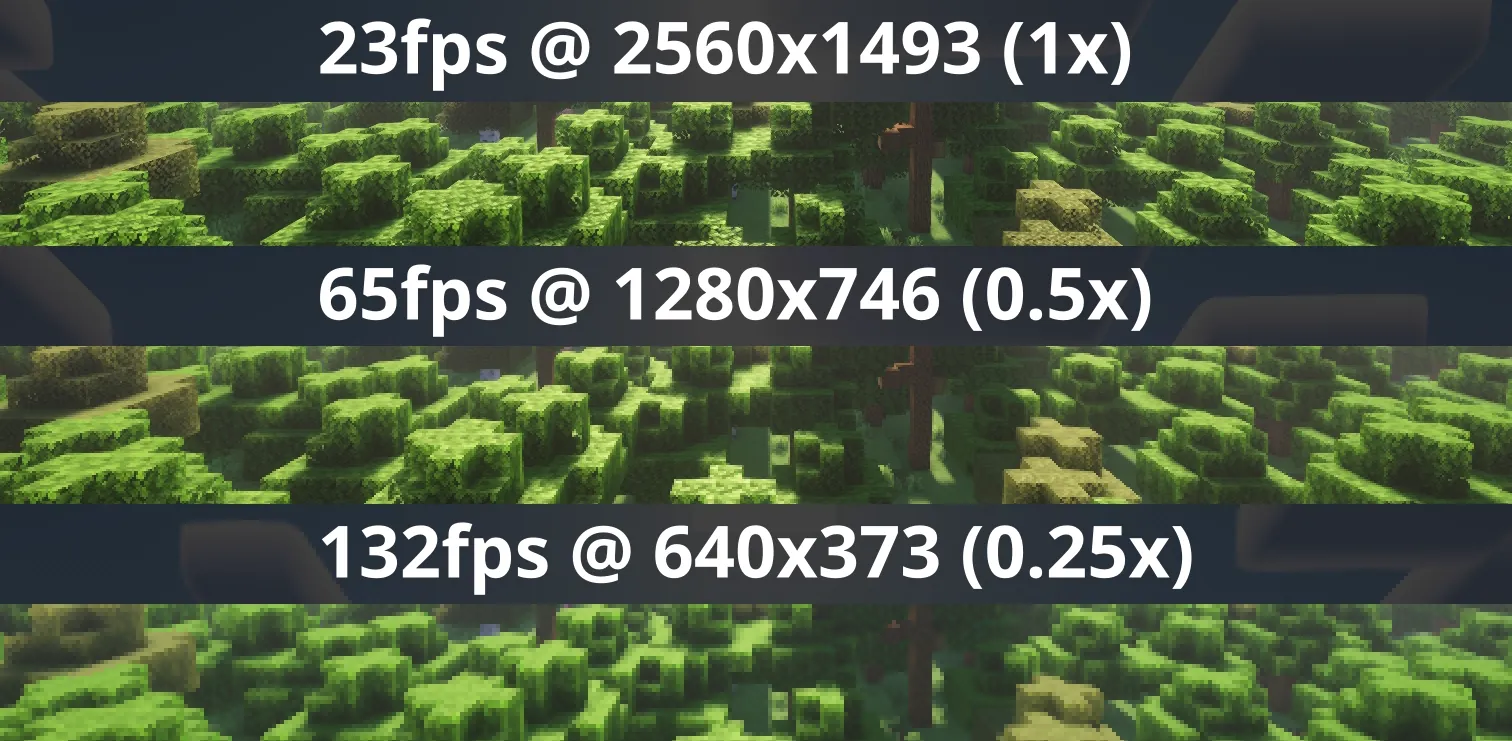
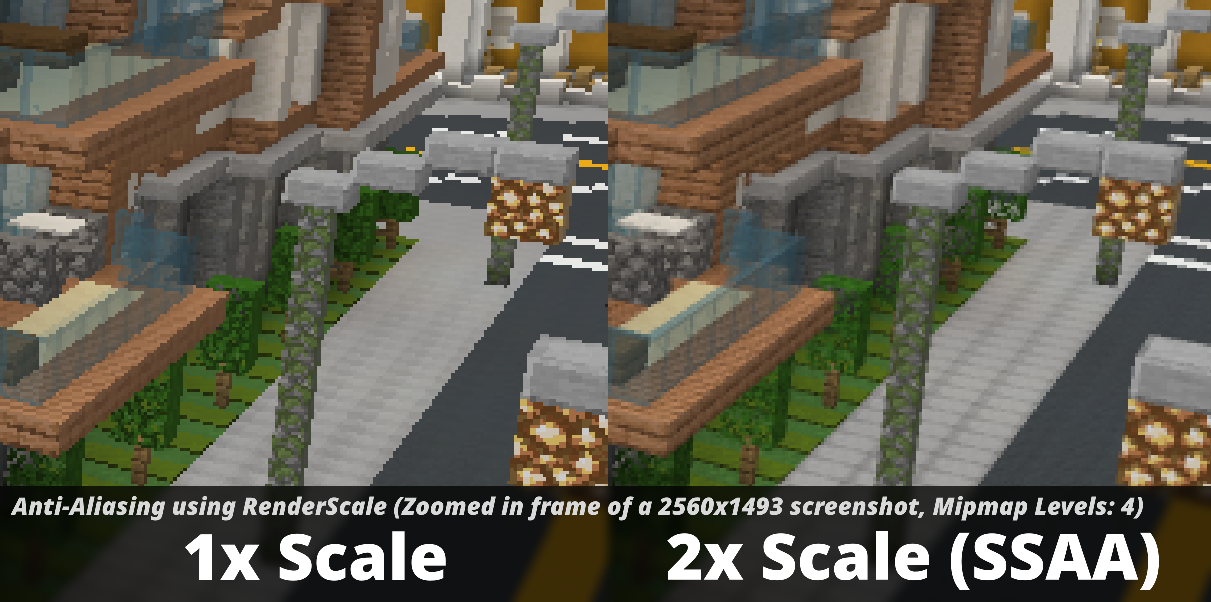
Press the O key or use the mod configuration menu to adjust the render scale multiplier. You can increase it for better anti-aliasing or decrease it for improved performance. Particularly recommended for laptops with Retina displays!
You can also enable forced linear scaling algorithm (similar to FXAA) at lower render resolutions. It's best to disable this option when using shaders, as they typically include their own anti-aliasing.
Compatibility
The mod aims for compatibility with all other modifications, including Sodium, Iris, and more. Issues can be reported in the appropriate section or on Discord. Please remember to include your Minecraft logs!
Important for versions 1.21.5+: There may be issues when using Distant Horizons with shaders.
Supported Versions
| Minecraft | Fabric | NeoForge | Forge |
|---|---|---|---|
| 1.21.8 | ✅ | ⏳ [4] | ❌ |
| 1.21.7 | ✅ | ⏳ [4] | ❌ |
| 1.21.6 | ✅ | ⏳ [4] | ❌ |
| 1.21.5 | ✅ | ✅ | ❌ |
| 1.21.4 | ✅ | ✅ | ❌ |
| 1.21.2-1.21.3 | ❌ [1] | ❌ | ❌ |
| 1.21.0-1.21.1 | ✅ [3] | ✅ [3] | ❌ |
| 1.20.4-1.20.6 | ❌ [1] | ❌ | ❌ |
| 1.20.2-1.20.4 | ❌ [2] | ❌ | ❌ |
| 1.20.1 | ❌ [2] | ❌ | ✅ |
- [1] Available in ResolutionControl++
- [2] Available in ResolutionControl+
- [3] Currently doesn't support Fabulous graphics
- [4] Coming soon...



