
Seed Finder - Finding Perfect Seeds for Minecraft
Important Note: This mod does not crack seeds of existing servers. It is designed exclusively for finding new seeds that match your criteria.
What Does the Mod Do?
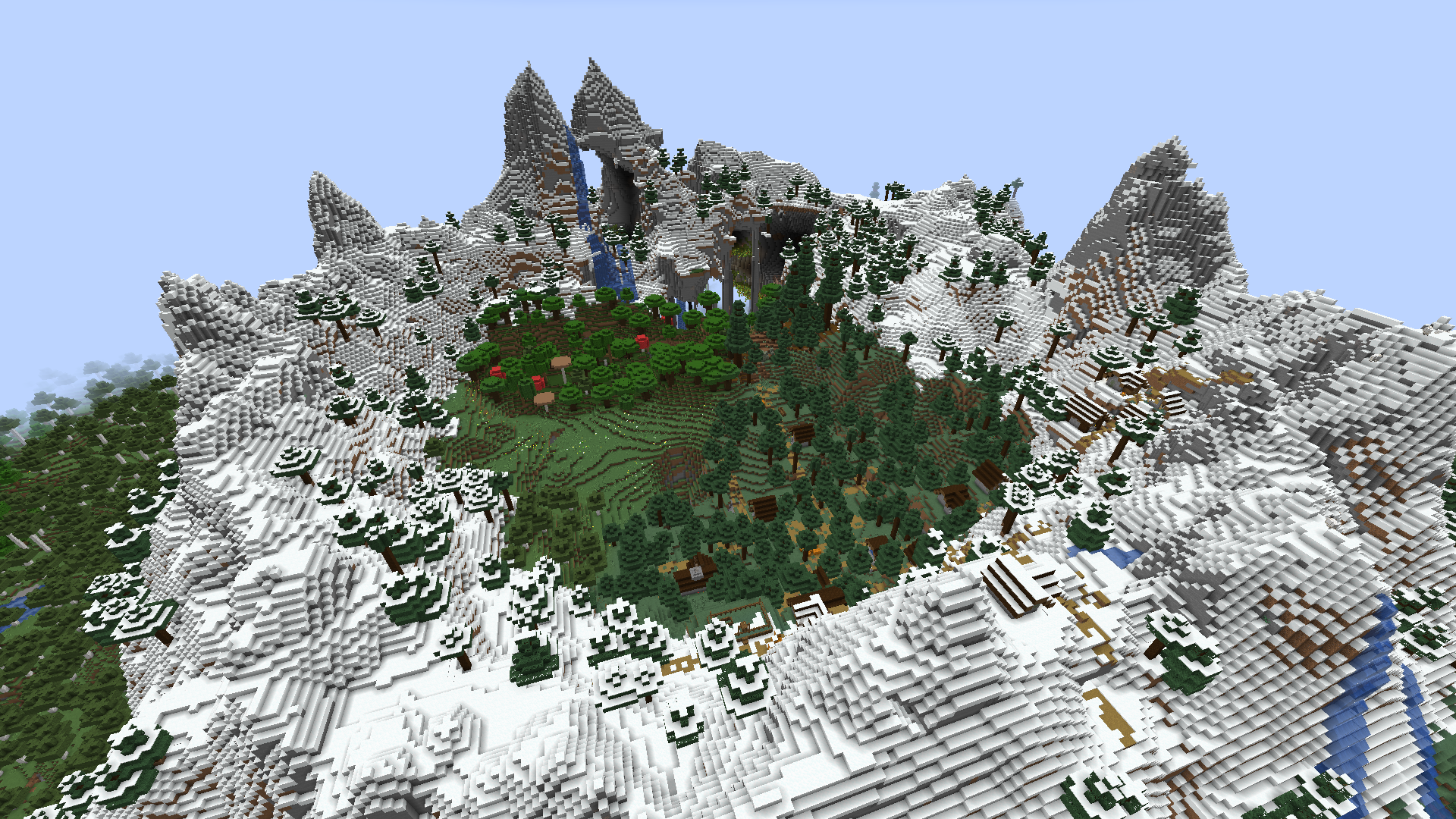
Seed Finder adds a special world type that allows you to set parameters for finding the perfect seed. You specify which biomes and structures should be near spawn, and the mod finds suitable options. When a seed is found, a new dimension is created with that world, and you receive a special book with detailed information about the seed.
You can explore the found world, evaluate it, and add notes to the book. It's recommended to store favorite seeds in an ender chest for future use.
How to Get Started?
- Create a new world and select the "Seed Finder" type in additional settings
- Use
/findseed criteriacommands to set search criteria - Start with minimal requirements (for example, a village within 100 blocks)
- Start the search with
/findseed nextor/findseed next_bedrock
Search Command Examples
Village near spawn:
/findseed criteria add structure java_village 50 spawnWoodland mansion near previous structure:
/findseed criteria add structure java_woodland_mansion 150 criteriaIdx 0Badlands biome within 500 blocks:
/findseed criteria add biome minecraft:badlands20% jungle in the world:
/findseed criteria add biome #minecraft:is_jungle 20Main Commands
/findseed next- find next seed (Java structures)/findseed next_bedrock- find next seed (Bedrock structures)/findseed load 12345- load world with specific seed/findseed load- load world from book in hand
Useful Tips
- Spawn is always at coordinates 0,0
- Don't set impossible criteria (like outpost within 100 blocks of village)
- For island seeds use ocean criteria:
/findseed criteria add biome #minecraft:is_ocean 80 - Each found world is saved as a separate dimension
- Don't play in the Seed Finder world - create a new world with the found seed


