
Seed Finder Mod
Important Note: This mod is not designed to find seeds of existing servers. It does not perform seed cracking or seed reversal.
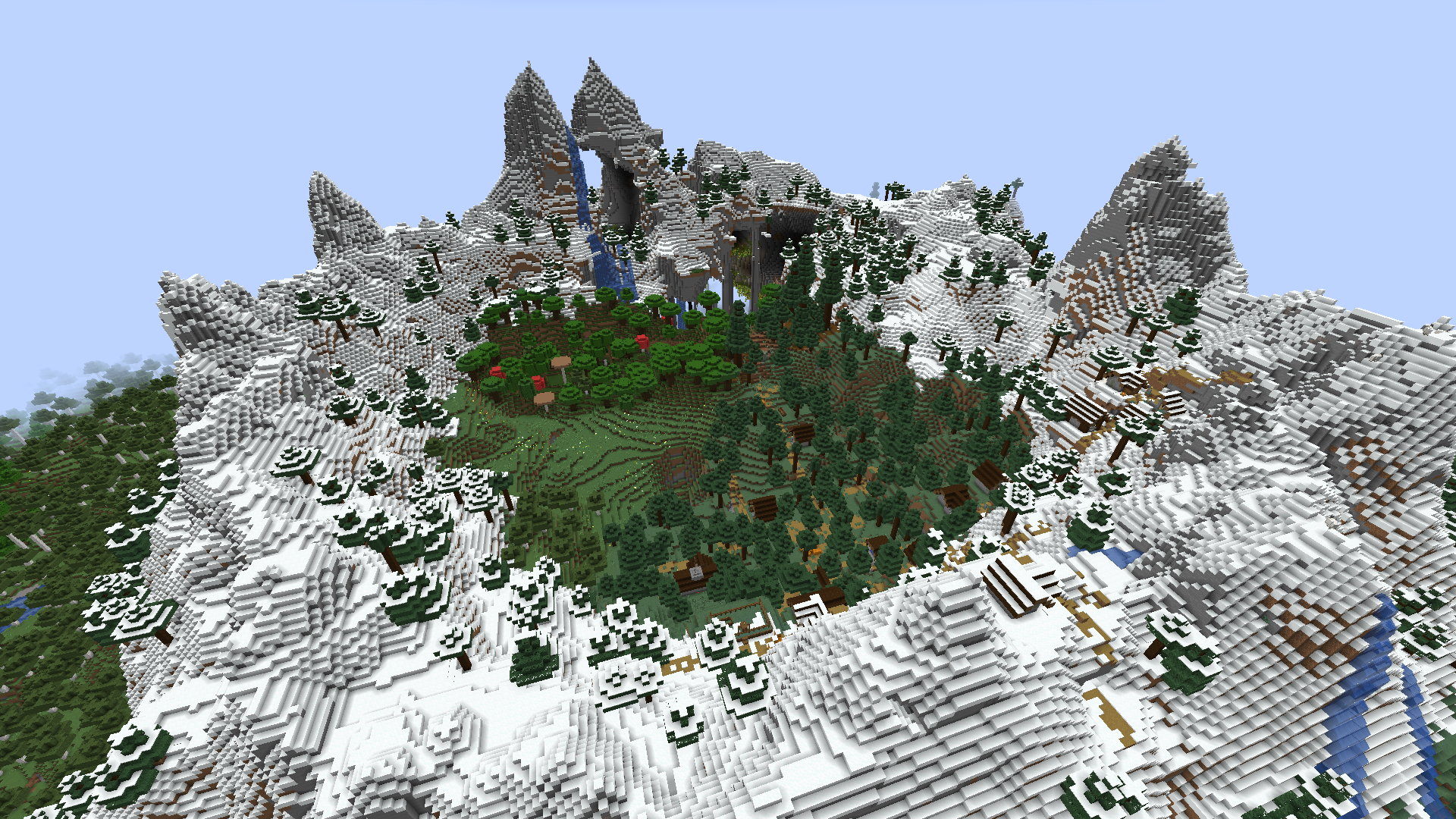
Seed Finder Mod introduces a special world type that allows you to set search criteria for structures and biomes. When a seed matching your requirements is found, a new dimension is created with that seed, and you receive a "seed book" with detailed information about the found seed and the criteria used. You can explore the world, evaluate whether you like it, and add notes to the book. It is recommended to save preferred seeds in an ender chest for later use. To load a saved seed later, hold the seed book in your hand and execute the /findseed load command.
Critical: Do not use the seed finder world for regular gameplay. Create a new world with the found seed.
Getting Started
After installing the mod, create a new world and select the "Seed Finder" type in the "More options" section. Do not use existing worlds for seed searching.
When the world is created, configure search criteria using /findseed criteria commands. Start with minimal requirements (for example, a village within 100 blocks) - additional criteria can be added later.
After setting criteria, use /findseed next or /findseed next_bedrock commands. When a suitable seed is found, you will be placed in the regular world at the spawn point. To move to the next matching seed, simply execute the "next" command again.
Each time you enter a new world, you receive a book with the seed number and search details. Save preferred seeds in an ender chest for future selection.
Search Criteria Examples
Search for a village within 50 blocks from point 0,0:
/findseed criteria add structure java_village 50 spawn
Search for a woodland mansion within 150 blocks from the previous structure:
/findseed criteria add structure java_woodland_mansion 150 criteriaIdx 0
Search for badlands biome within 500 blocks:
/findseed criteria add biome minecraft:badlands
Search for 20% jungle (jungle, sparse, or bamboo):
/findseed criteria add biome #minecraft:is_jungle 20
Removing criteria:
/findseed criteria remove biome 0
/findseed criteria remove structure 1
View current criteria:
/findseed criteria list
Clear all criteria:
/findseed criteria clear
Note: Changing criteria interrupts the current search.
Running Search
Find the next matching seed and move the player to the world with Java structure locations:
/findseed next
Find the next matching seed and move the player to the world with Bedrock structure locations (structures generate differently but in the same locations):
/findseed next_bedrock
Additional Functions
Create a new dimension with a specific seed and move the player (Java structures):
/findseed load 69420
Create or load a dimension for the seed from the book in your main hand:
/findseed load
Tips and Notes
The default spawn point is considered 0,0. In some cases, spawn may be far from this point.
It is possible to set impossible criteria (for example, an outpost within 100 blocks of a Java village). It is recommended to gradually add criteria to refine your search.
For island seeds, set a large percentage of ocean:
/findseed criteria add biome #minecraft:isocean 80
Each seed book contains the seed number, structure locations according to search criteria, and details of the criteria used. Use /findseed load with the book in hand to revisit a world.
Each dimension is saved as a separate folder with the seed number in the name. You can delete seed folders to save space.
The search starts from the lower 48 bits of the last loaded seed. The load command allows you to start searching from a specific seed.


