ShootScreen
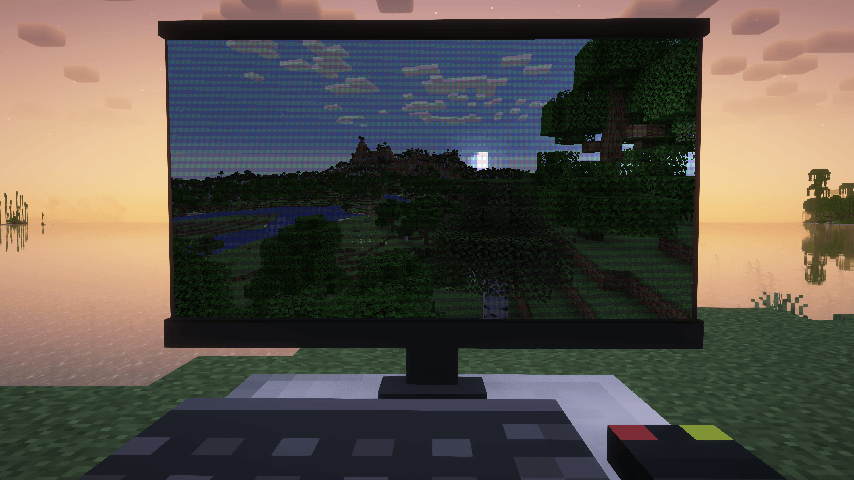
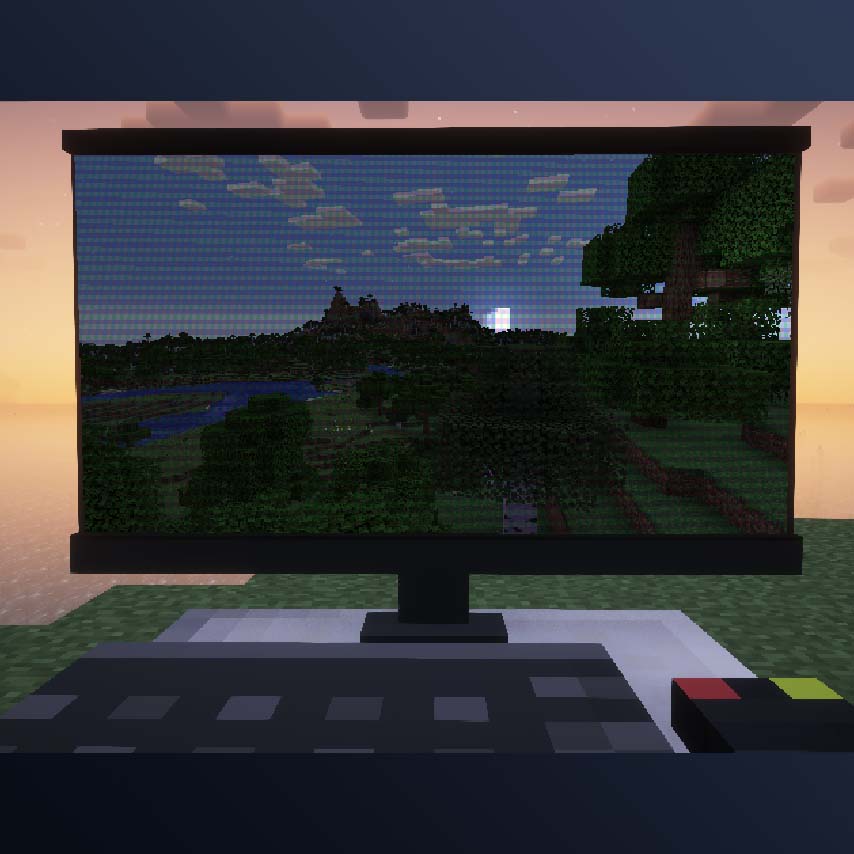
Transforms your game screen into a realistic screenshot replica. By pressing the 'Z' key, you can activate or deactivate this special display mode that mimics the appearance of a screenshot.
The mod offers a rich set of customization options for personalizing the visual appearance. You can upload your own background images and configure numerous additional parameters to create the perfect screenshot effect according to your preferences.
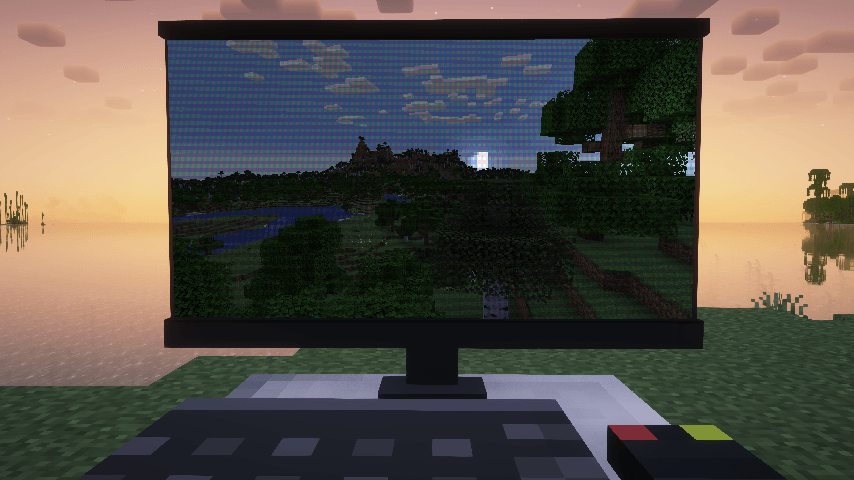
Mod demonstration:
Custom Background Setup
To use custom background images, place the following files in a resource pack:
├───assets
│   └───<namespace>
│       └───custom_background
│           └─── <image_name>.json //background configuration
│       └───texutres
│           └───custom_background
│               └─── <image_name>.png
If multiple background images are present, the mod will apply them randomly.
//Background configuration example
{
  "name": "example_background", //image name
  "screenRect": {               //defining screen corners on the background
    "leftDown": [              //Percentages [0-1] from the lower left corner of the image
      0.106,
      0.249
    ],
    "leftUp": [
      0.0879,
      0.876
    ],
    "rightDown": [
      0.952,
      0.256
    ],
    "rightUp": [
      0.951,
      0.92
    ]
  },
  "moireStrength": 0.6,   //Moiré pattern intensity. Range [0,1]. 0 means no Moiré pattern
  "lightColor": [         //Lighting parameters:
    1.0,
    1.0,
    1.0
  ],
  "lightPos": [
    1.7,
    1.0,
    2.0
  ],
  "viewPos": [
    0.6,
    0.5,
    1.0
  ],
  "ambientStrength": 0.2,
  "specularStrength": 5,
  "shininess": 16
}
Regarding lighting parameters: the mod uses the Phong Lighting Model to simulate highlighting effects. The screen is mapped to a rectangle from (0,0,0) to (1,1,0) with directionality (0,0,1).
If you want to completely disable highlighting effects, set the specular strength parameter to 0.


