Simple Timer
A simple timer plugin for Minecraft servers running on Bukkit, Spigot, Paper, and other compatible platforms. The perfect solution for organizing speedruns, competitions, and any projects that require precise time tracking.
Main Features
The plugin adds a convenient timer system to the server with two main commands:
/timer- main command for timer management/timerc- command for configuration work
Timer Control
Start and Resume
Use the /timer resume command to start or continue the countdown.
Pause
Enter /timer pause to temporarily stop the timer.
Reset
The /timer reset command resets the current timer value.
Setting Time
Using /timer set <time> you can set a specific value. Time is specified in seconds. For example, to set a 5-minute timer, enter /timer set 300.
Working with Saved Timers
Saving
The /timer save <name> command allows you to save the current timer state for later use. For example: /timer save speedrun.
Loading
To restore a saved timer, use /timer load <name>, for example: /timer load speedrun.
Viewing List
The /timer list command displays all saved timers.
Checking Status
You can check the status of a specific saved timer using /timer show <name>.
Configuration and Installation
Configuration Update
After changing settings, use /timerc reload to apply changes.
Plugin Installation To install Simple Timer, place the downloaded .jar file in your server's plugins folder and restart the server.
Color Settings The config.yml configuration file is located in the SimpleTimer subfolder inside the plugins folder. In the colors section, you can configure the color scheme:
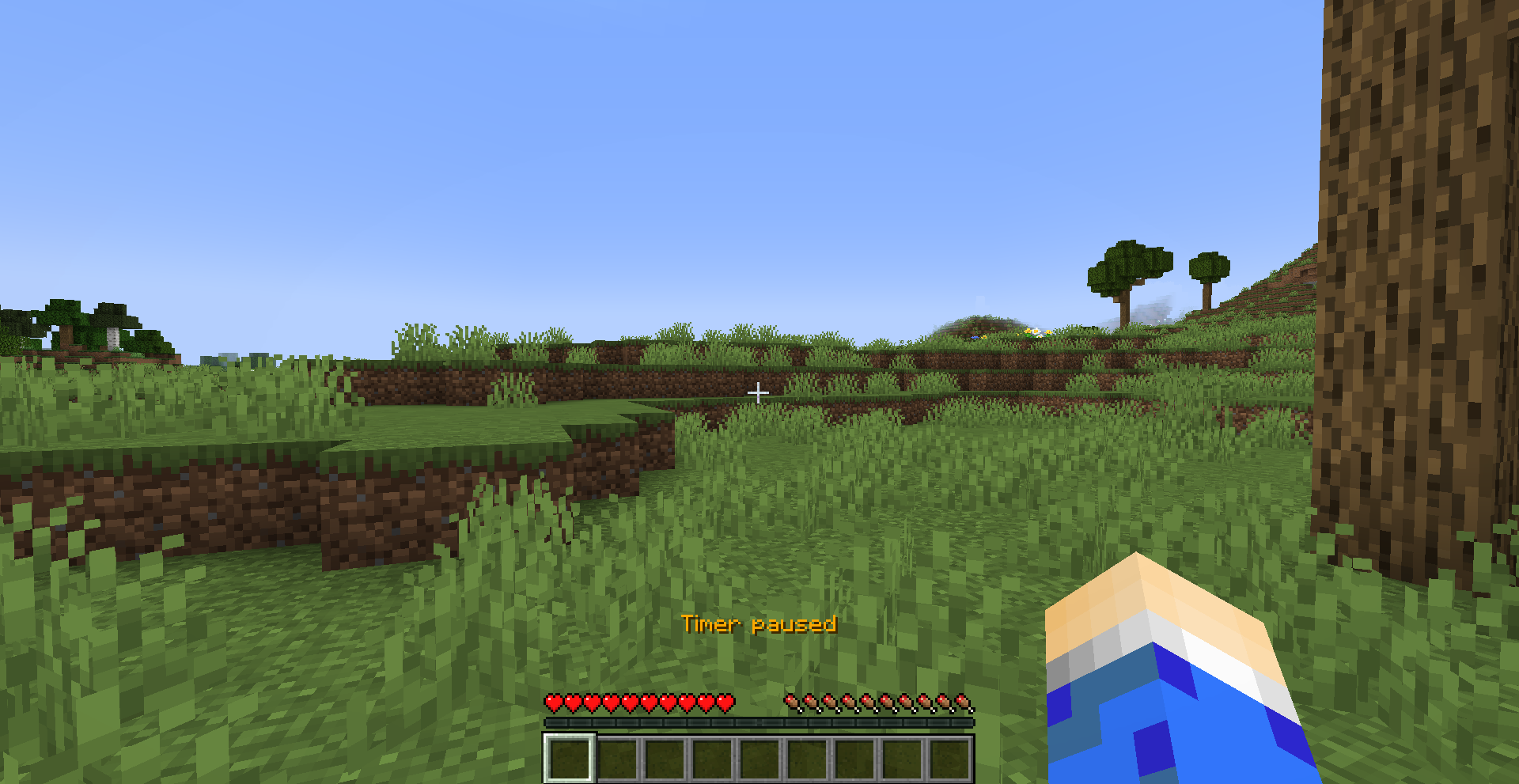
timer- color of the active timertimer-pause- color of the paused timer
Available colors: AQUA, BLACK, BLUE, GRAY, GREEN, GOLD, ITALIC, LIGHT_PURPLE, RED, WHITE, YELLOW, DARK_AQUA, DARK_BLUE, DARK_GRAY, DARK_GREEN, DARK_PURPLE, DARK_RED


