
Tank Storage
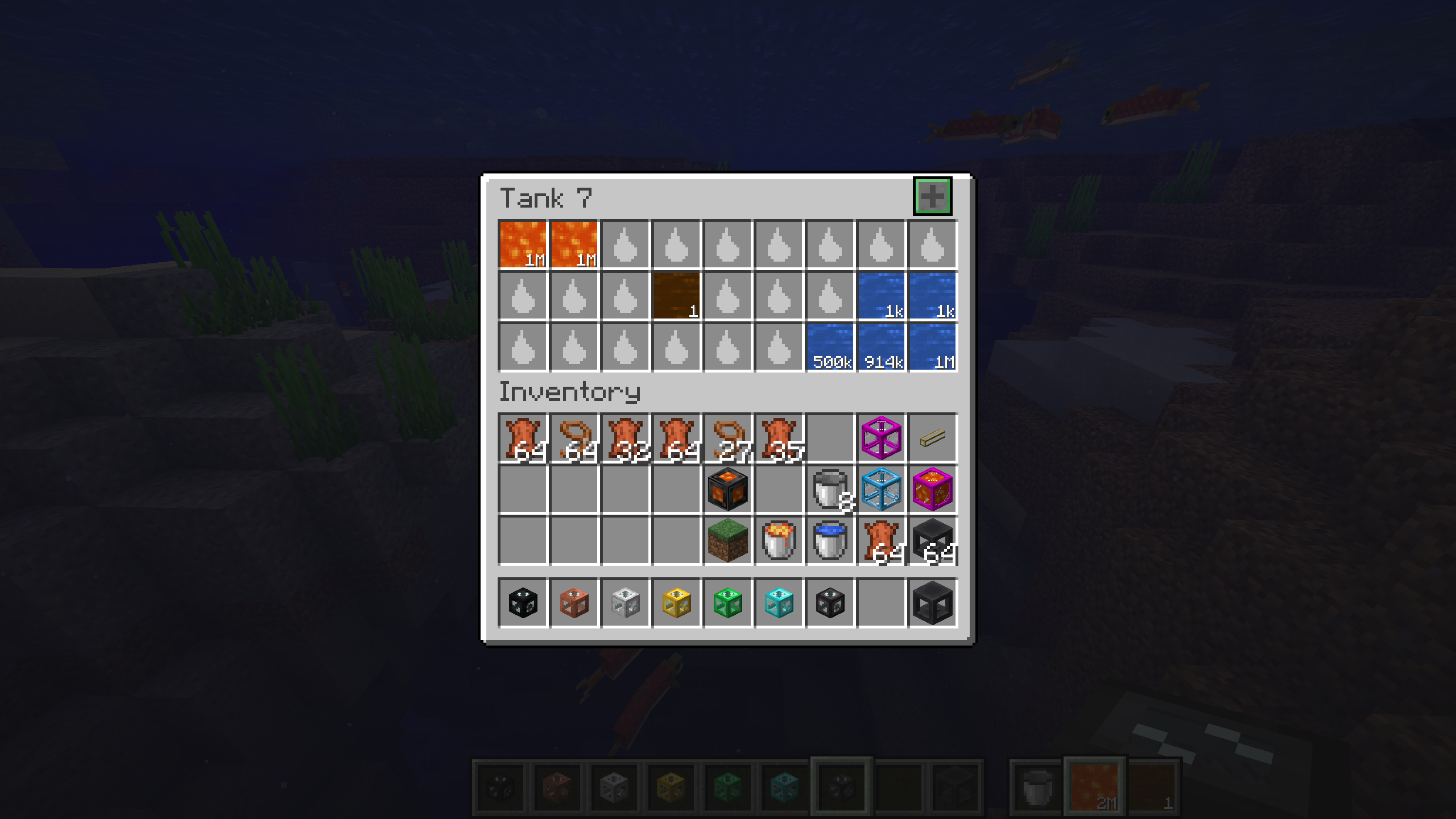
The modification adds to the game portable fluid tanks of seven different sizes that allow convenient storage and transportation of various liquids.
Main Features
The system of portable tanks offers flexible fluid storage right in the player's inventory. Models range from Tank 1 with 3 slots to Tank 7 with 27 slots, with each subsequent version having greater capacity.
Bucket Mode
Enable the special bucket mode to select any fluid from the tank and place it directly in the world. To switch between fluids, hold Shift and scroll the mouse wheel. Regular right-click opens the tank interface, while Shift + right-click toggles bucket mode.
Slot Filtering
Hold the Alt key and click on a slot with a fluid-containing item to lock that slot to a specific fluid. After this, only the corresponding fluid can be placed in the slot.
Tank Dock Station
A special dock station allows you to secure tanks in the world for convenient access. Simply right-click with a tank in hand to install it. To retrieve, hold Shift and right-click.
Tank Linking
The Tank Link function allows multiple tanks to be connected to each other, providing simultaneous access to contents from different locations.
Insert Modes
- Insert All: Any fluids can be added and extracted through the dock station
- Filtered: Only filtered fluids can be added
- Void Overflow: Similar to filtered mode, but excess fluid is destroyed when the tank is full