Too Many Players
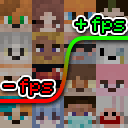
Too Many Players is a client-side optimization mod that significantly increases FPS in situations where there are many other players in your field of view.
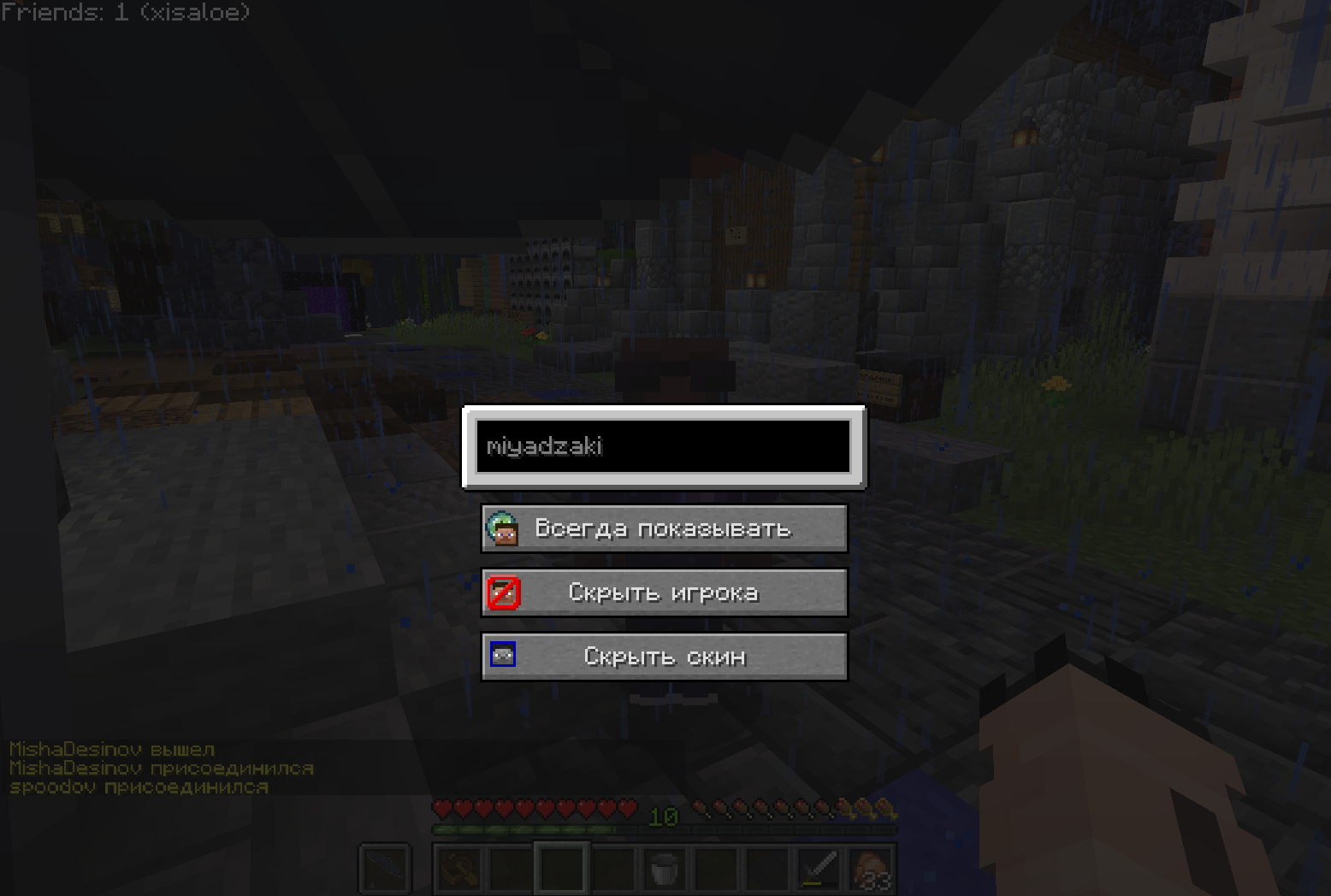
The main function of the mod allows you to completely disable the display of player bodies, their armor, and items in hands, leaving only heads visible. This significantly reduces system load since the game processes fewer graphical elements while maintaining the ability to identify characters.
An additional "Hiding Areas" option allows you to configure player visibility levels based on distance to them, providing flexible optimization.
Management and Settings
To activate or deactivate player optimization, use the J key (configurable in settings).
Mod Commands
All commands start with /tmp:
/tmp blocklist- manage blacklist of players for complete hiding or head-only display/tmp hideskin- hide player skins/tmp whitelist- exclude players from optimization
For working with lists, the following arguments are available:
add- add a player (e.g.,/tmp whitelist add DearFox)clear- completely clear the listlist- show all players in the listremove- remove a player from the list
Configuration Presets
The /tmp preset command allows working with preset configurations:
create- create a new presetlist- view all available presetsremove- delete a presetselect- select an active preset
By default, three presets are available:
default- standard settingsSP- for server playersSP_potato- for players with weak computers
Online Features
The /tmp url command reloads the online whitelist. You can specify a link to a remote JSON file with player names, for example: /tmp url http://tmp-sp-whitelist.uwu.name/