UNU Template Pack
This template set allows you to easily create your own vehicle skins and publish your own skin packs for Immersive Vehicles!
The main advantage of creating a skin pack is that you don't need to worry about stealing models, updating JSON files, or other technical complexities! All of this is handled by the mod containing the original vehicle - you only need to create the skin!
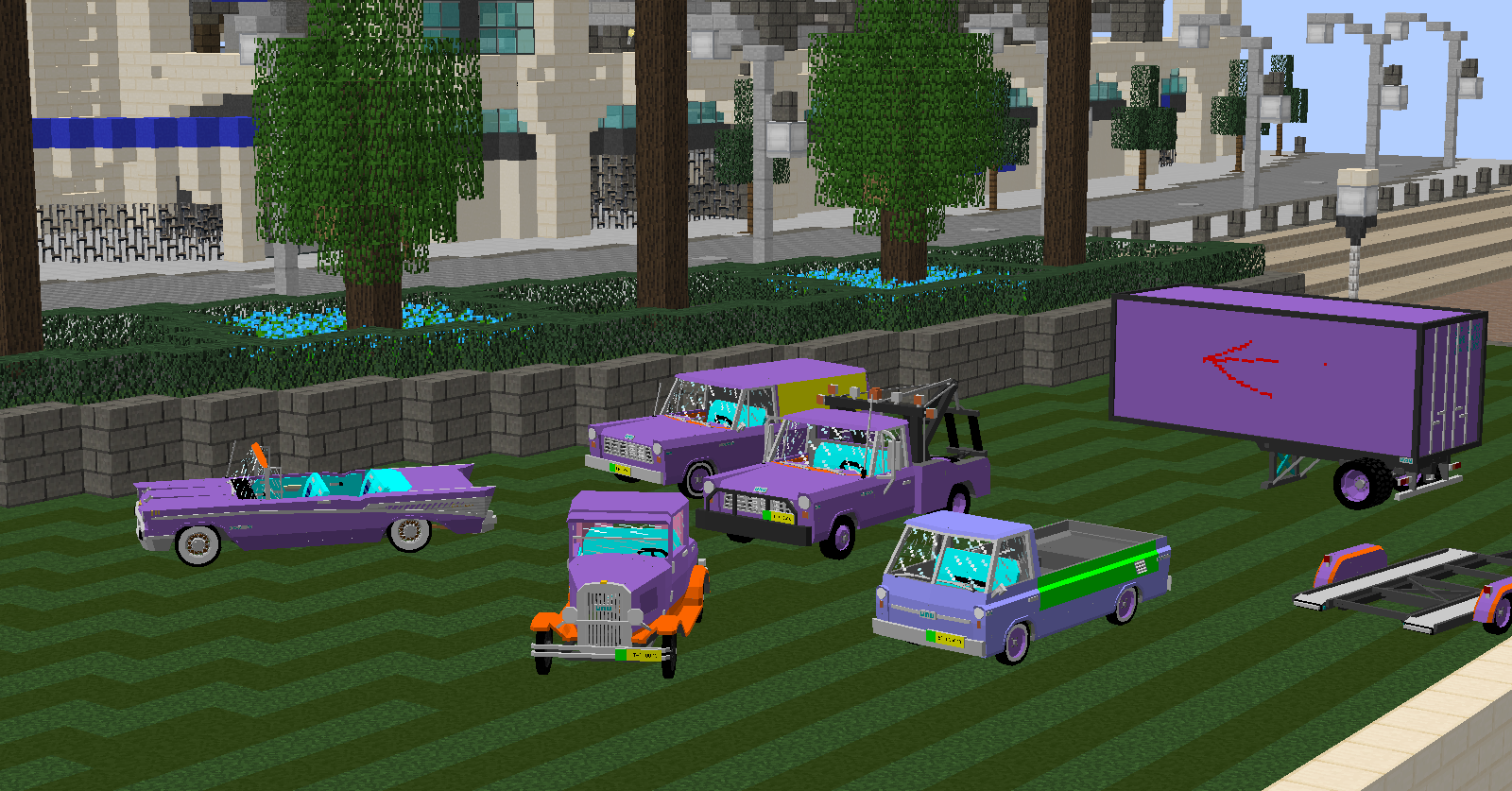
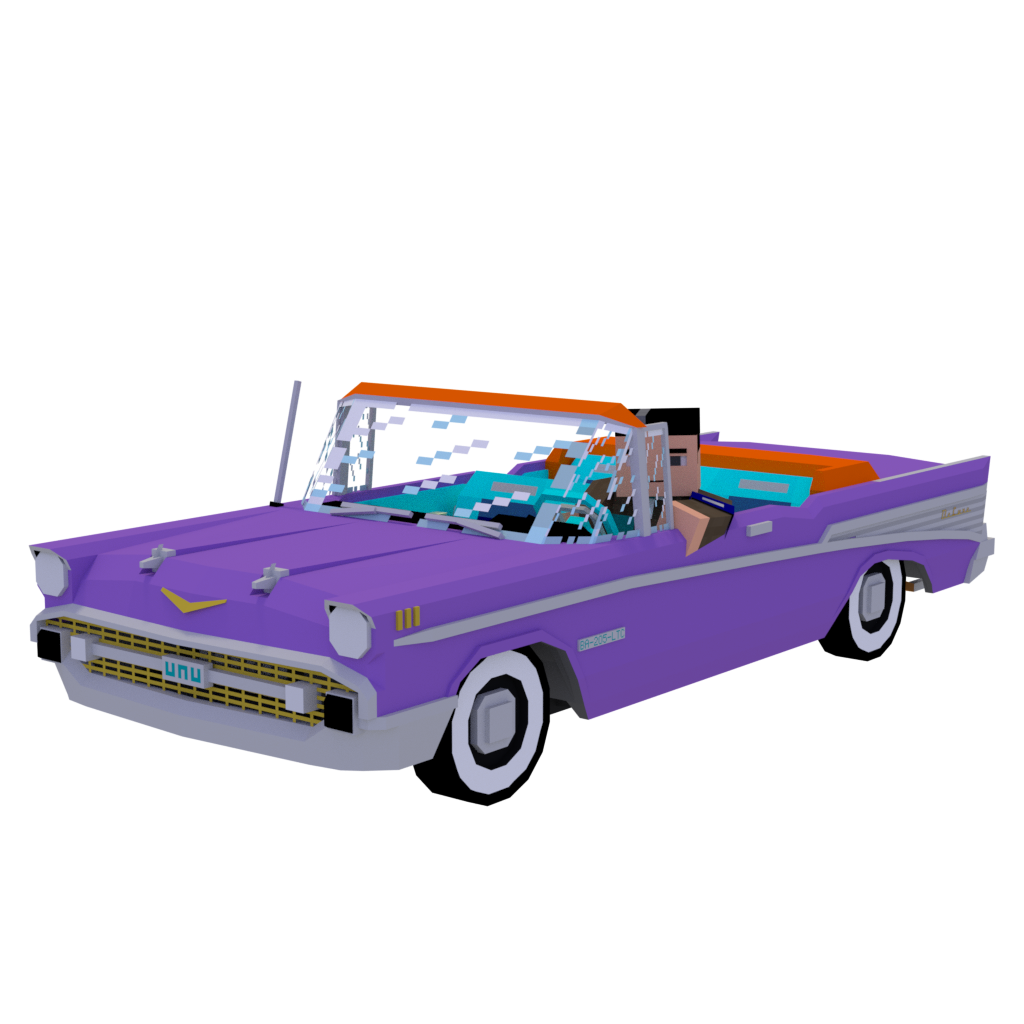
The current set includes templates for UNU Parts Pack and UNU Civilian Pack with original model textures that I use to create various color schemes and interiors (which is why the textures look unusual).
Setting Up Your Own Immersive Vehicles Skin Pack
- Choose a unique pack identifier (packid) - lowercase letters only, no spaces
- Open the .jar file (can be renamed to .zip or extracted) and navigate to the assets folder
- Rename the 'unutemplate' folder to your packid and open it
- Fill out the packdefinition.json file (recommended to change only packid and pack name)
- Now you can create skins!
Creating Skins
Determine which vehicles you want to create skins for and which pack they come from (for example, UNU Rabbit from UNU Civil Pack).
In your packid folder, there is a jsondefs folder where skin JSON files are stored - these are the files that "code" your skins.
There are also other folders in assets corresponding to UNU packs (unuparts, unucivil) - this is where your skin PNG files will go.
In jsondefs/skins you'll find folders for each UNU pack, organized the same way as in the original packs.
Find the skin JSON files you need and delete everything else (you can always re-download this pack).
Do the same with the template textures in other folders.
Open the skin JSON file for the desired vehicle. The "name" and "subName" fields determine the vehicle name in the game and the skin file name (for example, "_orange" or "_army"). This affects the item name suffix and the skin file name.
The extraMaterials section defines additional crafting materials for the skin. It's recommended to create a paint can skin and define your own paint.
partTones defines part colors: first value - wheels, second - seats, third - license plate. Change to "" to use default values.
You can repeat the definition section to create multiple skins. It's recommended to study official packs to understand the definition structure.
After defining all skins, use template textures to create skin files. Typically purple is paint, yellow is carpet, pink is headliner, green/orange are secondary colors, and blue is interior. Check color correspondence with the vehicle in the game!
Test the skins (make sure you have the base pack installed, otherwise the vehicle won't load) and upload the finished pack! You've created a skin pack without using others' models!


