Vertically Stacked Dimensions
Many Minecraft players have dreamed of extended vertical building limits or even unlimited height.
A full vertical expansion of the game world similar to horizontal would require rewriting most of the game engine. This would lead to numerous technical complications and incompatibility with most popular mods.
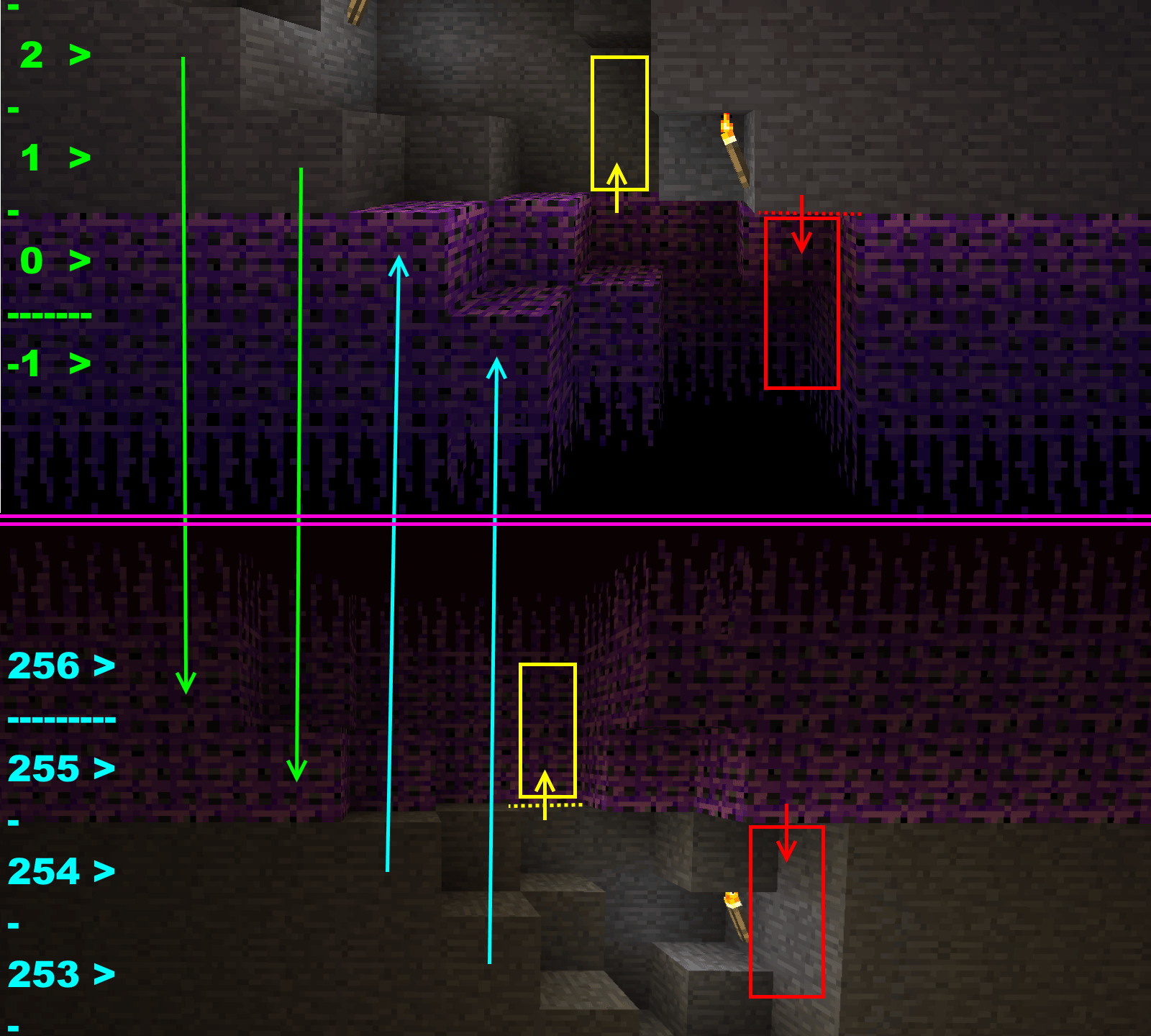
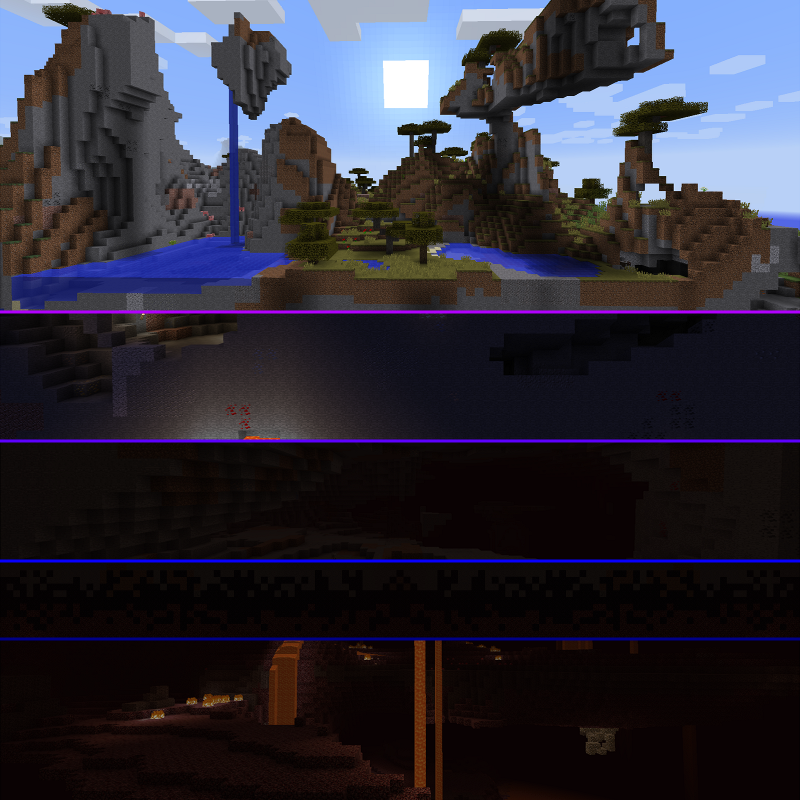
This modification offers a more elegant solution: it effectively increases vertical building space with minimal intervention in the game. This is achieved by stacking multiple dimensions on top of each other and connecting them with special portals that automatically activate when the player reaches the top or bottom of the current layer.
Instructional video on using the mod
Main Features
In addition to creating vertical connections between dimensions, the mod offers the following functions:
- Customization of ore generation in individual dimensions (including uneven distribution)
- Adding custom layers of arbitrary blocks within dimensions (with optional fade-out effects like bedrock)
- Replacing specific blocks at specified heights during world generation
- Generation of Nether-like terrain in any dimension at selected heights with customization of used blocks
- New features planned for the future
Currently, the mod doesn't add its own dimensions - it requires dimensions from other modifications. Here are some compatible options:
Dimension generators:
- Just Enough Dimensions - creation of customizable dimensions + additional configuration
- Dimensional Control - creation of customizable dimensions
- Open Terrain Generator (OTG) - comprehensive world and dimension generation system Unfortunately, joint use blocks some vertical stack functions. Terrain generation becomes unavailable, and the configuration interface stops working in the world creation menu.
- OTG: Skylands - addon for creating sky dimensions
Mods with dimensions:
- The Beneath - adds a dark underground cave dimension
- Cavern - includes many different cave dimensions
Usage
Installation
The modification is installed in the standard Forge way:
- Set up a Forge installation
- Add downloaded mod files and the required version of CD4017BE_lib to the mods folder
- Install additional mods if necessary
- Launch the game to initialize configuration files
Configuration
By default, when creating a new world, this mod places Overworld above Nether. To change configuration and connect other dimensions, two options are available:
- [Simple] Click the "Stacked Dimensions" button next to "Additional World Settings" in the world creation menu and configure the dimension stack through the graphical interface
- [Advanced] Edit the mod configuration file located at "/config/cd4017be/verticalDimensionStack.rcp"
Compatibility
The mod is compatible with most popular Forge modifications that add their own dimensions. It's recommended to check compatibility before installing in large modpacks.


