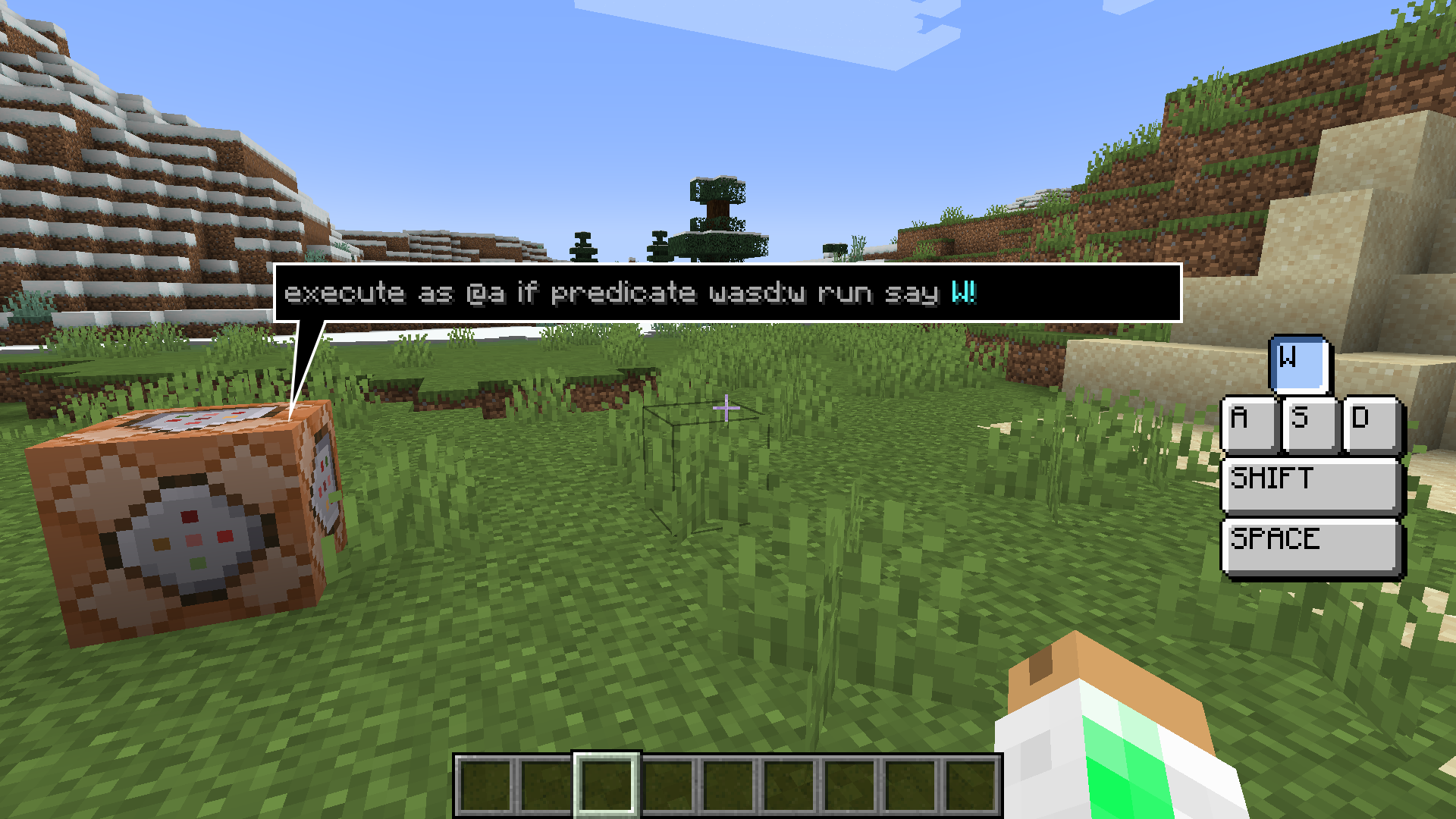

WASD Detection
Accurate WASD key detection for Minecraft datapacks.
Compatible Minecraft Versions
Java Edition 1.20.2 - 1.21 (Pack versions for 1.20.1 and 1.19.2 also available in versions section)
How to Use the Datapack
The WASD detection system works as an in-game predicate that can be accessed through /execute commands or player selectors.
/execute as @a if predicate wasd:w run say pressed w/execute as @a[predicate=wasd:w] run say pressed wEither of these commands will result in a "pressed w" message appearing in chat when the player moves forward.
List of Predicates
(All predicates have the prefix wasd:)
- wasd:w = player moves forward
- wasd:a = player moves left
- wasd:s = player moves right
- wasd:d = player moves backward
- wasd:moving = player pressed any of the four directional keys
- wasd:space = player moves upward
- wasd:falling = player moves downward
- wasd:shift = player presses SHIFT
Locking Player Movement
If you want to lock player movement, execute this command:
/execute as @a run function wasd:lockThis will lock all players at their current positions.
To lock a player at a specific location, execute:
/execute as @a positioned <XYZ> rotated <Y ROTATION> <X ROTATION> run function wasd:lockReplace <XYZ> with desired coordinates, and <Y ROTATION> and <X ROTATION> with desired rotation angles.
To unlock players, execute:
/execute as @a run function wasd:unlockInstallation
Method 1 (Existing World)
- Navigate to .minecraft/saves/
/datapacks folder - Paste the downloaded .zip file into this folder
- Enter your Minecraft world and type /reload
- A "Datapack Installed" message should appear
Method 2 (New World)
- In the Create new world screen, click the "Datapacks" button
- Drag and drop the downloaded .zip file into the game window
- Apply the datapack
- Create new world