
WitcherCraft

Experience the life of Geralt of Rivia right in the world of Minecraft! This mod brings the atmosphere of The Witcher universe to your game, adding unique mechanics and content.
Magical Signs
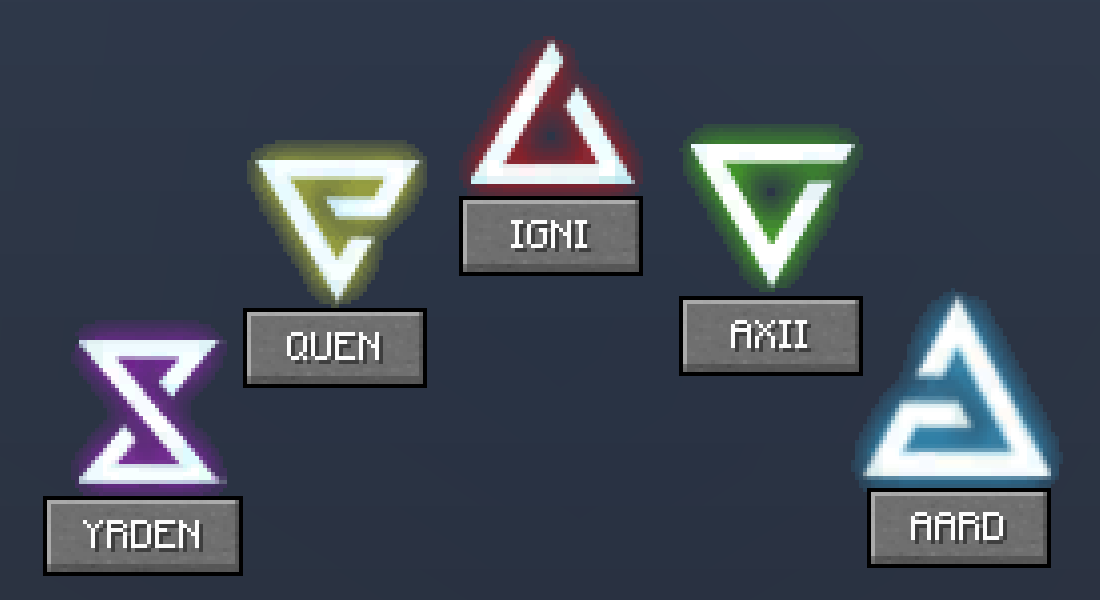
Signs are powerful spells that will help you in battles with monsters and protect you from enemy attacks.
To open the signs menu, press the Tab key. Choose the desired sign from five available options, and to cast it use the R key. Each sign can be activated once every 45 seconds.
Alchemy System
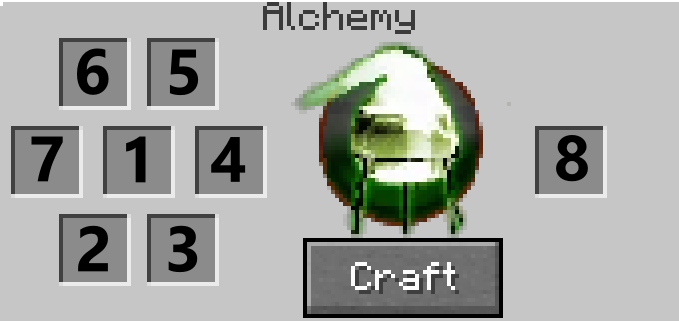
The alchemy menu works as a portable crafting table for creating various useful items. Opens by pressing the B key.
With it you can create:
- Potions - the most common alchemical products that provide temporary buffs when consumed
- Oils - special compounds for application to blades, increasing damage against certain types of creatures
- Bombs - thrown projectiles that deal area damage and apply various effects to groups of enemies
Witcher Gear
Complete equipment sets from six witcher schools are presented in the mod. Each school is oriented towards a specific playstyle and provides unique bonuses.
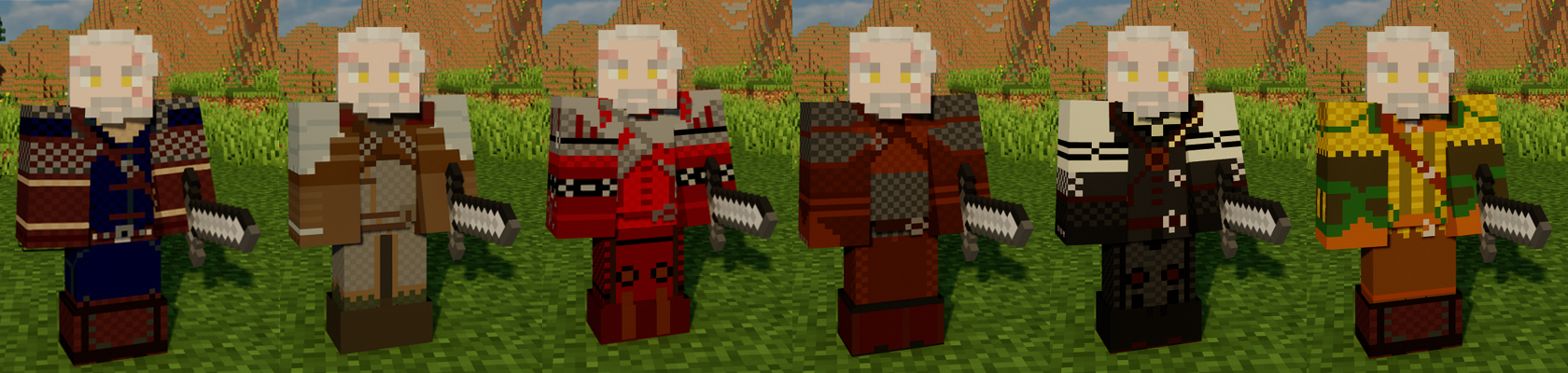
To craft any piece of equipment, you'll need corresponding diagrams that can be found in chests or purchased from villagers.
New Monsters
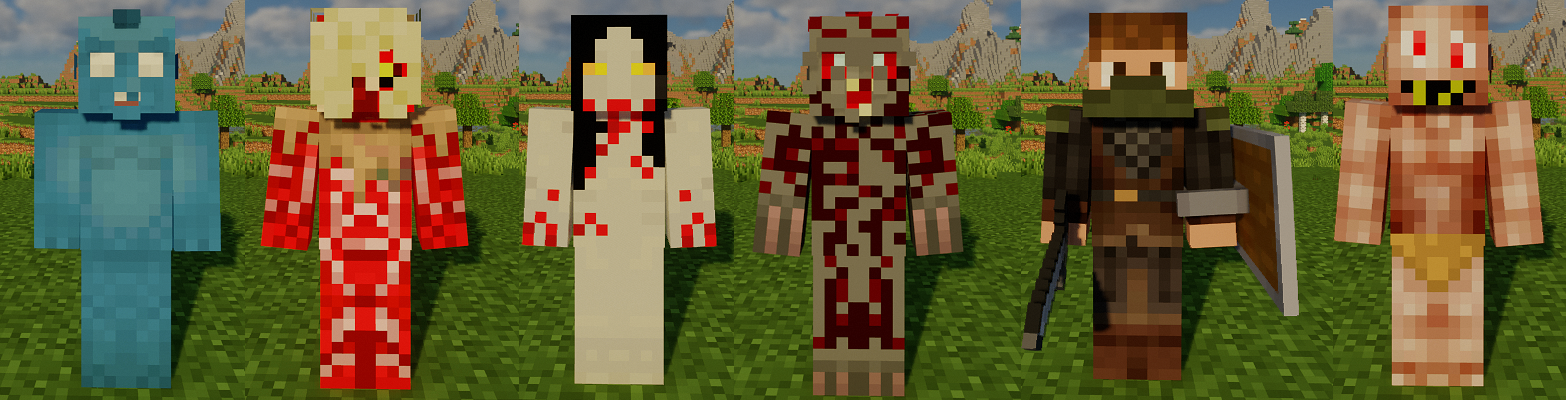
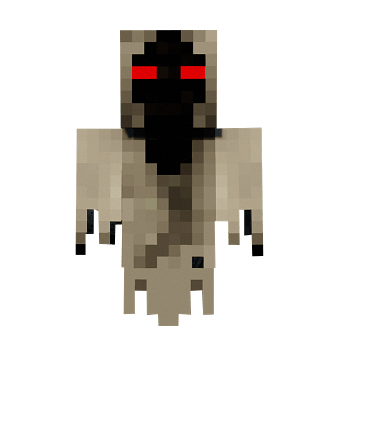
WitcherCraft adds new hostile creatures to the Minecraft world that can be encountered during exploration. Loot from these monsters is used to create alchemical materials and witcher equipment elements.
Currently in the game you can encounter:
- Drowners
- Rotfiends
- Foglets
- Bruxas
- Graveirs
- Higher Vampires
- Wraiths
- Nekkers
- Bandits
It is recommended to use mods for viewing recipes. As for alchemical recipes, knowledge of The Witcher universe will help you. During gameplay, you can type /wiki in chat to get a link to the wiki page.


