Calvar
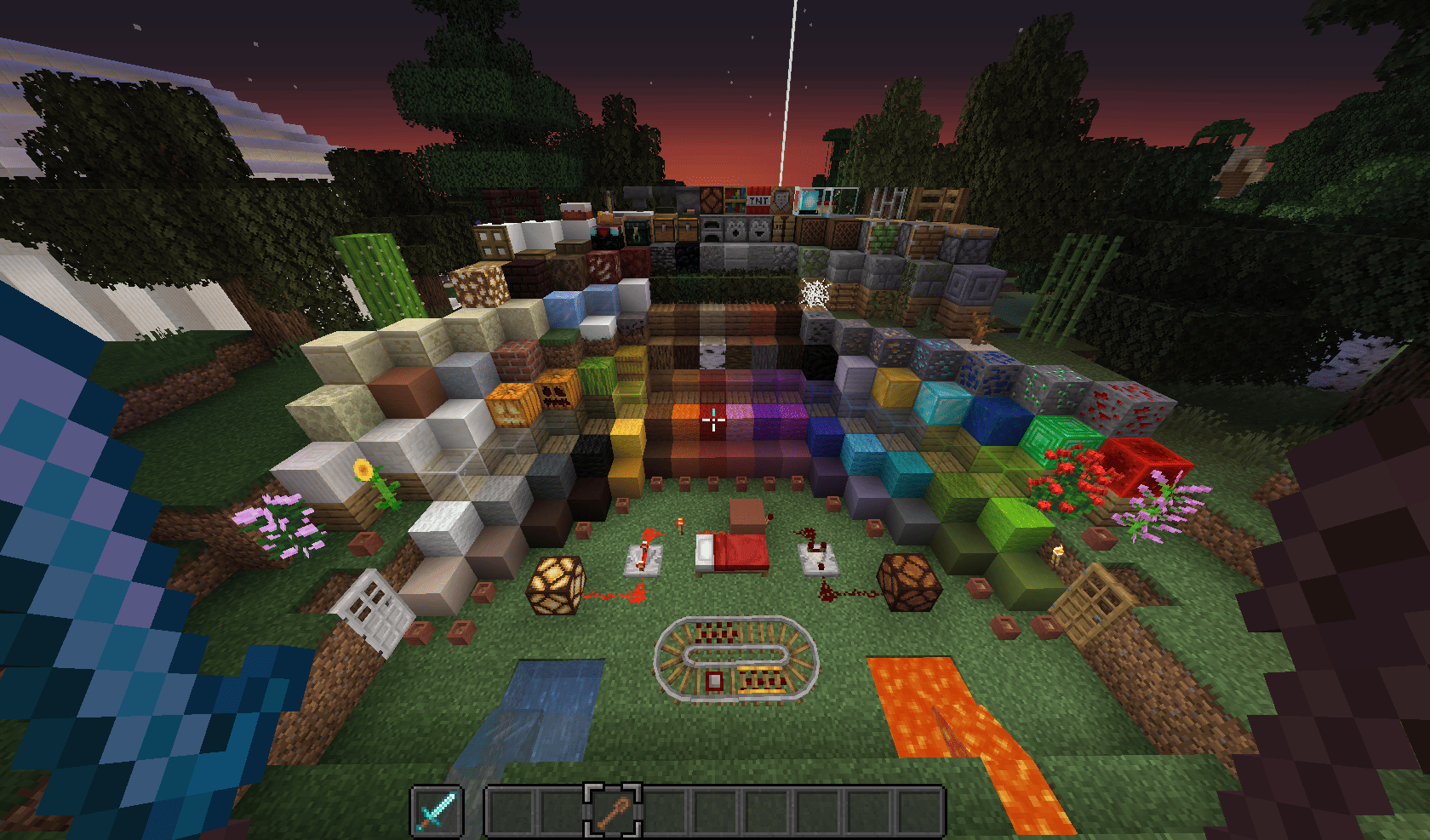
Welcome to the world of Calvar! This is a resource pack created with great love, genuine passion, and free time to enhance the vanilla appearance of the game.
Before using, there are several important points to consider. Review the information below about usage rules and creator links. In the resource pack archive, you'll find not only the main textures but also additional materials—these were experimental versions that I decided to leave for curious users. If you have experience working with resource packs, you can manually replace the standard textures with these experimental variants.
Credits and Inspiration
While creating Calvar, I drew inspiration from talented authors:
- fWhip — fence designs
- u/Yerm_Terragon — diamond armor textures
- Pixel Brew — light blue glazed terracotta
- Skaliber — flowers and fungi
- u/shromped — shovel models
Assets from VanillaTweaks were also used—dark UI.
Ownership and Rights
The Calvar resource pack was created by developer lajawi. It's distributed for free but requires compliance with copyright.
Installation
To activate the resource pack, follow these simple steps:
- Download the resource pack archive in ZIP format
- Locate the folder with the downloaded file
- Copy the ZIP archive
- Launch Minecraft
- Go to the "Options" menu, then select "Resource Packs"
- Click "Open resource pack folder"
- Paste the file into the opened folder
- Return to the game—the resource pack will appear in the list. If it's not there, go to the main menu and repeat the process
- Select Calvar and click "Done" to apply the changes

