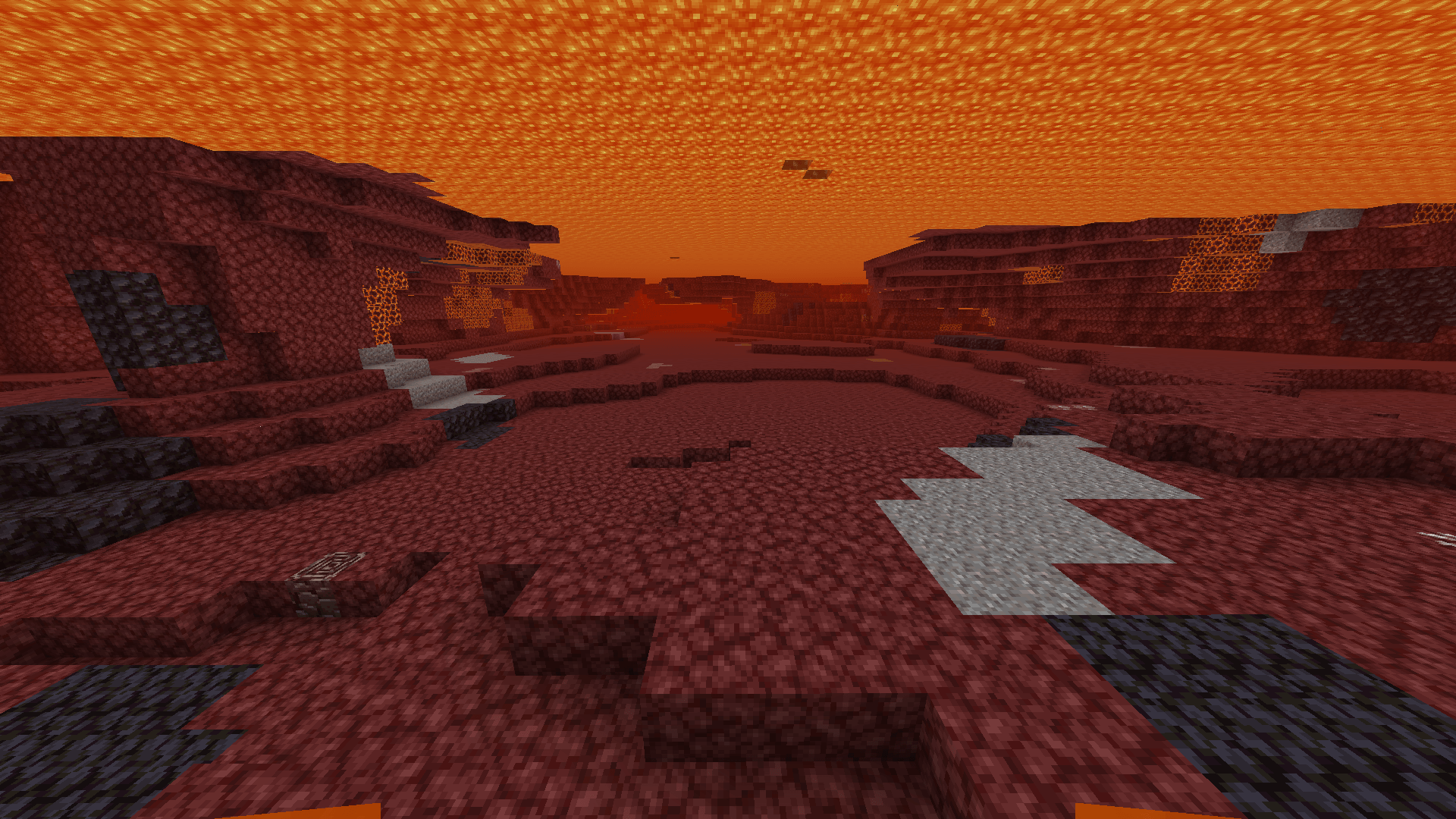
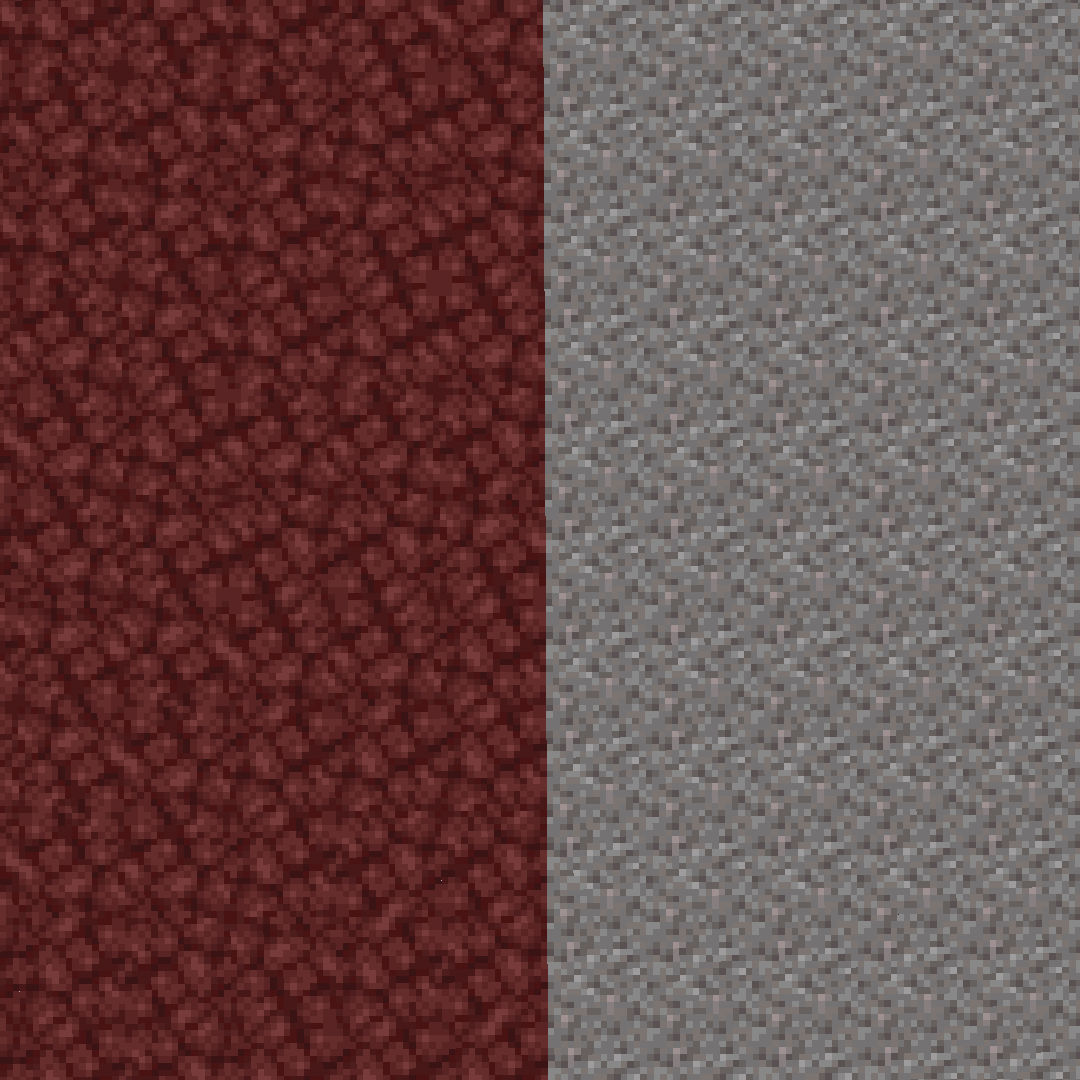
Gravel into Netherrack
This resource pack replaces the gravel texture with netherrack, making it visually similar to other blocks in the Nether. This allows you to easily distinguish valuable resources at the bottom of lava lakes when mining for netherite.
Usage Requirements
For proper pack operation, you need to disable the lava fog effect. This can be achieved using the following modifications:
- Clear Water — makes water and lava transparent
- See Through Water/Lava — removes fog effect in liquids
Important: After installing the mods, configure their settings to achieve full lava transparency.
[Video demonstrating the resource pack's functionality]
Installation
The installation process is extremely simple:
- Copy the resource pack file to the appropriate folder in your Minecraft client
- In the game menu, open the "Resource Packs" section
- Activate Gravel into Netherrack in the list of available packs
Benefits
This resource pack creates a more uniform appearance for the Nether, where gravel blends with netherrack. Now when exploring lava lakes, valuable ores and ancient debris will clearly stand out against the homogeneous bottom, significantly speeding up the netherite mining process.

