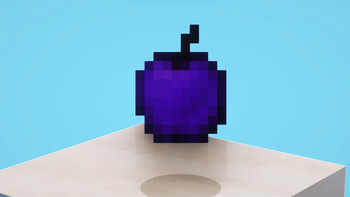
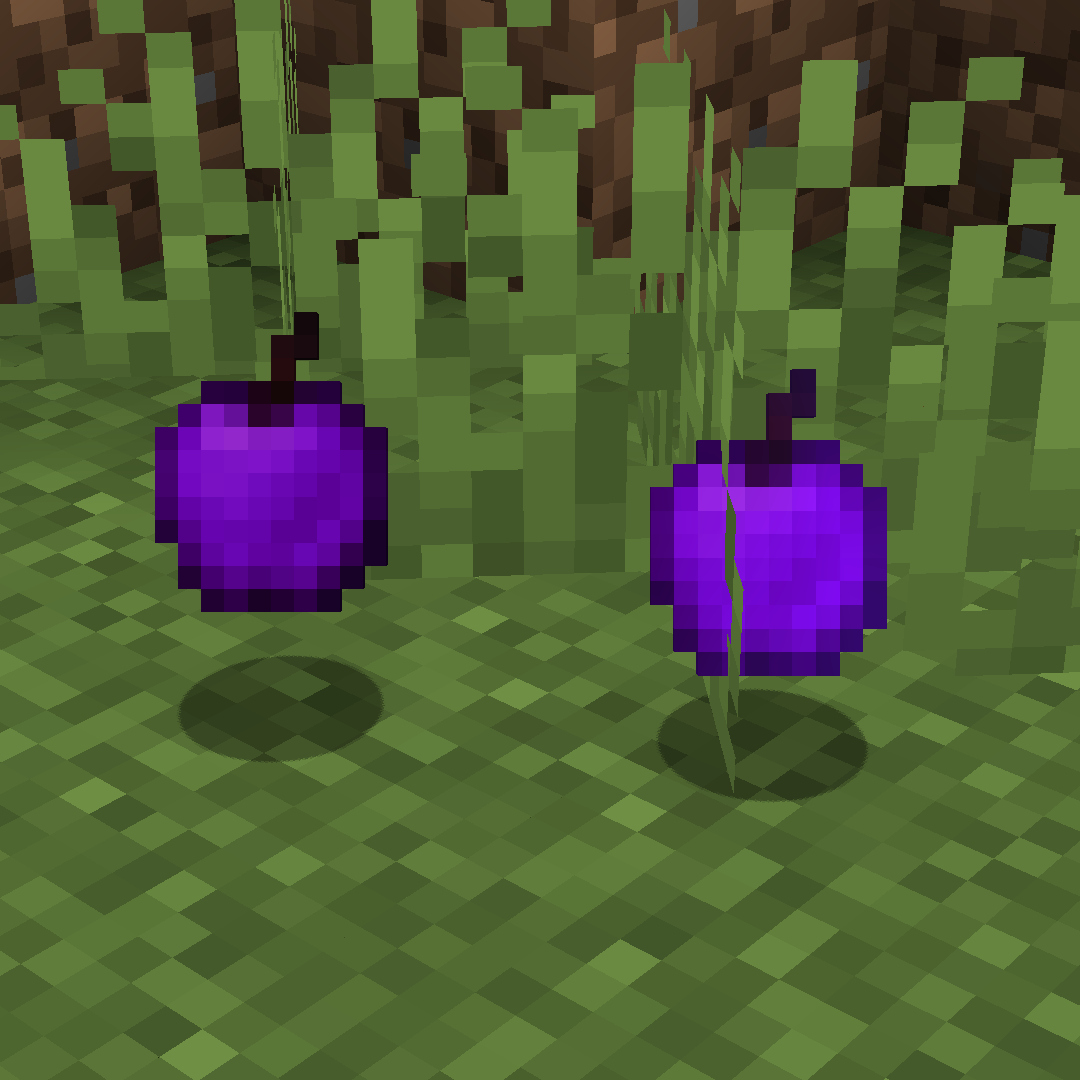
Purple Golden Apple
This resource pack completely transforms the appearance of the golden apple, changing its usual golden tint to a rich purple color.
Features
The main changes affect both the standard golden apple and its enchanted version. Instead of the traditional golden shine, you'll get a vibrant purple variation that immediately stands out in your inventory.
Installation
The installation process is very simple:
- Place the downloaded file into the resourcepacks folder of your Minecraft game
- Then go to the settings menu, select the "Resource Packs" section and activate "Purple Golden Apple"
Compatibility
The pack works correctly despite any possible system warnings about compatibility. Simply confirm the installation by clicking "Yes" when the game requests confirmation. The textures remain the same for all game versions.

