BVS - Best Vanilla Shader
Complete Guide to the Amazing Shader Created to Preserve the Vanilla Spirit of Minecraft!
Developer LoLip_p has created this unique shader pack with a special mission - to preserve the charm of original Minecraft while enriching it with modern visual effects. The beauty of this solution lies in flexible settings that allow every player to personalize their graphical experience according to their preferences.
Performance and Speed
For those who value high frame rates, there's a simplified version BVSF available, specifically designed for maximum performance while maintaining visual quality.
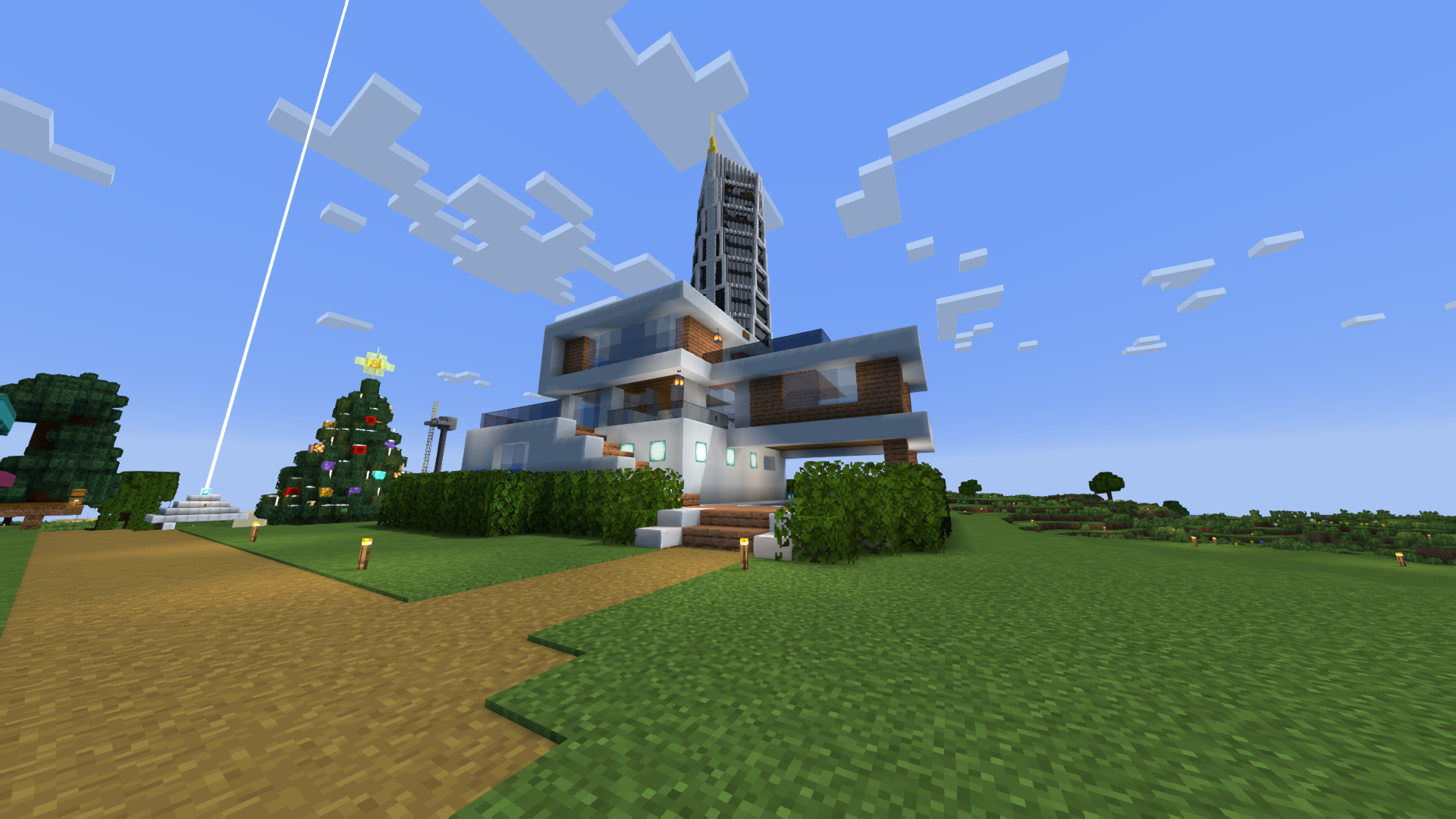
Performance Test Results:
- Over 200 FPS
- 2K resolution (2560×1440)
- 10 chunks render distance
- Equipment: GPU RX 580 (8GB) + CPU Ryzen 5 1500X
Impressive Features
Compatibility and Support
- Full integration with popular mods Better Clouds and Distant Horizons
- Support for modern PBR texture standards (LabPBR)
- Multi-language interface: 7 languages (EN, RU, UK, FR, DE, CH, BR)
Visual Effects
- Depth of Field - realistic background blur
- Motion Blur - dynamic effects during movement
- Natural Lighting - surface shading based on sun position
- Dynamic Shadows - realistic object interaction with lighting
- FXAA Anti-aliasing - smooth edges without system strain
- Screen Space Reflections SSR - believable light and mirror effects
- Auto Exposure - optimal brightness in different lighting conditions
- Color Correction - saturated and natural colors
Community Support
- YouTube Channel: Reviews and feature demonstrations
Simple Installation
Installing the shader pack is incredibly easy - just follow these steps:
- Download a client with shader support (Optifine or Iris)
- Download BVS shader archive
- Copy files to /.minecraft/shaderpacks folder
- In-game, select "Options" → "Video Settings" → "Shaders"
- Activate BVS - Best Vanilla Shader option