SCAN: Space-Scanning Shader
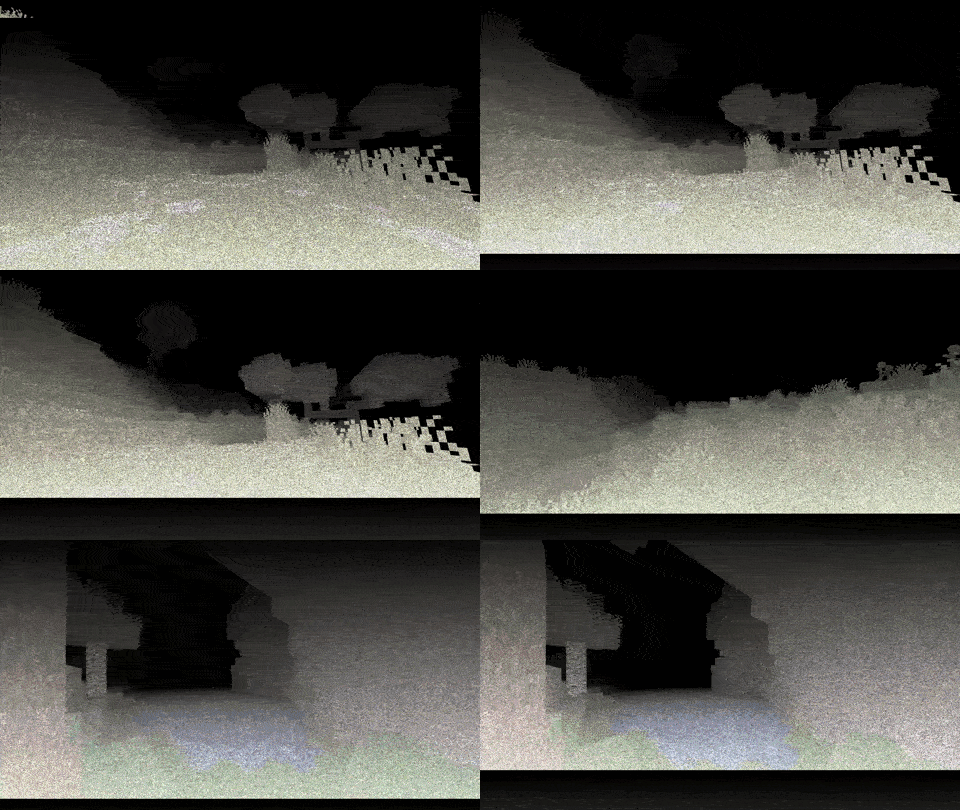
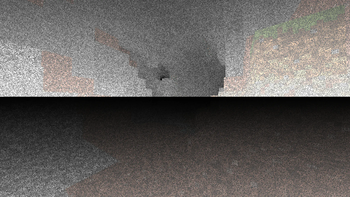
An unusual attempt to craft an oppressive atmosphere and suspense via extremely limited device vision capability, shaping special lighting environments that help you get at least some spatial bearings. See how it works in this GIF. Inspiration for the atmosphere and scan comes from the videogame “Scanner Sombr.” The shader’s operating cycle consists of this: the device’s refresh bar travels from the top to the bottom every two seconds, temporarily lighting up the surrounding area to let you check what lies ahead. Visual process demonstrated above. You can play SCAN with all popular clients that add shader‑pack support – typically, you can use Optifine and Iris for this.
- Download SCAN as a regular ZIP file.
- Copy it to Minecraft’s folder under /.minecraft/shaderpacks.
- Launch the game, go to “Options” → “Video Settings” → “Shaders”.
- Find and activate the SCAN pack.