Chernobyl 1986 after explosion
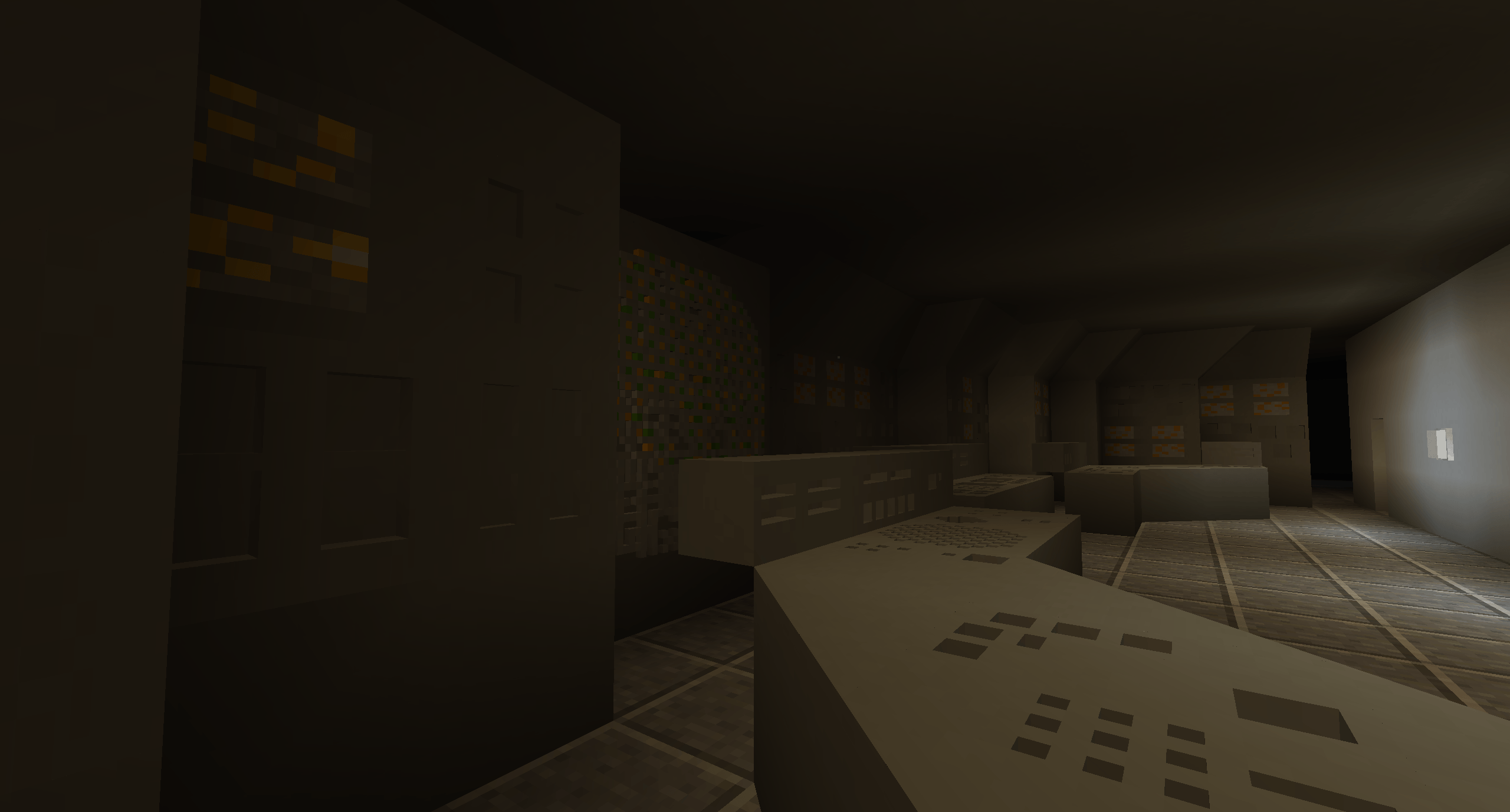
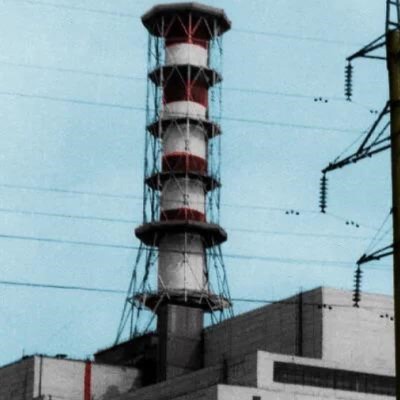
Immerse yourself in the grim atmosphere of a real catastrophe with this detailed Minecraft world where Chernobyl has experienced an explosion. The map was created with maximum historical accuracy based on real events.
Disaster in Detail
You'll see the Chernobyl nuclear power plant in the state it was in after the accident. Reactor No. 4 is completely destroyed, and its control system has been dismantled. The two reactor units No. 3 and No. 4 are separated, feedwater pumps and steam separators have been destroyed - every element of the world has been carefully crafted to create an immersive realistic experience.
Required Mods
For full functionality, the world requires certain modifications:
- Architecture Craft
- Chisels and Bits
- Custom NPC's
- Gravestone Mod
- HBM's Nuclear Tech Mod Reloaded
- MrCrayfish's Furniture Mod (Legacy)
- MrCrayfish's Vehicle Mod
- Obfuscate
- CreativeCore
- Paintings++
- Pointless Tech Collective
- Security Craft
- Techguns
- Ultimate Car Mod
This set of mods ensures full compatibility and correct display of all elements for Minecraft version 1.12.2.
World Installation
The installation process is extremely simple:
- Download the world archive
- Extract the archive contents
- Copy the "Chernobyl 1986" world folder to the .minecraft/saves directory
- If the saves folder is missing, create it yourself
- Enter singleplayer mode and select the world from the list
Join our community if you have any questions about installation or configuration!

