Armor Stand's Custom Poses
Tired of standard armor stands?
Envious of Bedrock Edition features?
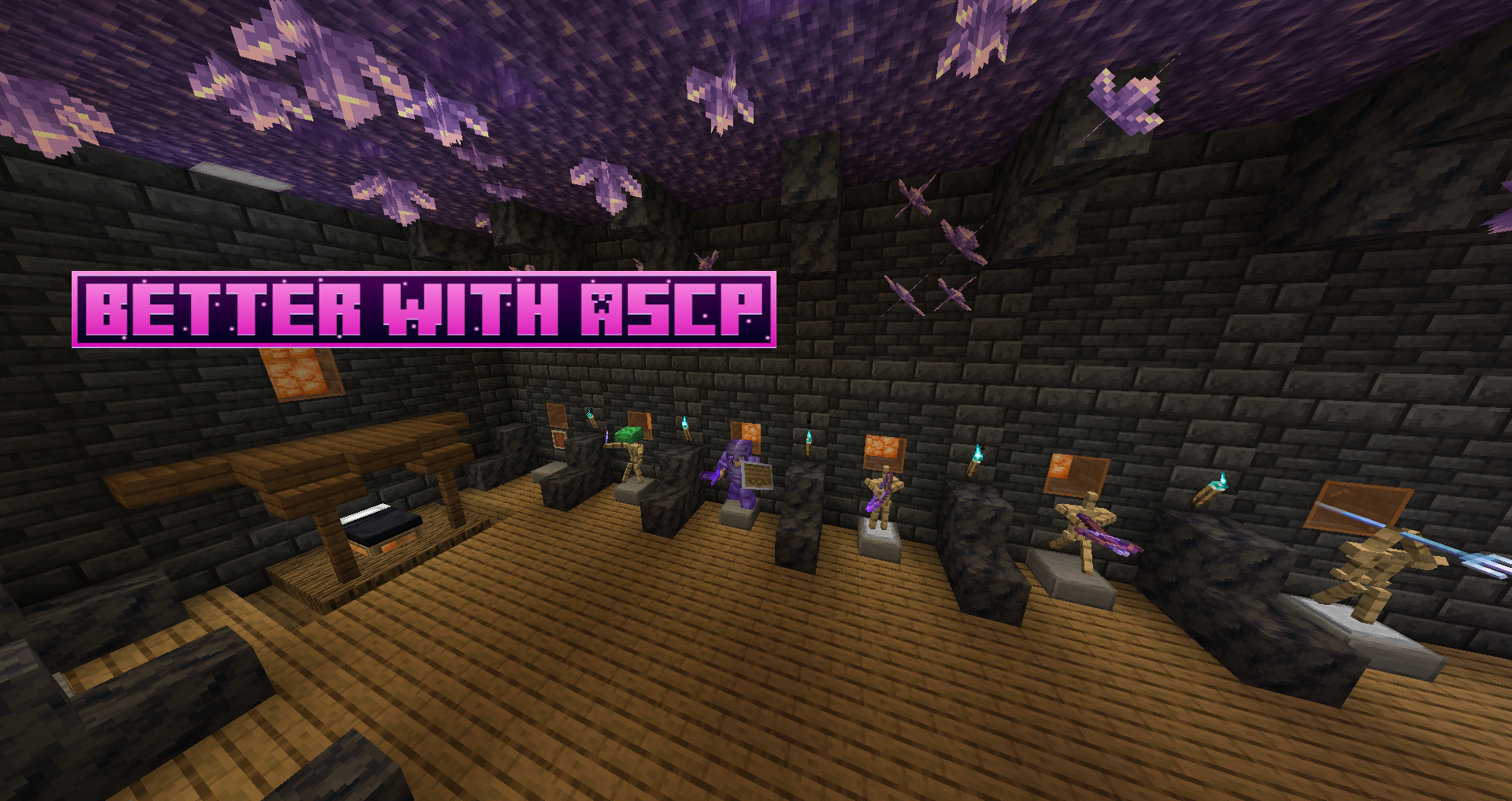
No more! This mod transforms ordinary armor stands into versatile decorative elements that you can control according to your preferences.
WORKS IN SURVIVAL AND CREATIVE MODES
Getting Started
To use the mod, you need to craft the "Armor Stand Modifier" tool.

Main Control Interface
After creating the tool, simply right-click on an armor stand to open the window for configuring its properties and poses.

Body part rotation buttons:
Plus (+) - adds the specified value from the text field to the selected body part's rotation
Minus (-) - subtracts the specified value from the selected body part's rotation
Set (=) - sets exact rotation value for the selected body part (negative values are mirrored)
Get default (↩️) - shows current rotation values of the real armor stand in the world
Saving and loading poses
Export: 1) Enter file name (without special characters) 2) Press export button
Import: 1) Enter desired file name 2) Press import button 3) Confirm operation
Files are saved in .json format in the ".minecraft/ASCP_Saved" folder on the client side, allowing pose transfer between different servers and worlds.
Additional export options: Buttons to the right of export allow selecting what to save: poses, armor stand rotation, or its states.
Important: When importing, you need to confirm the operation with a confirmation button, after which changes will be applied automatically.
Second Interface
To switch to this interface, press the interface change button (indicated on the first interface image).

Plus (+) - rotates the entire armor stand by the specified value
Minus (-) - returns the armor stand by the specified value
Set (=) - sets exact rotation angle for the entire armor stand
Get (↩️) - shows current rotation value of the real armor stand
IMPORTANT: In this interface, changes are applied directly to the real armor stand in the world.
Supported Versions
The mod is available for the following versions:
Forge: 1.14.4, 1.16.5, 1.18.2, 1.19.2, 1.19.4, 1.20.1
NeoForge: 1.20.4
Support for future Forge and NeoForge versions is planned after their release, as well as addition of new features after a development break.
Project members

dani.alvarado.sosa
Developer

wachipayoxx
Developer

wachipayoxx64
Oimahaupei
Developer
Created: 16 Jul 2024
ID: 24803

