Auto Lectern
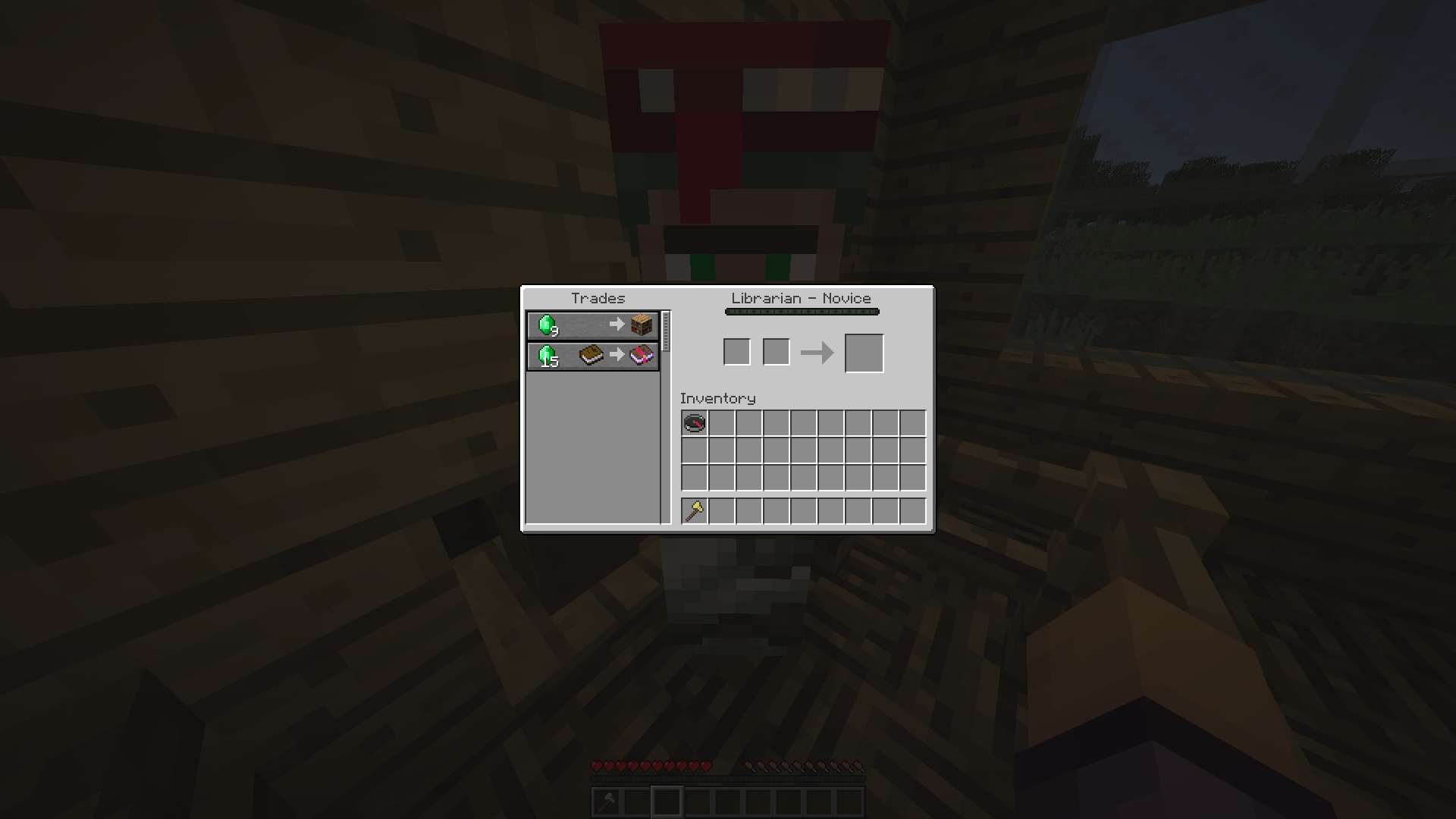
The Auto Lectern mod automates the process of cycling librarian villager trades by breaking and placing lecterns to refresh available enchantments.
Getting Started
Setting Goals
To add a goal, use the /autolec add command with the following syntax:
/autolec add [enchantment]? (([min_level] [max_level])|min|max|any) (([min_price] [max_price])|min|max|any)Usage examples:
- Search for Mending at lowest price:
/autolec add minecraft:mending max min - Search for Sharpness V at any price:
/autolec add minecraft:sharpness 5 5 any - Search for Unbreaking of any level for 10-32 emeralds:
/autolec add minecraft:unbreaking any 10 32
Viewing Goal List
Use the /autolec list command to view current goals.
Preparing the Work Area
Create a suitable space for automated operation:
Required Items
For faster operation, prepare multiple lecterns in your offhand and an axe in your main hand:
Mod Settings
Auto Trade
/autolec autoTrade (CHEAPEST|ENCHANT|OFF)
- CHEAPEST - trades paper first, then enchantment books
- ENCHANT - trades only enchantment books
- OFF - disables auto trading
Break Cooldown
/autolec breakCooldown
Disables Minecraft's default block break cooldown.
Logging
/autolec log
Enables trade information display in chat.
Pre-breaking
/autolec preBreak
Speeds up the process by starting to break the lectern while waiting for trade updates.
IMPORTANT: Disable this option when using instant-break tools.
Tool Preservation
/autolec preserveTool
Stops operation when the tool is about to break.
Item Sync
/autolec sync item
Waits for the broken lectern to be picked up before placing a new one.
Starting the Process
Look at the lectern and execute the command:
/autolec startRemoving Goals
After obtaining the desired enchantment, remove the goal:
- By clicking the [REMOVE] button in chat
- Using
/autolec remove [index]command - Through the list with
/autolec listcommand


