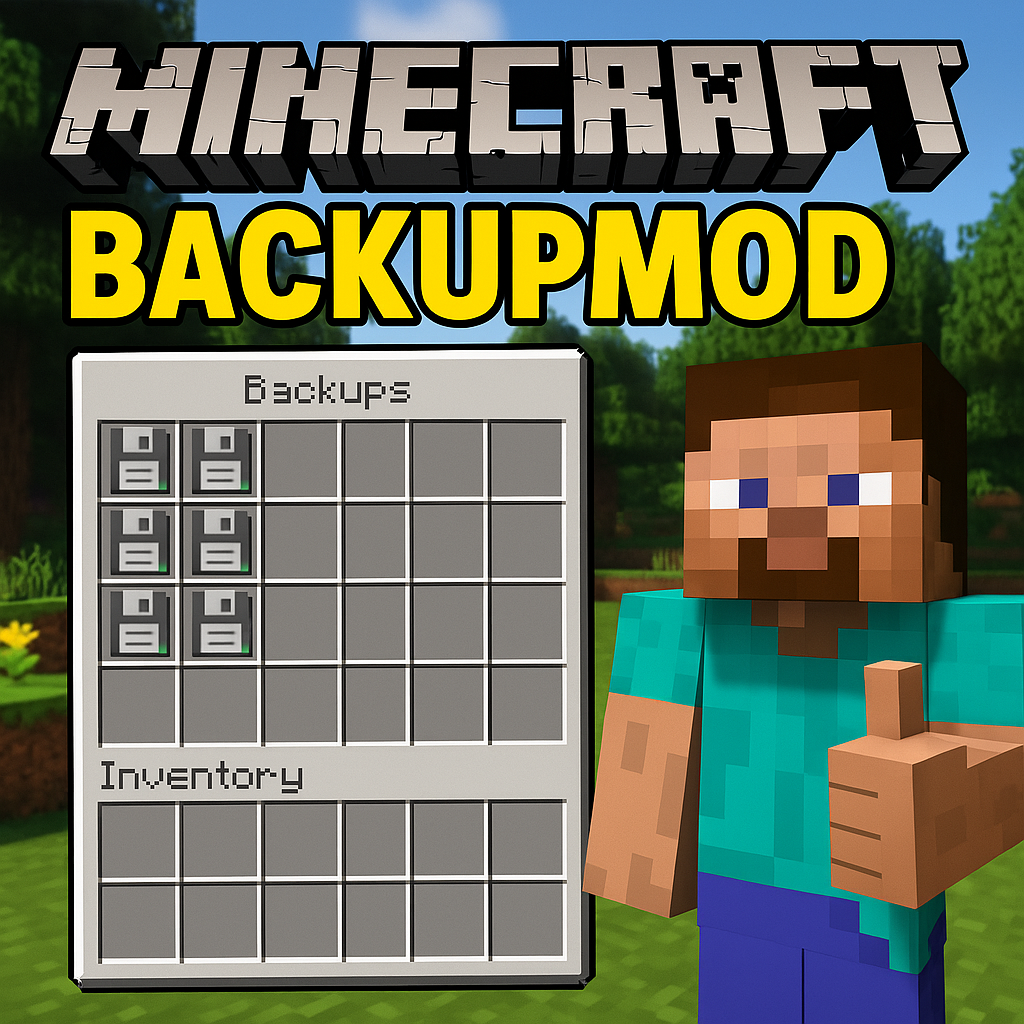
BACKUP - CHECKPOINT - Your Personal Progress Guardian in Minecraft!
Reliable Protection of Your Achievements in the Block World
"BACKUP - CHECKPOINT" is a smart progress saving system for Minecraft version 1.21.4. This mod automatically creates backups of your world and allows you to return to a previous state at any time when unexpected situations, accidental character death, or other unforeseen events occur.
!IMPORTANT: After restoring from a backup, wait approximately 5 seconds before re-entering the world!
Key Features
Automatic Saving
- ⏱️ Backups created every five minutes (interval can be customized to your needs)
- 📦 System stores up to 10 relevant saved states for each separate world
- 🛡️ Reliable protection from game crashes, accidental character death, and technical errors
Manual Control
- 🆕 Ability to create additional checkpoint saves manually
- 📂 Convenient interface for managing all existing saves
- 📝 Simple system for renaming backups for easy navigation
- 🗑️ Function to delete unnecessary saves to save space
- 🔄 Updating existing save points with current world state
Quick Hotkeys
- F6 — opens the main backup management system menu
- F7+B — instant save point creation (available even without cheat codes enabled)
- F7+R — activates the state recovery window
Post-death Recovery
- After character death, possibility to restore state from backup instead of losing inventory
- Can choose either the latest save or earlier versions from the list
Installation and Basic Settings
Mod Installation
- Download and install Forge for Minecraft version 1.21.4
- Place the mod file in the
modsfolder - Launch Minecraft
Standard Parameters
- ✅ Automatic saving: enabled
- ⏱️ Backup interval: 5 minutes
- 📊 Maximum number of saves: 10 per world
Working with Menu (F6 Key)
- Create Backup — saving current world state
- Load Backup — selecting saved state for recovery
- Rename Backup — giving meaningful names to your checkpoints
- Delete Backup — clearing unnecessary saves
- Update Backup — overwriting existing save with current state
- Settings — modifying mod operation parameters
Quick Actions
- Press F7+B for instant backup creation
- Press F7+R for immediate access to recovery screen
Actions After Character Death
- Special action menu appears on screen
- Available: "Normal Respawn", "Restore from Backup", "Return to Main Menu"
- When choosing restoration, ability to select needed save version appears
Advanced Settings
Parameter Modification
- Press F6 key to access main menu
- Go to "Backup Settings" section
- Available for modification:
- ✅/❌ Enable/disable automatic saving
- ⏱️ Interval between backups (in minutes)
- 🔢 Maximum number of saves for each world
Console Commands (Cheat Mode)
- /backup — creating manual save point
- /restore — launching recovery procedure
Useful Tips
- Wait at least one minute after entering world before creating first backup
- Give meaningful names to important checkpoints for easy searching
- Create manual backup before dangerous constructions and complex explorations
- Use F7+B before confronting the final boss!
Technical Information
- All backup copies are stored in folder
.minecraft/minecraft_backups/ - Each world has its own folder with corresponding saves
- At least 1 minute needed after game start for first backup creation
"BACKUP - CHECKPOINT" — your reliable companion in the Minecraft world, ensuring preservation of all achievements and protection from unexpected troubles!
📺 Tutorial Video
Complete usage guide watch in video at: MINECRAFT CHECKPOINT / BACKUP MOD 1.21.4