
Bedrock Bridging
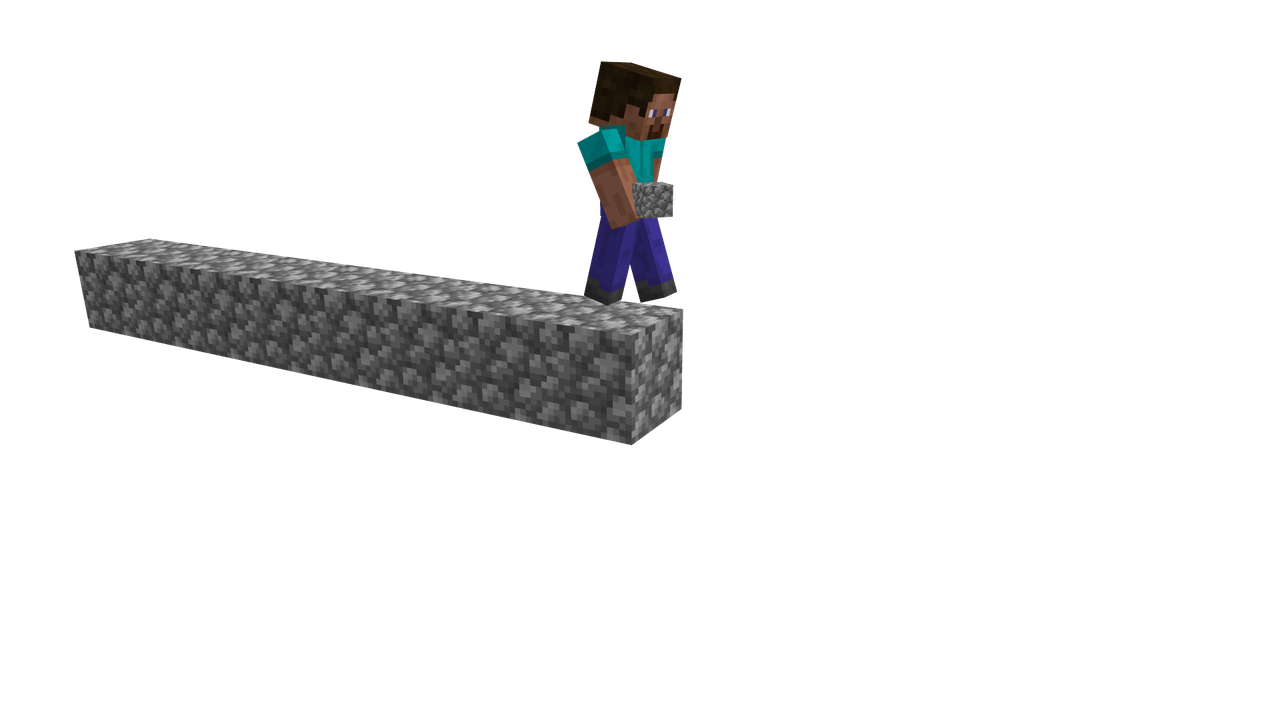
This datapack brings to Minecraft Java Edition a unique feature available in the Bedrock version - the ability to place blocks in mid-air while bridge-building!
How It Works
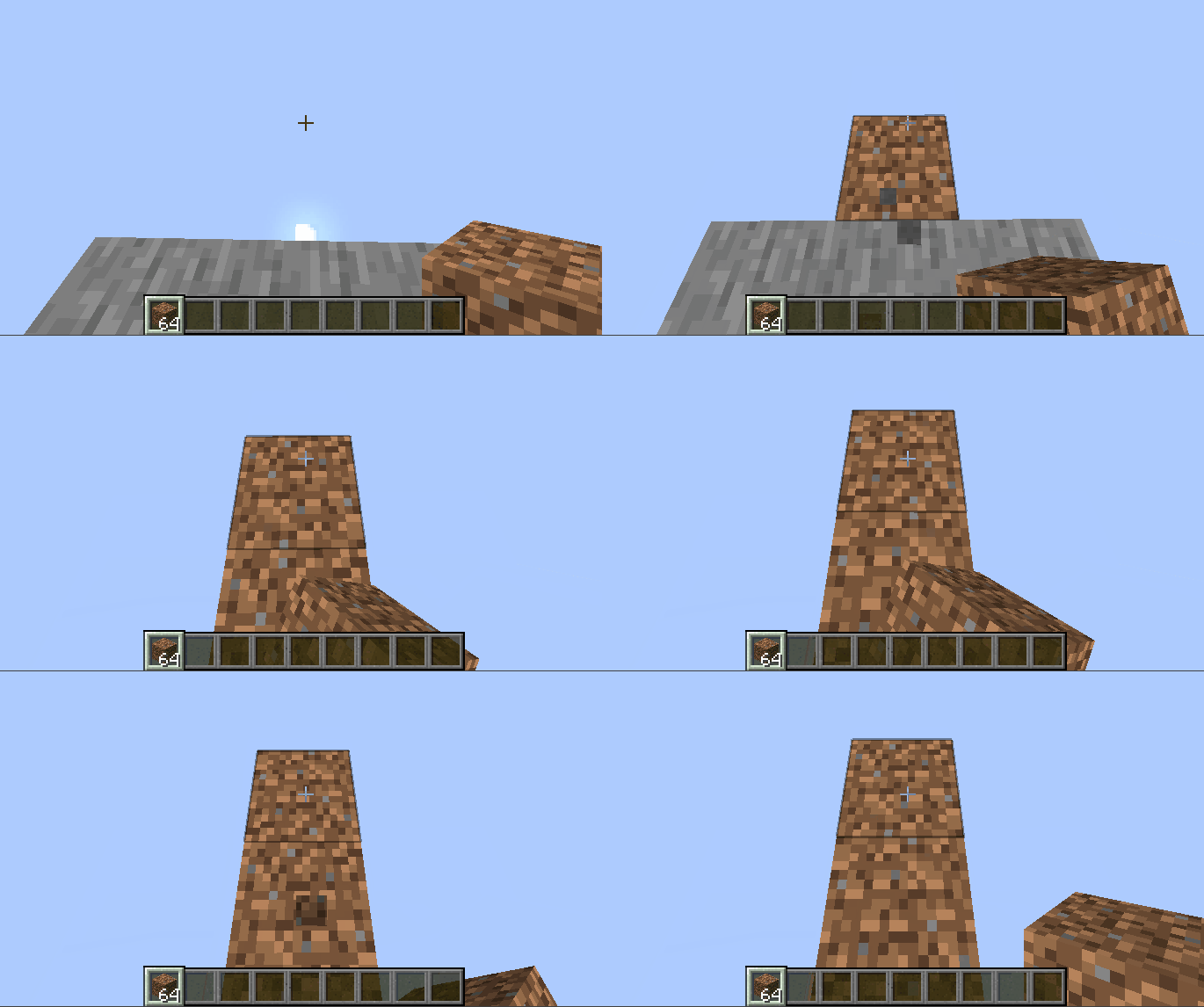
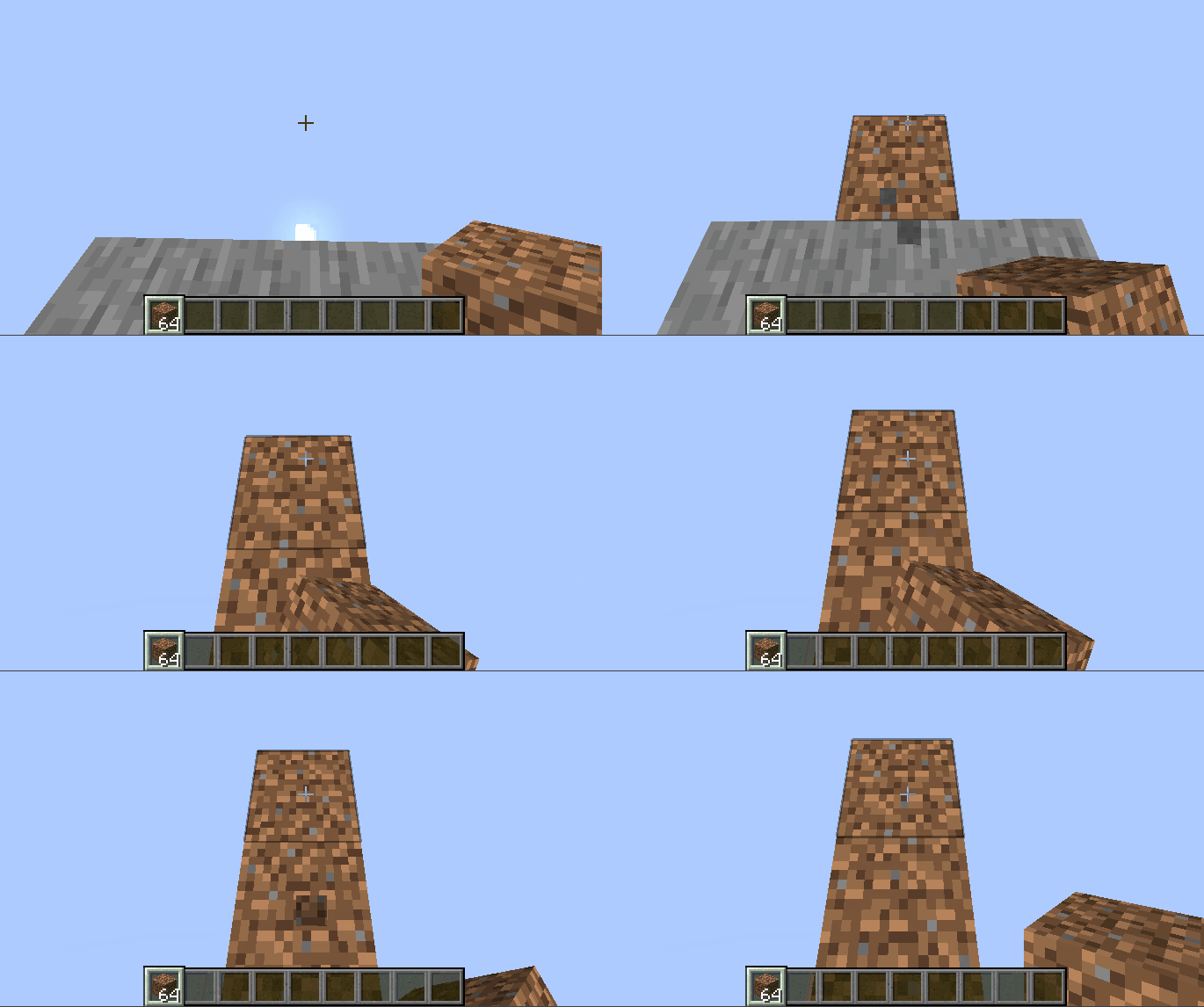
After installing the datapack, simply stand on an existing block and look at the area where you want to place the next block. A special highlight outline will appear on screen, showing the available placement location. Just right-click, and the block will instantly appear in the desired position.
Function Management
The system offers several control methods:
/function bedrock_bridging:on- activates bridge function/function bedrock_bridging:off- deactivates bridge function/trigger bedrock_bridging- toggles mode without requiring admin commands
Important for version 1.21.4 and above: For proper operation, you need to execute the /datapack enable command.
Key Advantages
- Intuitive function toggle
- Clear visual highlighting of placement area
- Flexible settings for individual players or all server participants
Frequently Asked Questions
Can I use speed bridging with this datapack? Yes, it's possible though it may require some practice. Advanced speed bridging techniques may work with limitations.
Does this affect traditional Java Edition building methods? Absolutely not! All existing building techniques continue to work as usual.
Does it impact game performance? No impact on FPS observed.
Can I use it on multiplayer servers? Of course! Free usage on any servers is permitted.