Biome Colorizer
About the Mod
Biome Colorizer is a compact and easy-to-use mod that gives you complete control over Minecraft's color palette. You can customize grass, foliage, and water colors for all standard game biomes, including those that are typically unchangeable - Swamplands, Mesa, and Roofed Forest!
Compatibility
The mod works perfectly with popular addons that add new biomes:
- Biomes O'Plenty
- Traverse
- Auxilary Biomes
- Redwoods
(It's recommended to use the latest versions of these mods)
Special Features
For users of my Open Terrain Generator preset "Traveler's Dream", special compatibility is provided. You won't need to manually adjust colors - simply delete the old Vanilla.cfg file from the "config/BiomeColorizer" folder, and upon first launch with OTG and the preset, you'll automatically get TD color settings as defaults.
Future Plans
If you want me to add support for other biome mods, just write about it in the comments! =)
Limitations
Some mods use their own coloring methods and are not supported by Biome Colorizer:
- Project: Vibrant Journeys
- Wild Nature
(Maybe I'll come up with something for this someday...)
Compatibility with Other Mods
Quark with the "Greener Color" option and Serene Seasons work with Biome Colorizer without crashes, though sometimes the resulting colors may look strange, or one mod might ignore the coloring settings of the other.
Important: only blocks that are originally intended for coloring based on biome are affected (they must have gray textures and models with tint-index). Any custom leaves or plants that the mod author didn't plan to color by biome will remain unchanged.
Installation
Simply place the BiomeColorizer.jar file in the "mods" folder.
If you're playing on a server, you can install Biome Colorizer only on the client.
(But if you accidentally leave it in the server's "mods" folder - nothing bad will happen!)
Configuration
Biome Colorizer is easily configured through the in-game interface in the "Mods" menu or by editing configuration files. Configuration files are created in the "config/BiomeColorizer" folder.
Note: the in-game interface shows all available configuration types, so don't be alarmed if you see a settings menu for "BiomesO'Plenty" or other mods, even if you don't have them installed. .cfg files will also be created for each compatible mod.
Step-by-Step Configuration Guide
- Find Biome Colorizer in the "Mods" menu and click the "Config" button. You'll see this:
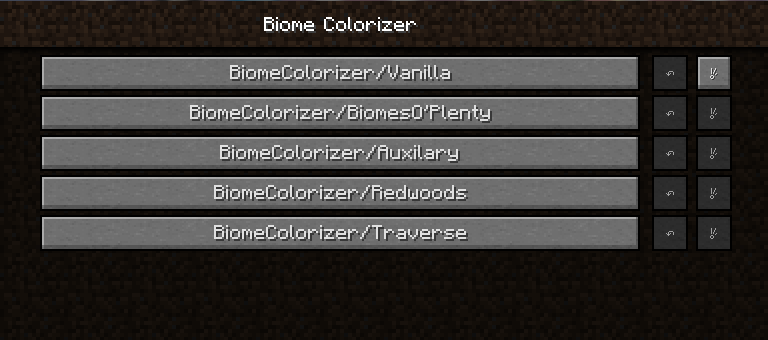
- Choose what you want to configure and click the button (I'll show using standard biomes as an example):
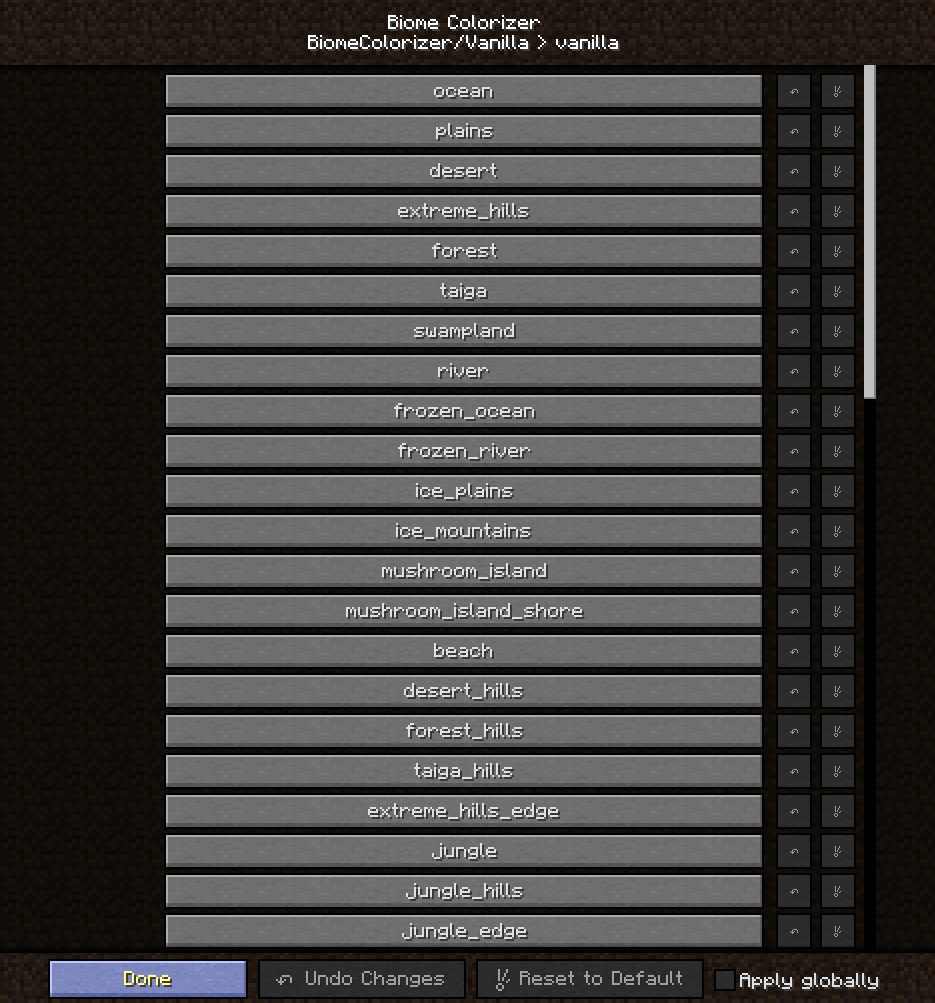
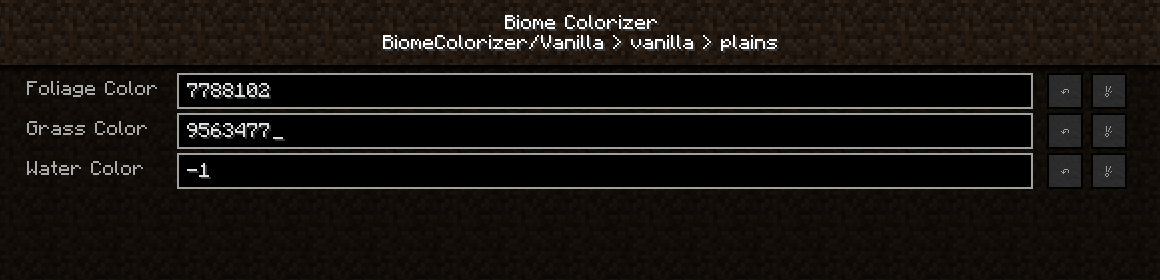
- Then select the biome to configure and click the button (I'll configure Plains):
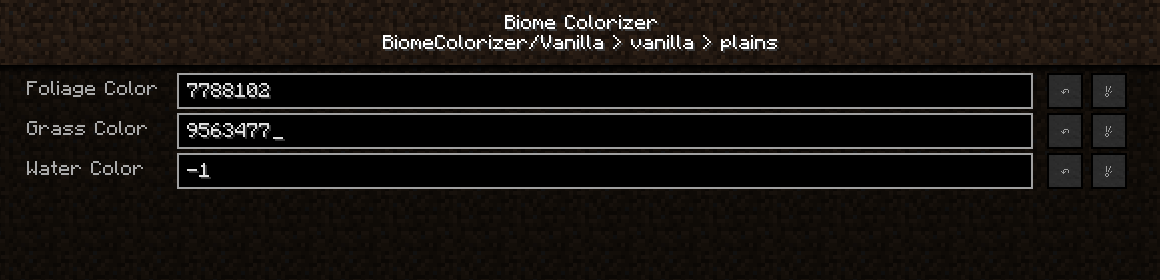
As you can see, colors are represented by numbers. These are decimal color codes. You need to enter decimal color values in the corresponding fields. How to get them?
I use the following online services:
HTML Color Picker - to get HEX color codes (you can also use Gimp, Photoshop, etc.)
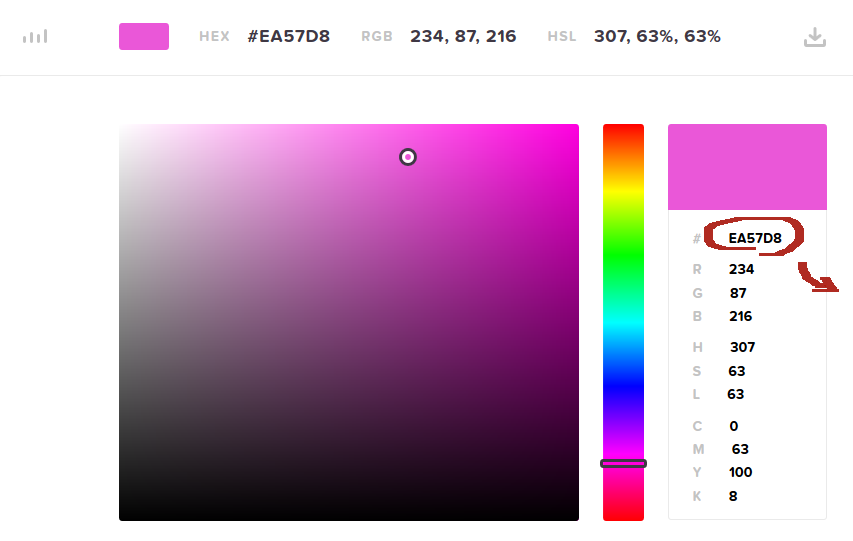
Copy this field and go to any HEX→Decimal converter (I use this one: Hexadecimal to Decimal Converter):
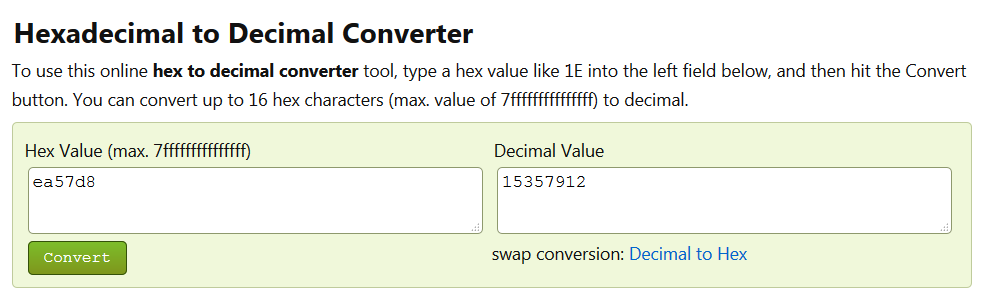
Copy the decimal value from the right field and paste it into the corresponding field in the .cfg file or enter it in the GUI field.
Click "Done" or save the file.
Open your world/connect to the server and see the result!
By default, color values are -1. If you want to reset colors back to standard, enter -1 in the field! You can also use the "reset to default" button in the GUI or delete the .cfg file.
Screenshots
(some strange colors just for fun)
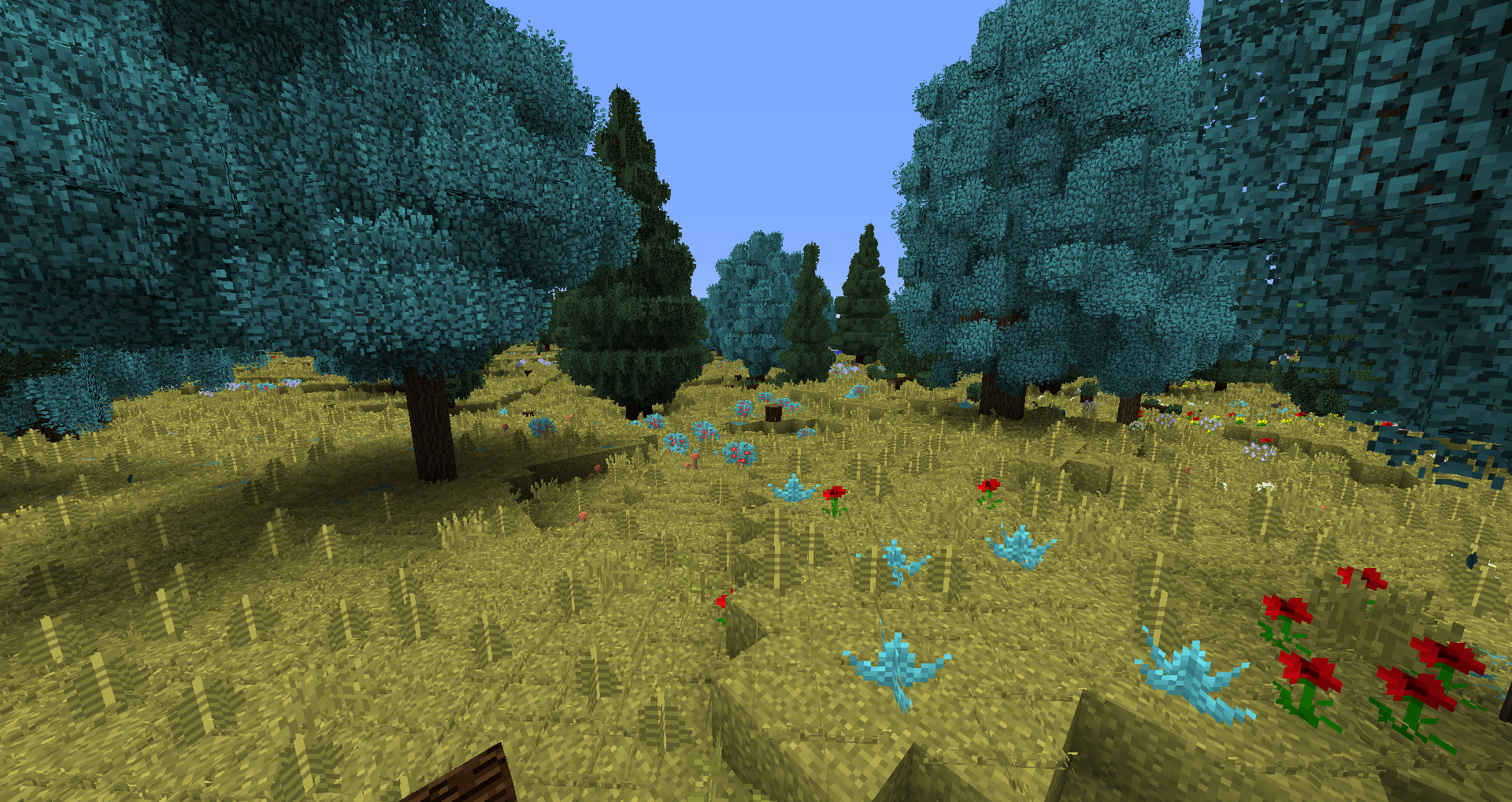
Changed Forest colors: (screenshot taken with Traveler's Dream preset, Biomes O'Plenty and Better Foliage)
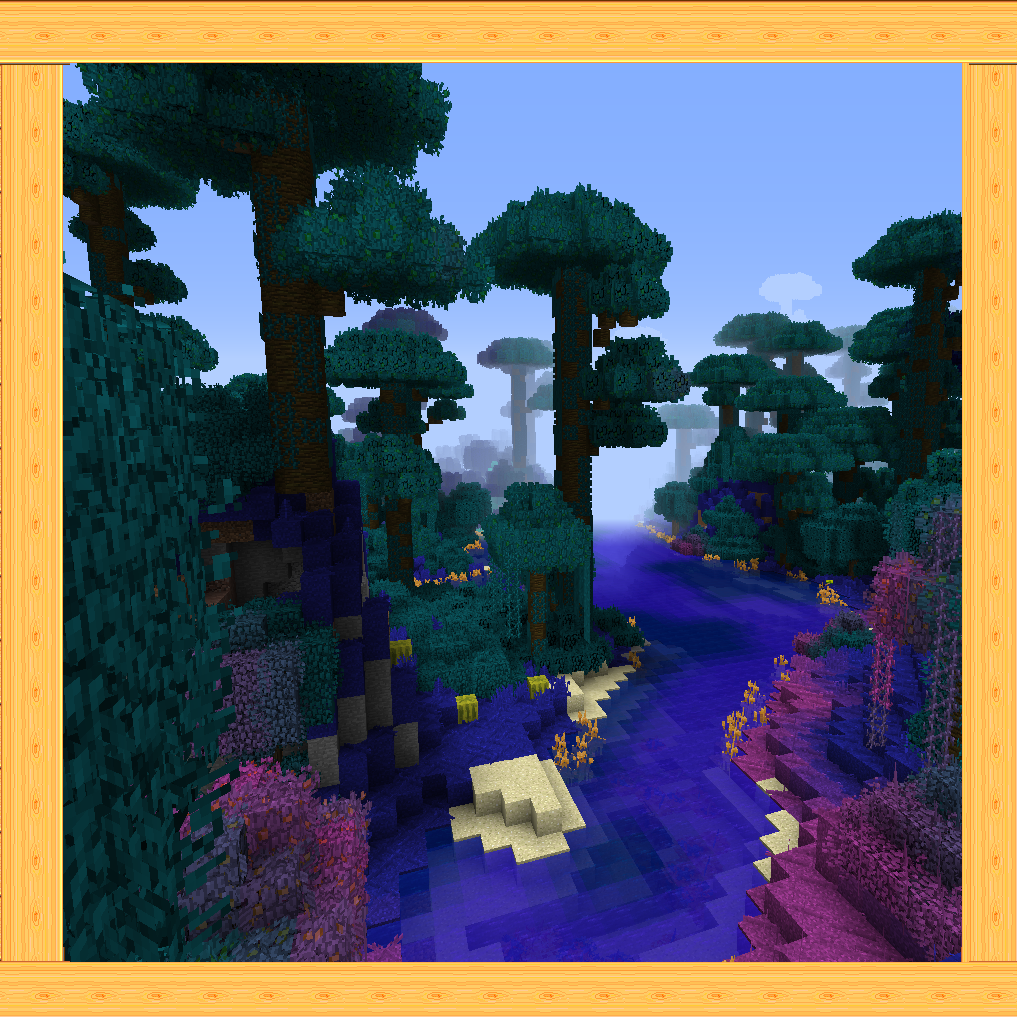
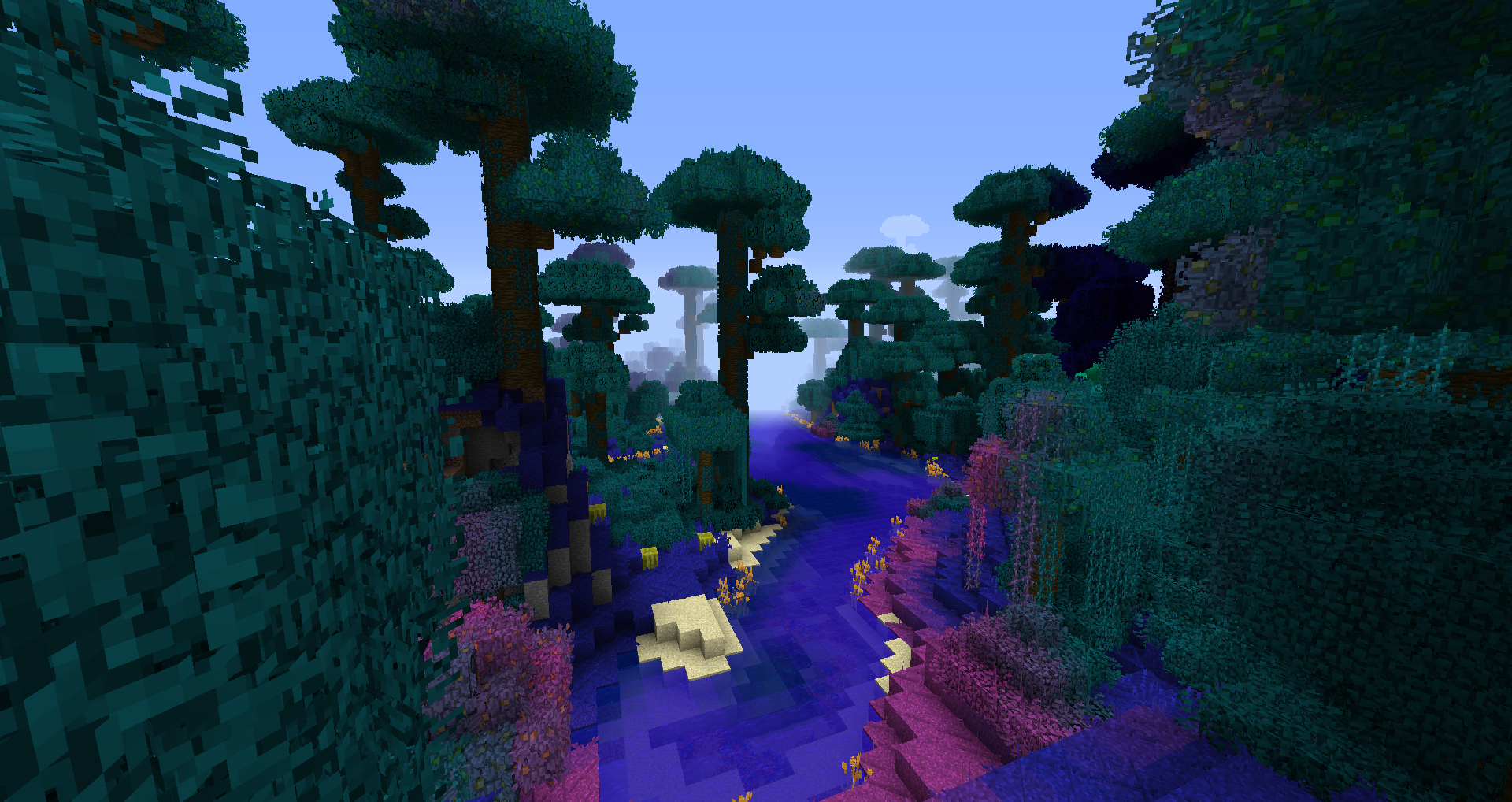
Changed Jungle colors: (vanilla world with Better Foliage)
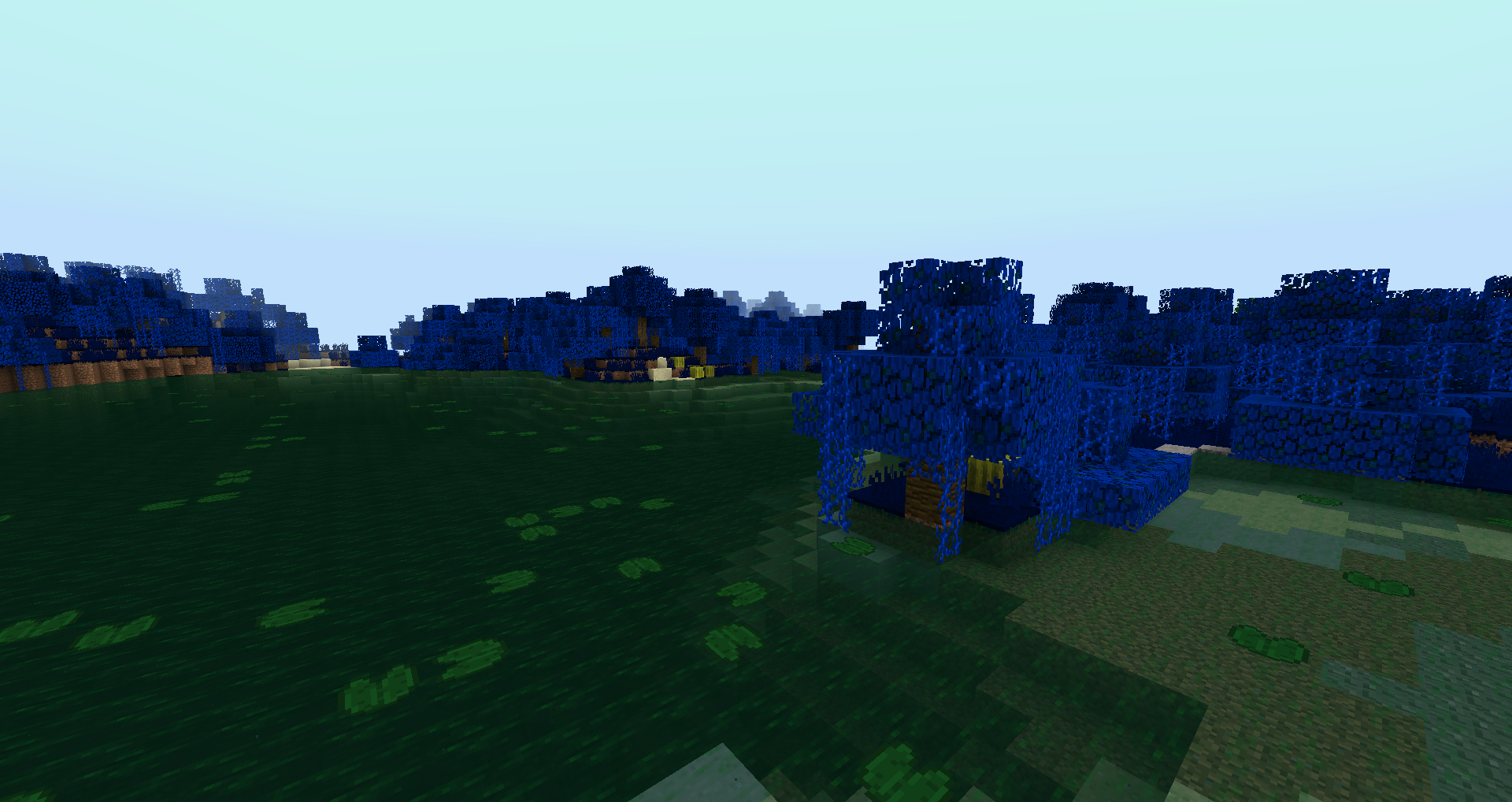
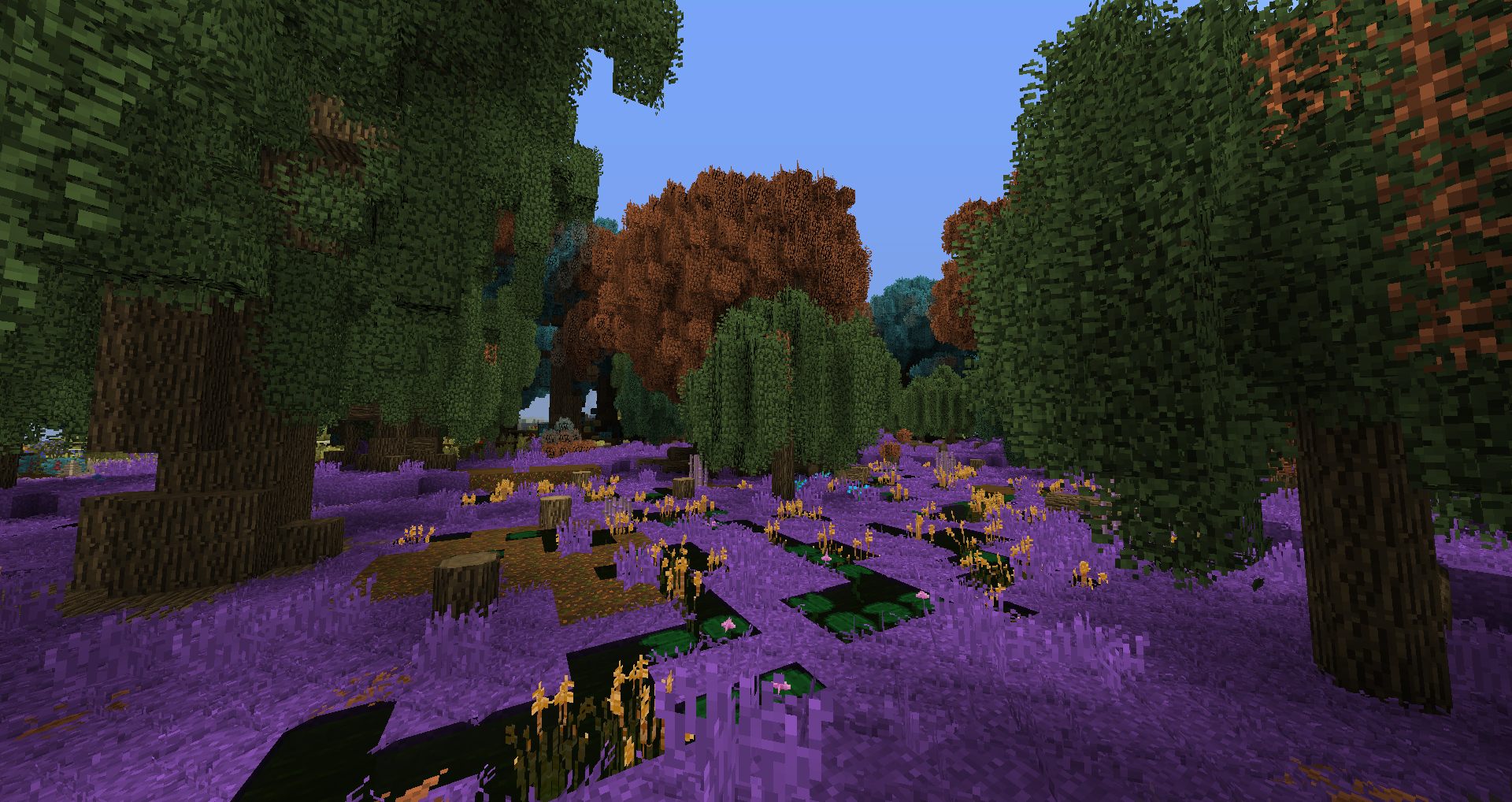
Changed Swampland colors - birch leaves on trees are unaffected, that's normal: (screenshot taken with Traveler's Dream, Biomes O'Plenty and Better Foliage)
Biomes O'Plenty Coniferous Forest with Better Foliage:
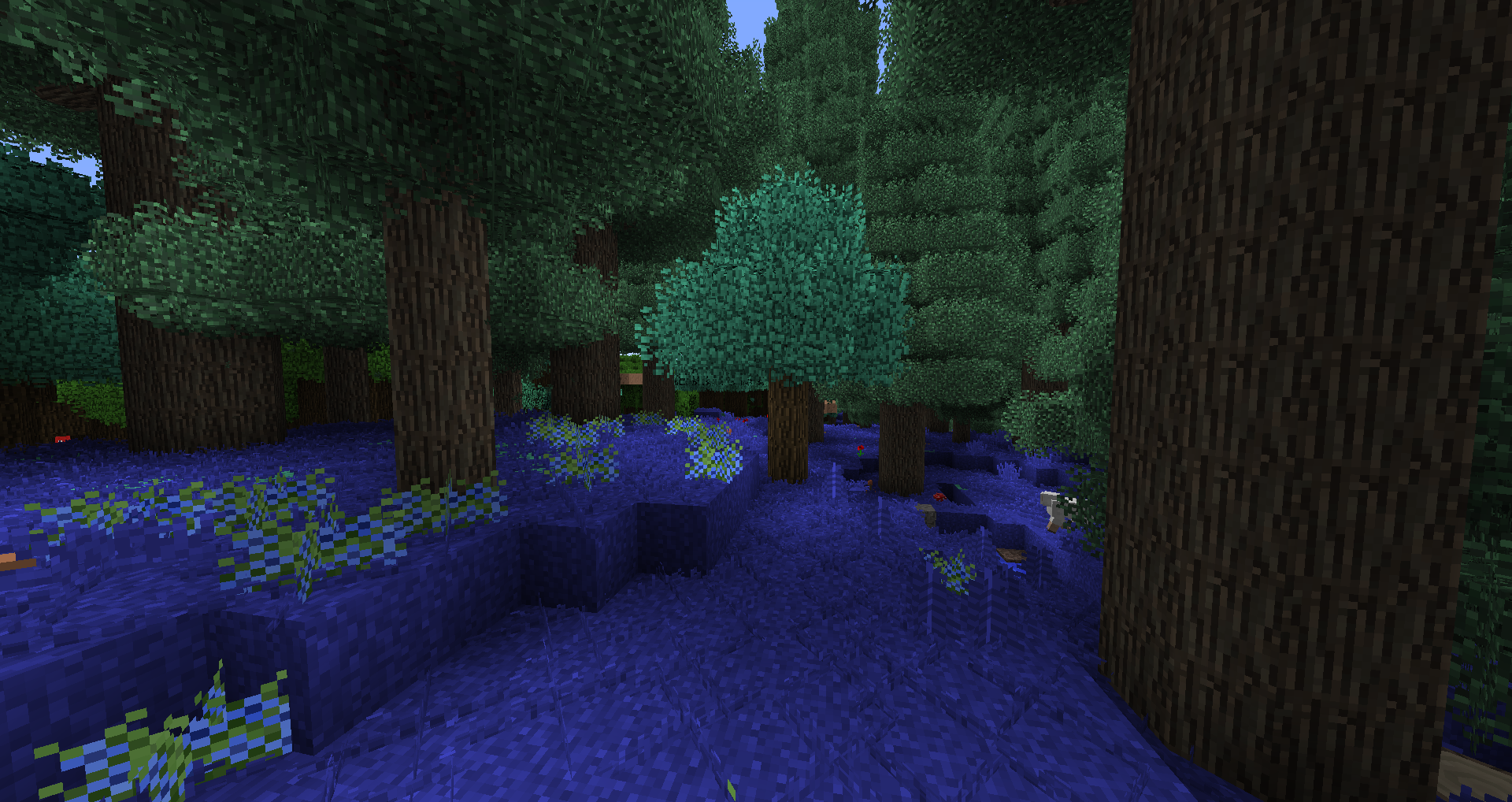
Traverse Mini-Jungle with Better Foliage: