

Borealis - Web Server for Minecraft
Borealis mod launches a web server directly from your Minecraft instance, providing convenient access to various information and documentation through a browser.
How to Connect
For single-player worlds and local servers, use the address: http://localhost:48574/. If you're using a dedicated server, replace localhost with your server's IP address (for example, http://your-server.com:48574/). You may need to configure port forwarding for TCP port 48574 in your router.
Main Features
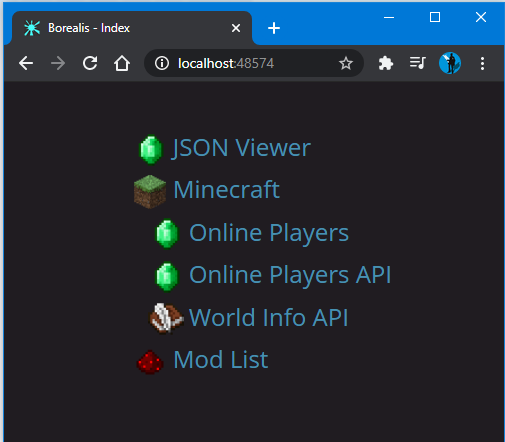
Borealis provides five built-in pages for viewing various information:
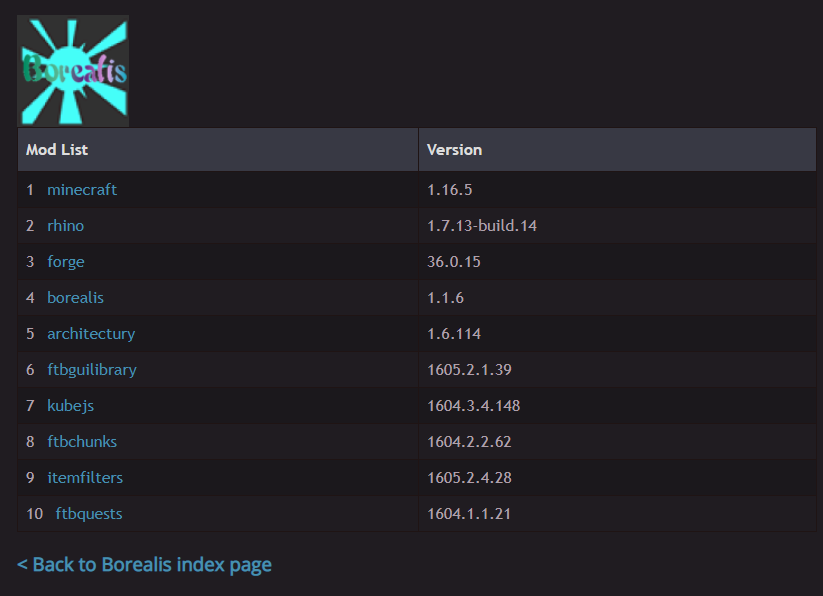
- List of installed mods
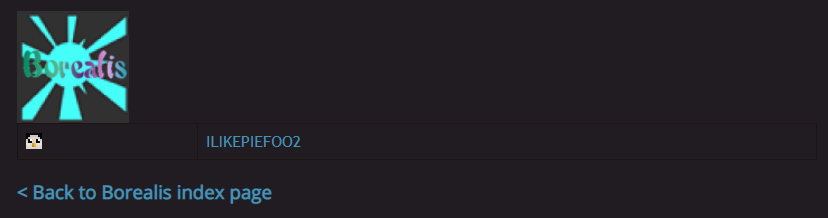
- List of online players
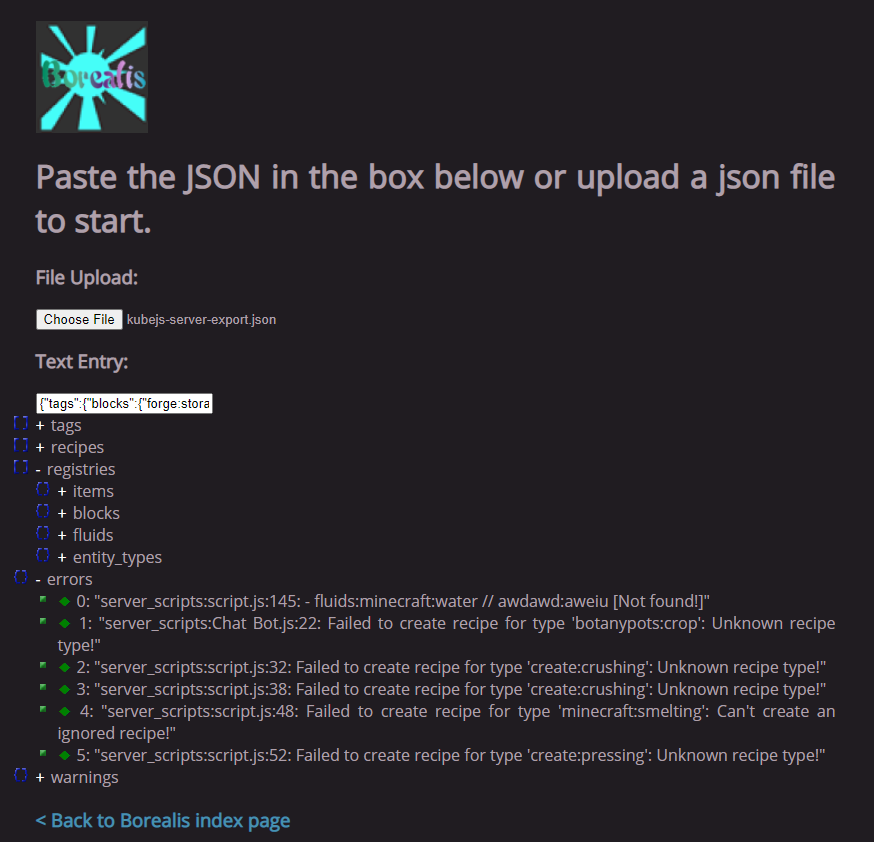
- JSON structure viewer
- World information in JSON format
- Player data in JSON format
The web server automatically starts when a world is loaded and stops when all worlds are unloaded. The mod also serves as a library for other mods, allowing them to create their own interactive web pages.
Visual Representation
Main page:
Mod list:
JSON viewer:
Player list:
Player data JSON:

This modification is a port of the original Aurora mod by LatvianModder for version 1.12.2.


