
Chess World Mod – The Chess Universe
Embark on a chess-themed adventure with this mod that completely transforms your Minecraft experience!
Food
Chocolate Pawn Crops
Grow Chocolate Pawn crops – you can cultivate them in farms. Harvest mature crops to get delicious chocolate pawns! Experiment with various modifications: add honey to create honey chocolate pawns, and you might discover a secret recipe!
Bowl with Sprinkles
Whether gathering for a serious chess match or enjoying a sweet snack, the bowl of sprinkles is the perfect finishing touch for a feast.
Crafting Materials
Dyes
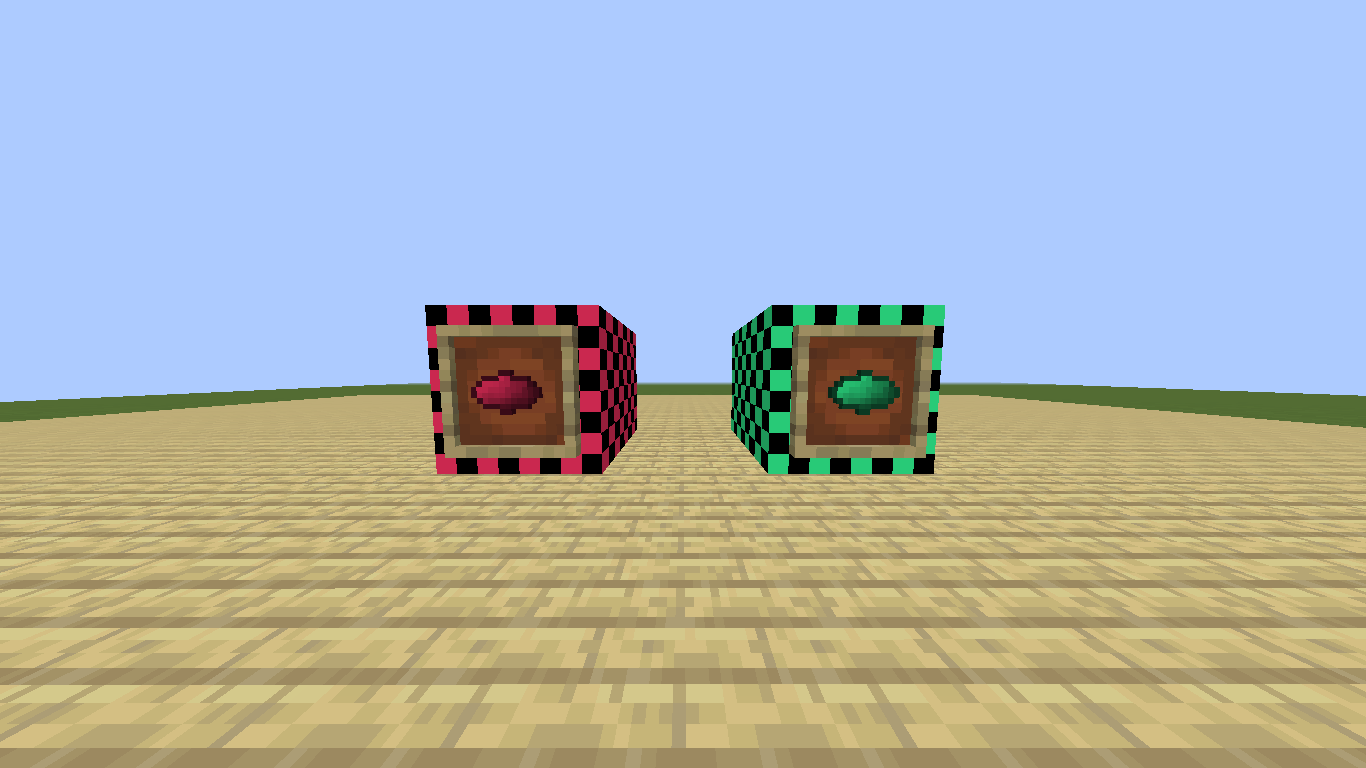
Brighten your creations with two new dye colors:
- Magenta red
- Spring green
These unique shades are excellent for bringing a personal touch to any building project!
Entities
Challenge legendary grandmasters – seven exceptional chess players appear in the Minecraft world!
Famous Grandmasters:
- Magnus Carlsen – fires black pawns
- Ding Liren – flings dark pawns as projectiles
- Hikaru Nakamura – attacks with light blue pawns
- Fabiano Caruana – assaults foes with violet pawns
- Judit Polgar – throws purple pawns
- Hou Yifan3ɴ – fights using cyan pawns
- Anna Rudolf – lobs yellowish-green pawns.
All these masters are elusive and hide in remote areas—you need patience to locate them!
Blocks
Pawns
Choose from an amazing selection! This multifunctional block comes in 15 colors and can be both placed and thrown!
Chess Blocks
Add a chess vibe to your constructions with chess blocks in 15 colors – a perfect way to build your own board game setup or decorate with a classic theme!
Mod Mechanics
Plant Growth System
Crops evolve through four growth stages:
- Stage 0: The foundation – the plant starts here
- Stage 1: Immature stage
- Stage 2: Partially mature plant
- Stage 3: Full maturity – ready for harvest!
Use bone meal to speed up growth! If a growing crop is broken (excluding stage 0), it will revert to base stage.
Object Variants
Nearly all mod elements (excluding chess blocks) support multiple interaction modes:
- 3D Variant: Decoration blocks for building
- Throwable Variant: Combat blocks used as ammunition The Edible variant is unique to edible items
Some special foods have additional versions which expand their usage possibilities!
Toggling Functionality
Switching a block's mode is straightforward! Simply press the Z key to cycle through available versions:
- For non-edible blocks: 3D → Throwable → 3D
- For food: Edible → Throwable → 3D → Edible
Immerse yourself in this chess world and unleash endless options for building and combat! Remember to explore patiently to locate characters and reveal hidden content.


