![Colored Blocks [Fabric]](https://cdn.metamods.net/images/mods/colored-blocks-fabric/screenshots/recipe_color_block_crafting.jpg)
![Colored Blocks [Fabric]](https://cdn.metamods.net/images/mods/colored-blocks-fabric/logo.png)
Colored Blocks [Fabric]
This Minecraft modification for the Fabric platform provides players with the ability to color various blocks in 16 different colors. It extends the functionality of stone bricks and birch planks, making them paintable, and also adds the ability to change the color of other blocks that already have color variations.
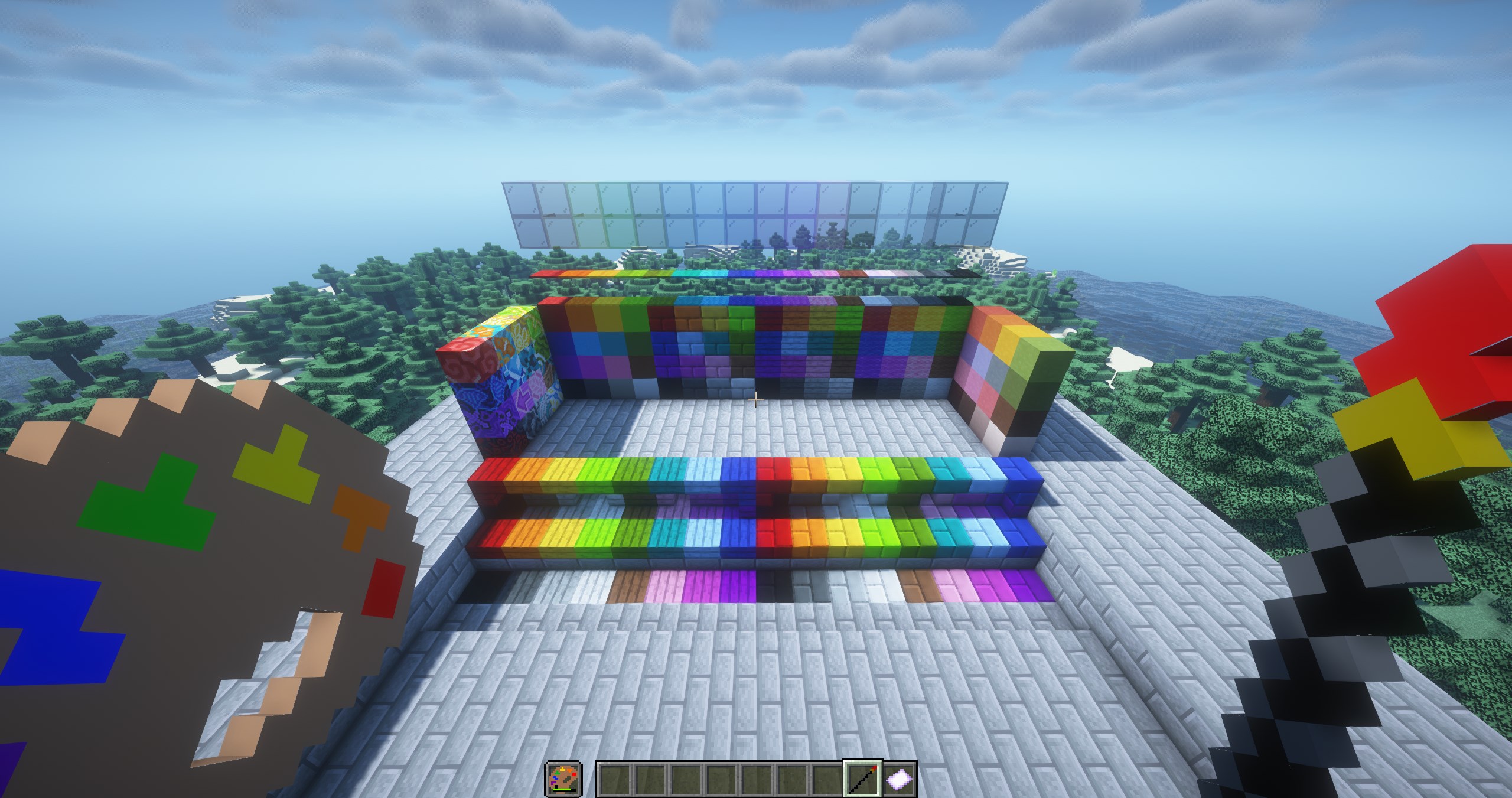
Using three main tools of this modification, you can paint, clean, and repaint blocks in the Minecraft world.
Artist's Palette
- Used in the off-hand slot
- Durability level shows remaining charges
- Hovering the cursor displays the number of available painting operations
- The item's appearance changes at 0%, 25%, 50%, and 75% remaining dye
- To replenish charges, hold the palette in the off-hand and right-click with any dye in the main hand (8 charges per dye)
Paintbrush
- Held in the main hand
- The brush tip displays the selected color
- Hold Shift and right-click to open the color wheel (release Shift to exit)
- Right-click on a block to paint it
Cleaning Cloth
- Used in the main hand
- Right-click on painted blocks in the world to "clean" them
- If a block doesn't have a "clean" version, it will turn into the white variant of that block


